

Ship by TikTok
06/18/2025
What steps do I need to follow when fulfilling an order via Ship by TikTok?
Step 1: Review Order
- Review your customer's order and confirm if the ordered product(s) is in stock and can be fulfilled.
- If you cannot fulfill an order, then you can cancel it.
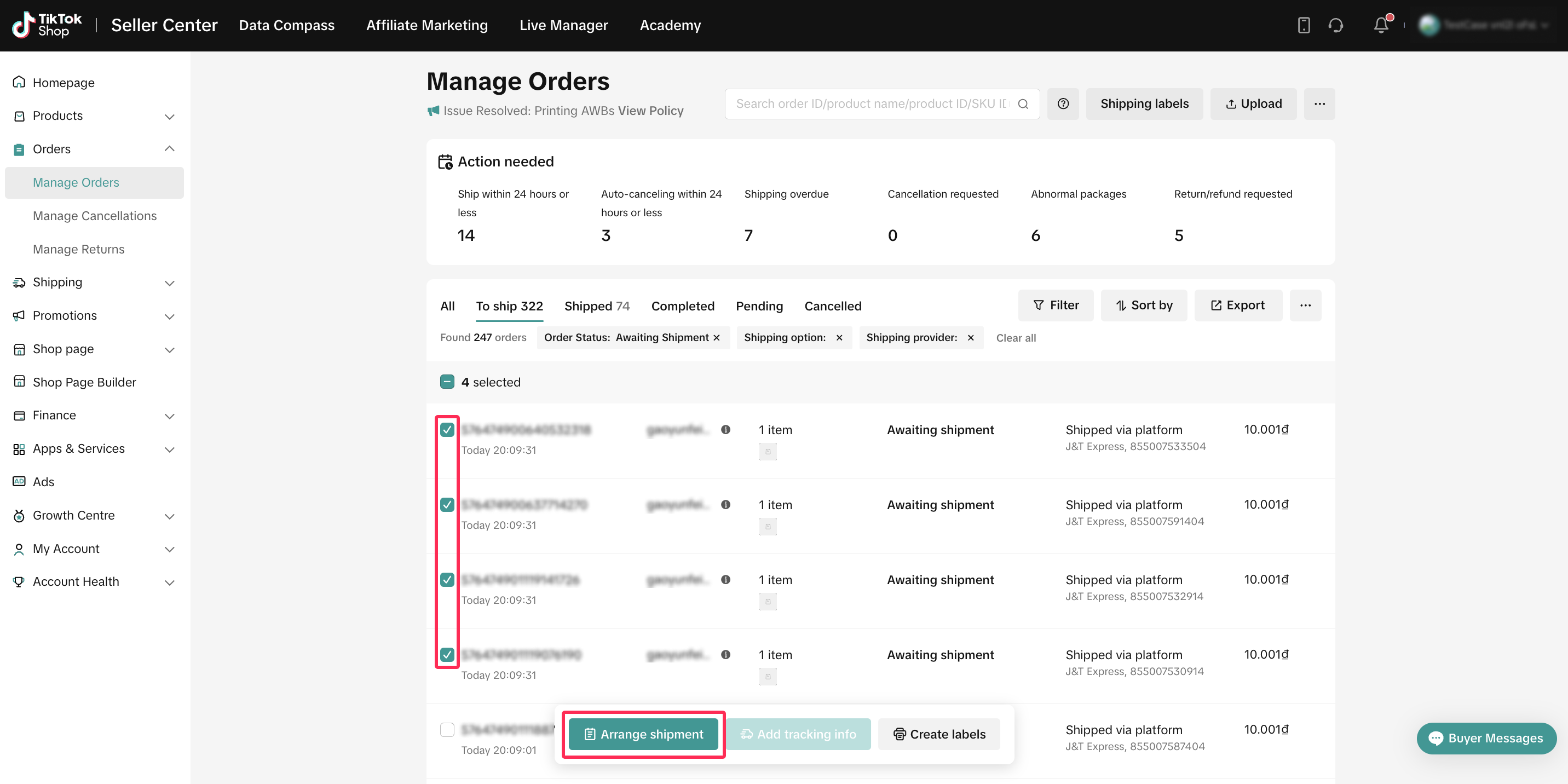
Step 2: Arrange Shipment and Pack and Label Order
- Select "Arrange Shipment", and pack and label the order in preparation for shipment. Follow our packing and labelling dos and don'ts when doing so.
Step 3: Hand Order to Carrier
- There are two ways to hand the order to our Logistics Service Provider (LSP) - Pick-up and Drop-off.
- If you want our LSP to pick up the order:
- Schedule a pick up and hand the package over to our LSP within the order fulfilment timelines.
- Our LSP will update the order's status in Seller Center > Manage Orders to "Shipped" once it has collected and scanned the package.
- If you want to drop off the package with our LSP:
- Select the nearest drop-off point in the Seller Center.
- You will need to drop the package off at the drop-off point within the order fulfilment timelines.
- Our LSP will update the order's status in Seller Center > Manage Orders to "Shipped" once it has collected and scanned the package.
- If you want our LSP to pick up the order:
Step 4: Check delivery status
- Our LSP will update the order's status in Seller Center > Manage Orders to "Delivered" once they have delivered the order to your customer and obtained their signature or acknowledgement that they received the order.
Frequently Asked Questions
What can I do if there is a delay on the LSP's end?- Raise a ticket with us in Help Center > Ticket Log > Contact Us > Topic > Complaints & Disputes > Logistic Issue.
- A "working day" refers to any day from Monday to Saturday. Sunday and Public Holidays are considered non-working days.
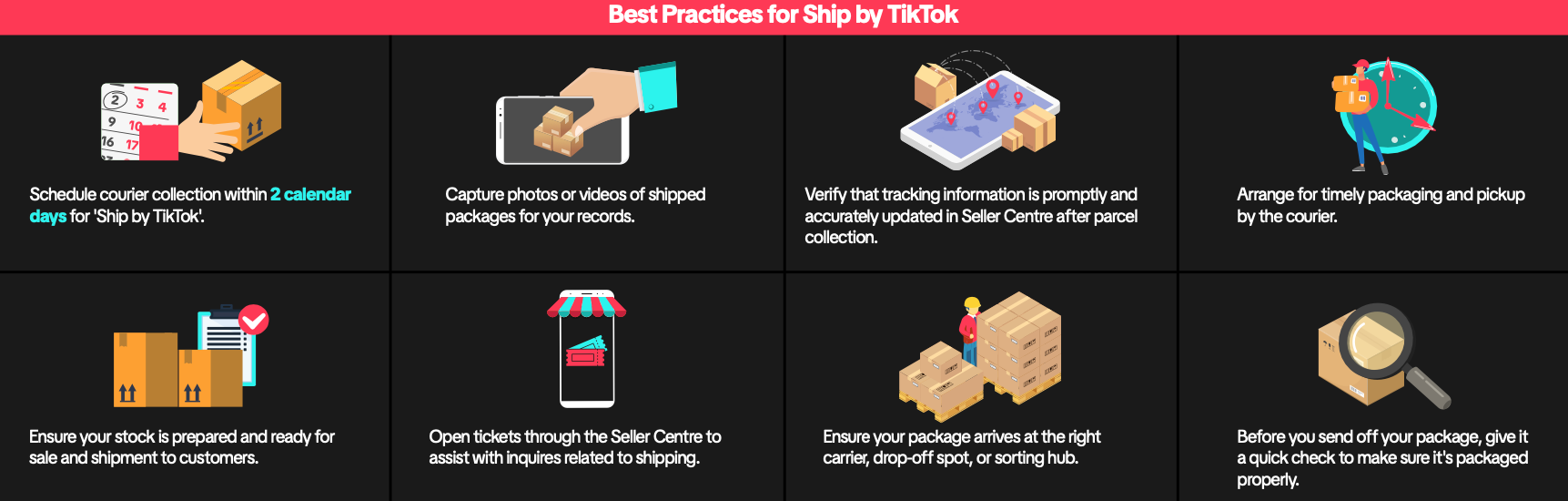 Please click here to read our TikTok Shop Customer Order Shipping Guidelines.
You may also be interested in
General Introduction About Logistics Providers On TikTok Sho…
Page Description: This article provides an overview of the logistics providers partnered with TikTok…

TikTok Shop Seller Own Fleet
What is SOF (Seller Own Fleet)? Seller Own fleet is a special type of delivery service for sellers…

Vietnam Platform Shipping Fee Instruction
How does TikTok Shop calculate shipping fees to be paid by the Seller? Shipping fees to be paid by t…
Splitting Order into Multiple Packages
This article provides a simple guideline on splitting orders into multiple packages, giving you more…
Ship by Seller
What steps do I need to follow when fulfilling an order via Ship by Seller? Step 1: Review Order Rev…
Platform Abuse
What kinds of practices do we consider "Platform Abuse" on TikTok Shop? Dropshipping Dropshipping, o…

Lịch Gia Hạn Đơn Hàng & Làm Việc Của Đơn Vị Vận Chuyển Dịp T…
How to Directly Contact Logistics Providers
This article provides a concise guide on how to efficiently contact logistics providers to inquire a…
Fulfill your orders on Seller APP
New fulfillment setting menu Introducing a new menu for sellers to manage fulfillment setup to allow…

A Complete Guide to 'Shipped via Platform'
In this article, we will guide you through the updated 'Shipped via Platform' shipping process, enab…