

Prime Time Coupon
01/26/2026
This article teaches you what Prime Time Coupon is, how to activate it during your livestream as a seller or creator, and how your audiences can join and win these prime time coupons. This feature is available to selected sellers or affiliate creators only.
All images within this article are for reference purposes only and the actual interface may vary slightly.
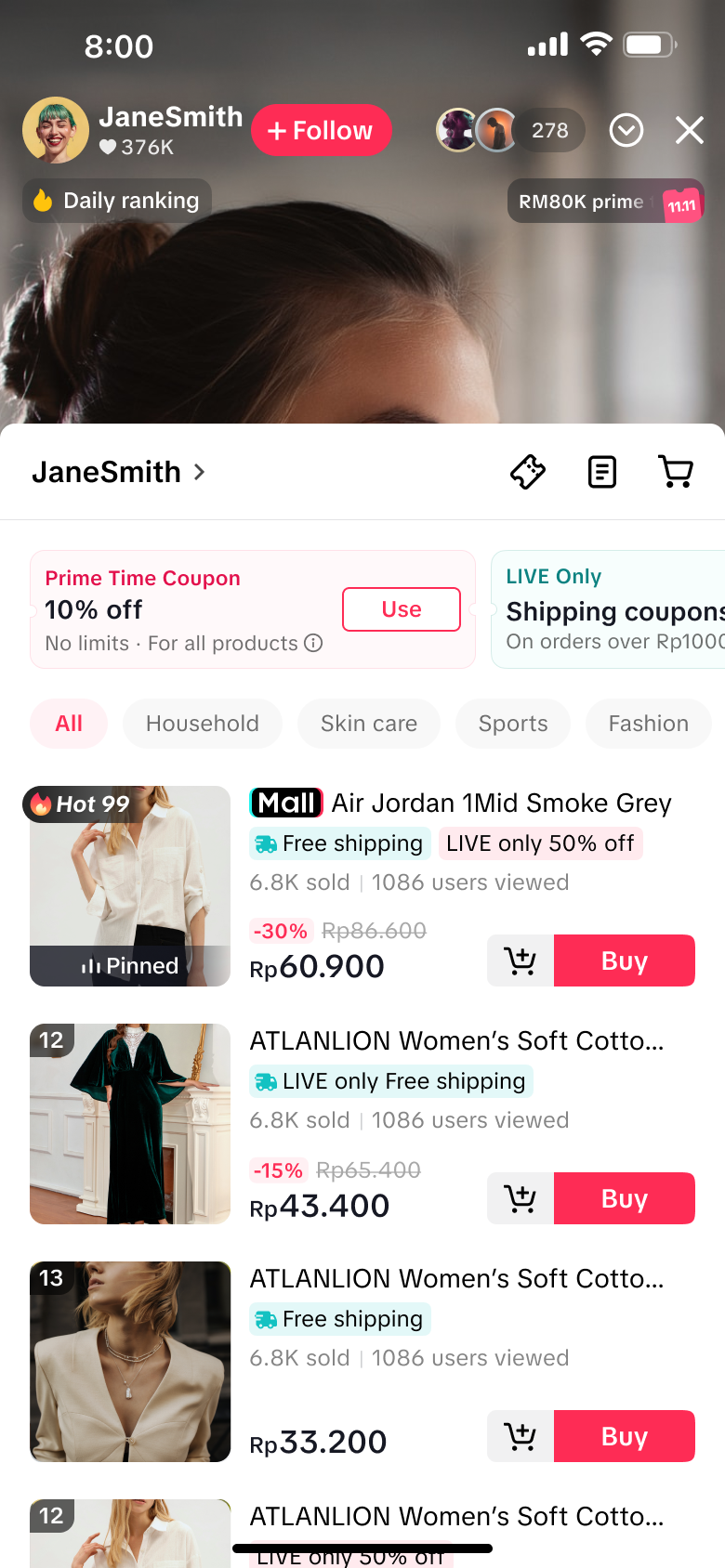
Prime Time Coupon is a platform-sponsored coupon that sellers and affiliate creators can offer to viewers at no extra cost, during certain hours of peak LIVE viewership. Livestream hosts can leverage this to drive liveroom traffic by motivating viewers to join their livestream during these fixed hours. Once viewers win coupons, hosts can immediately encourage viewers to use these coupons, resulting in boosting LIVE sales conversion! Platform-sponsored coupons include platform product coupons, platform shipping coupons and platform co-funded coupons.
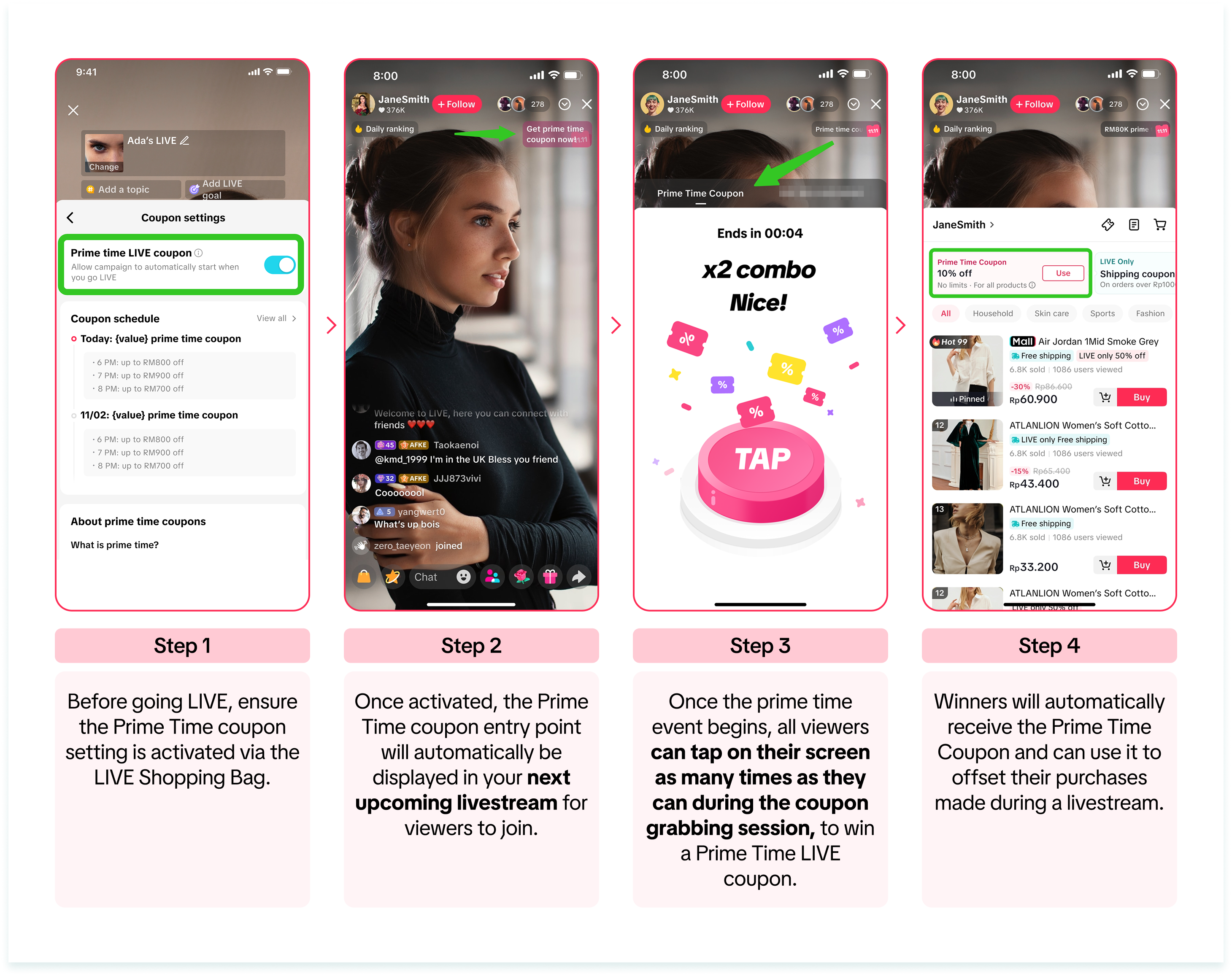
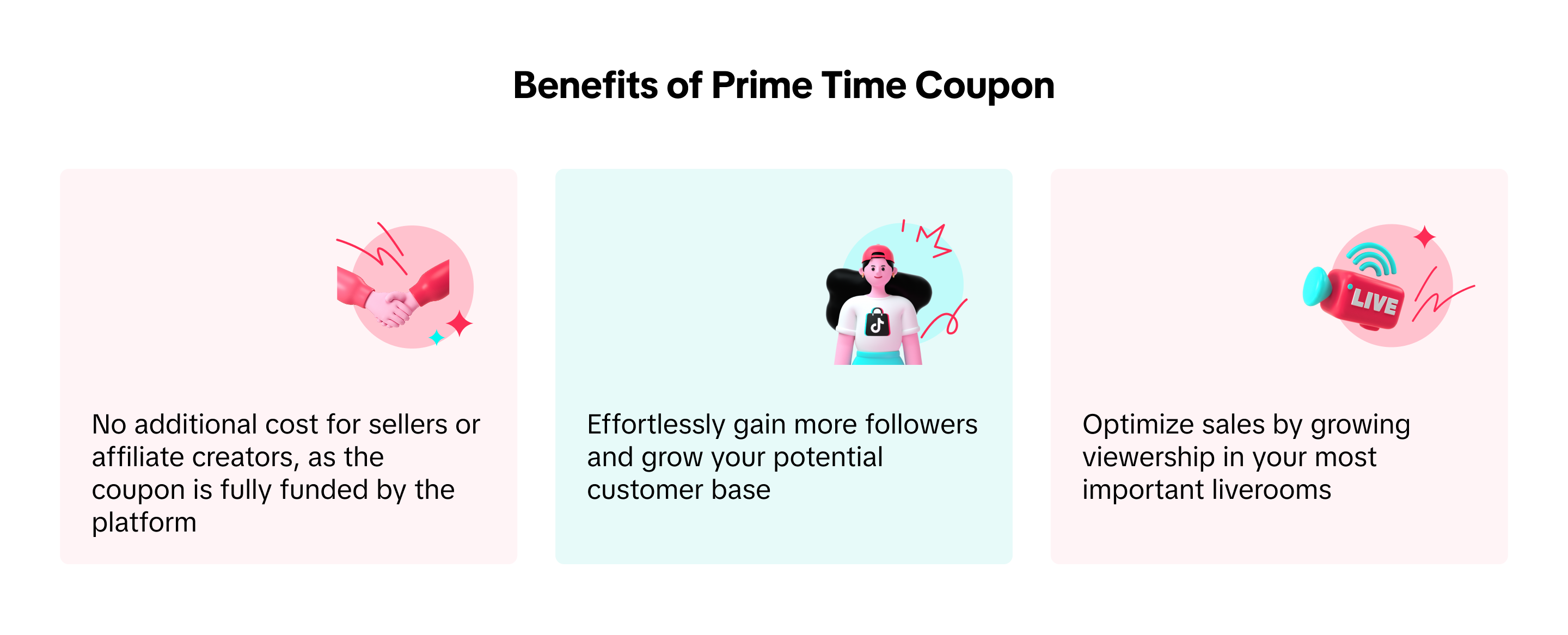



All images within this article are for reference purposes only and the actual interface may vary slightly.
What is Prime Time Coupon?
 |  |  |
How to Activate Prime Time Coupon
This activation process is applicable to all sellers or affiliate creators. Without activation, the Prime Time Coupon entry point during livestream will not be displayed to viewers.Via TikTok App
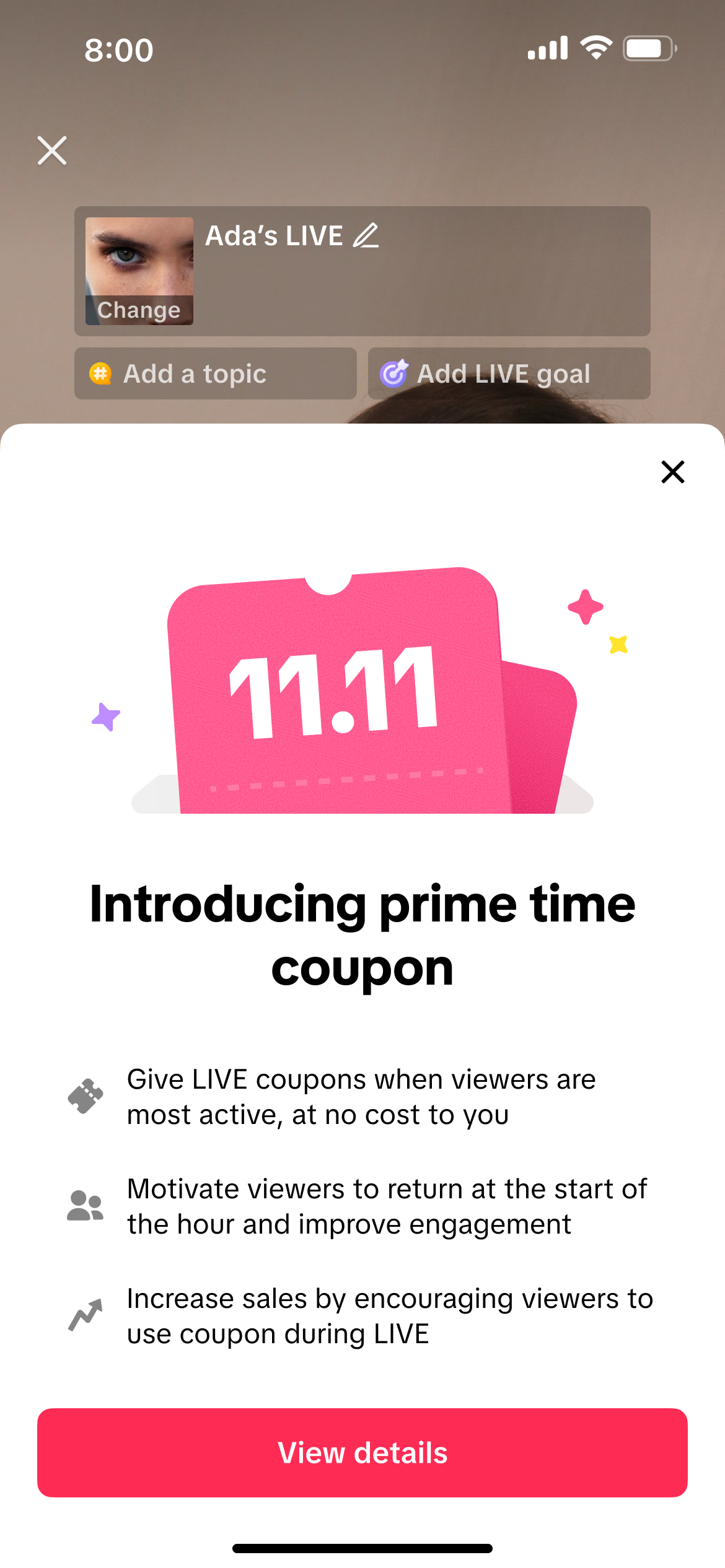
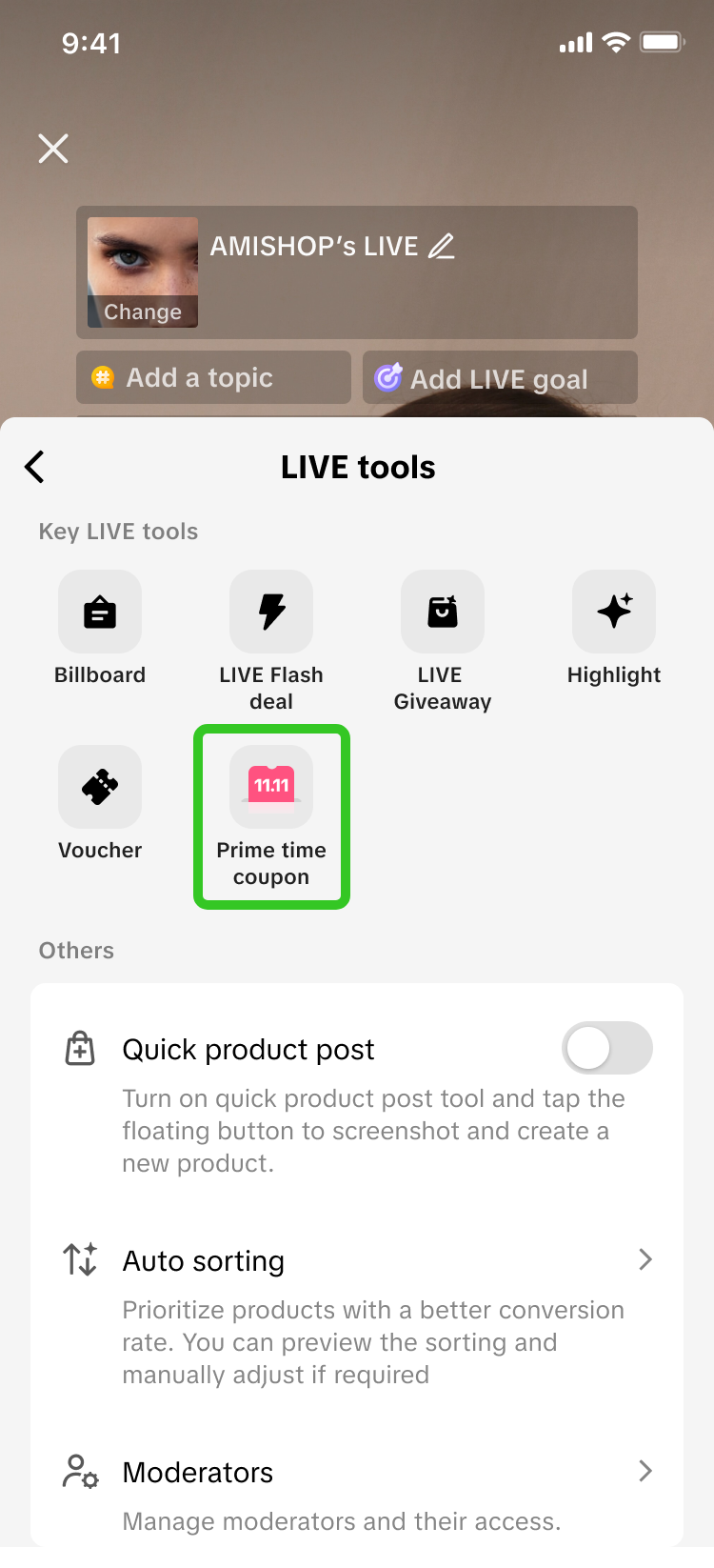 | 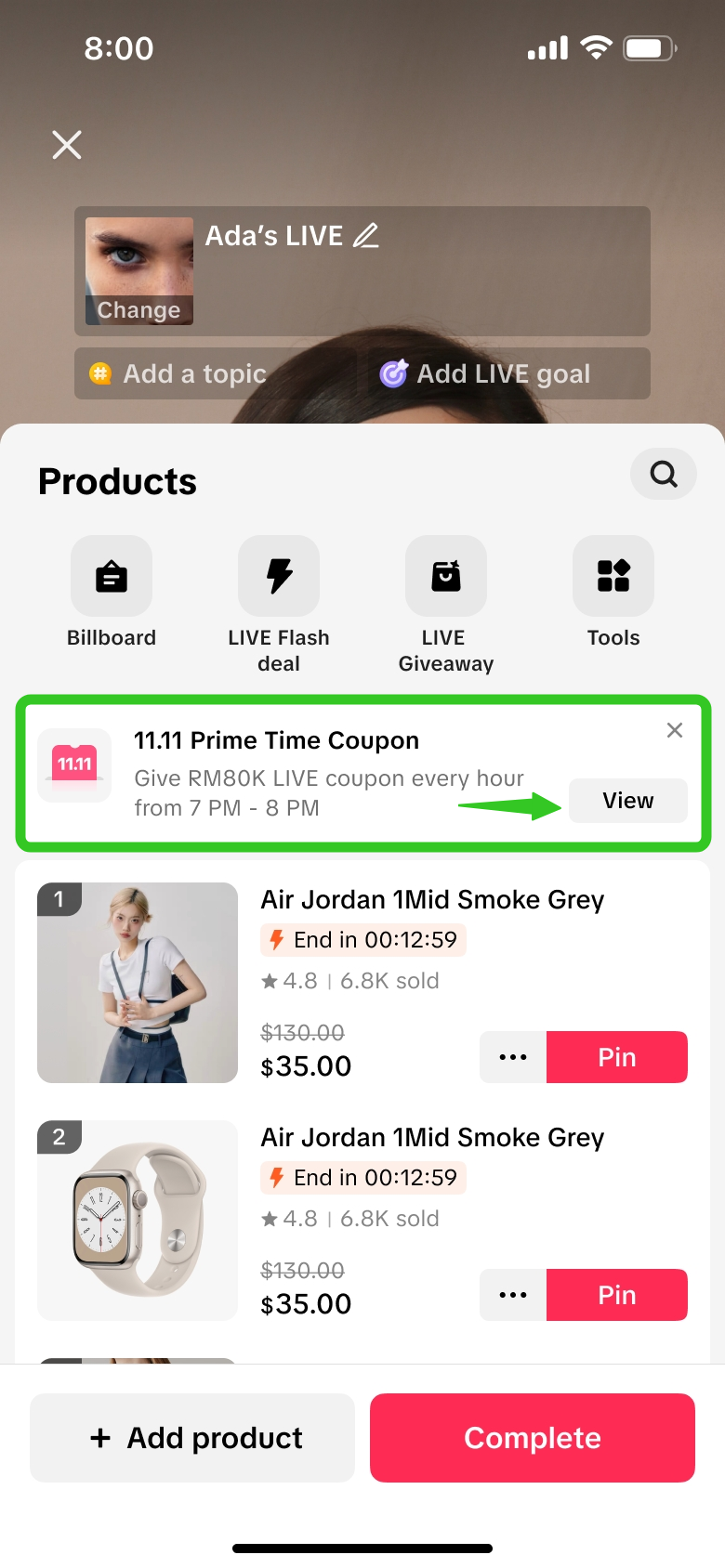 | Step 1: Via the LIVE Shopping Bag, navigate to Prime Time Coupon via the LIVE tools menu or via the notification container displayed. |
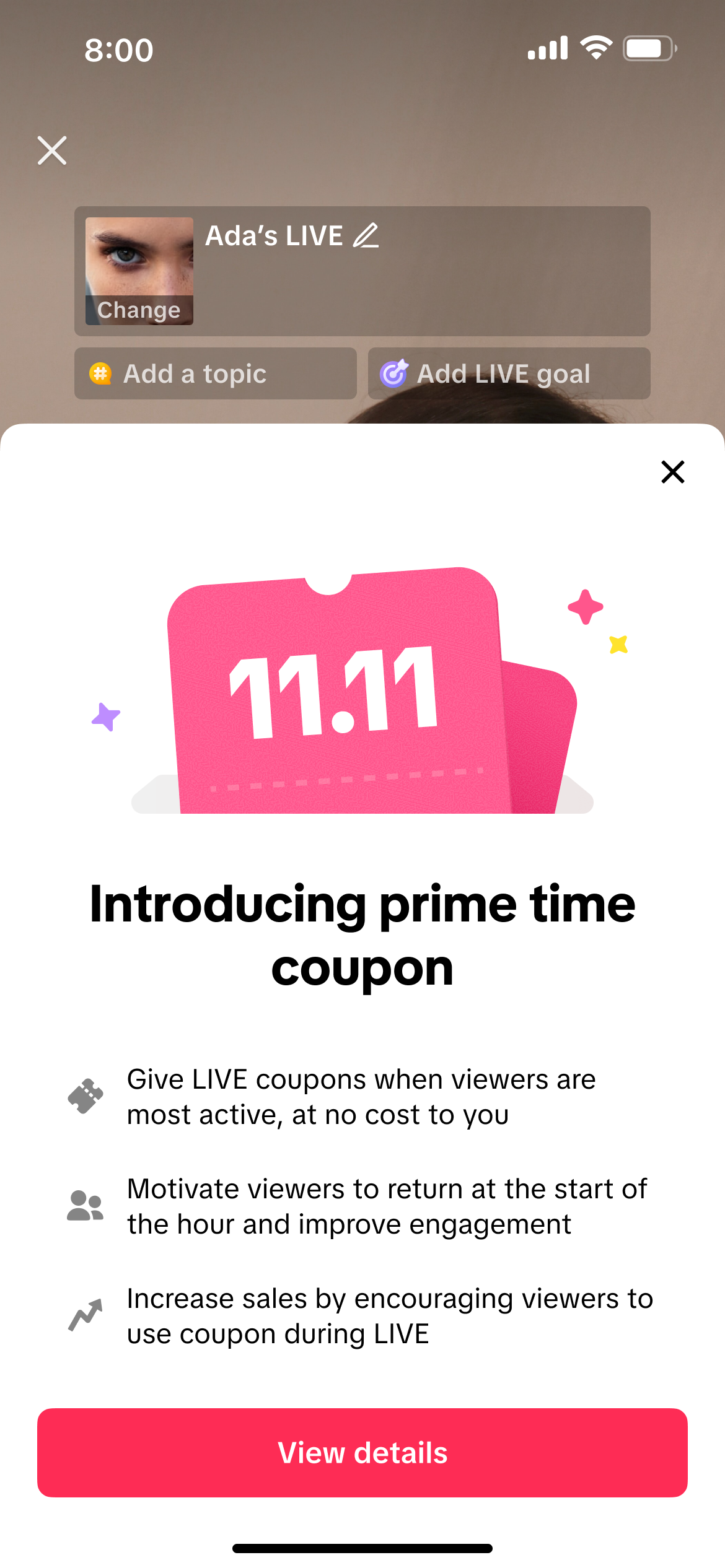 | 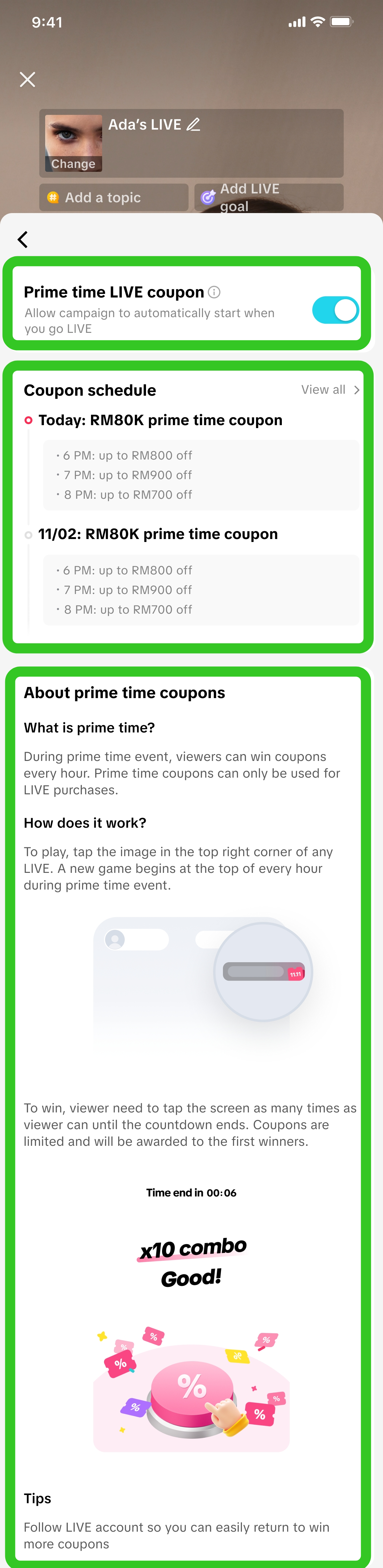 | Step 2:Click on View details to open the Prime Time Coupon details page. Prime Time Coupon details pageOn this page, you can:
|
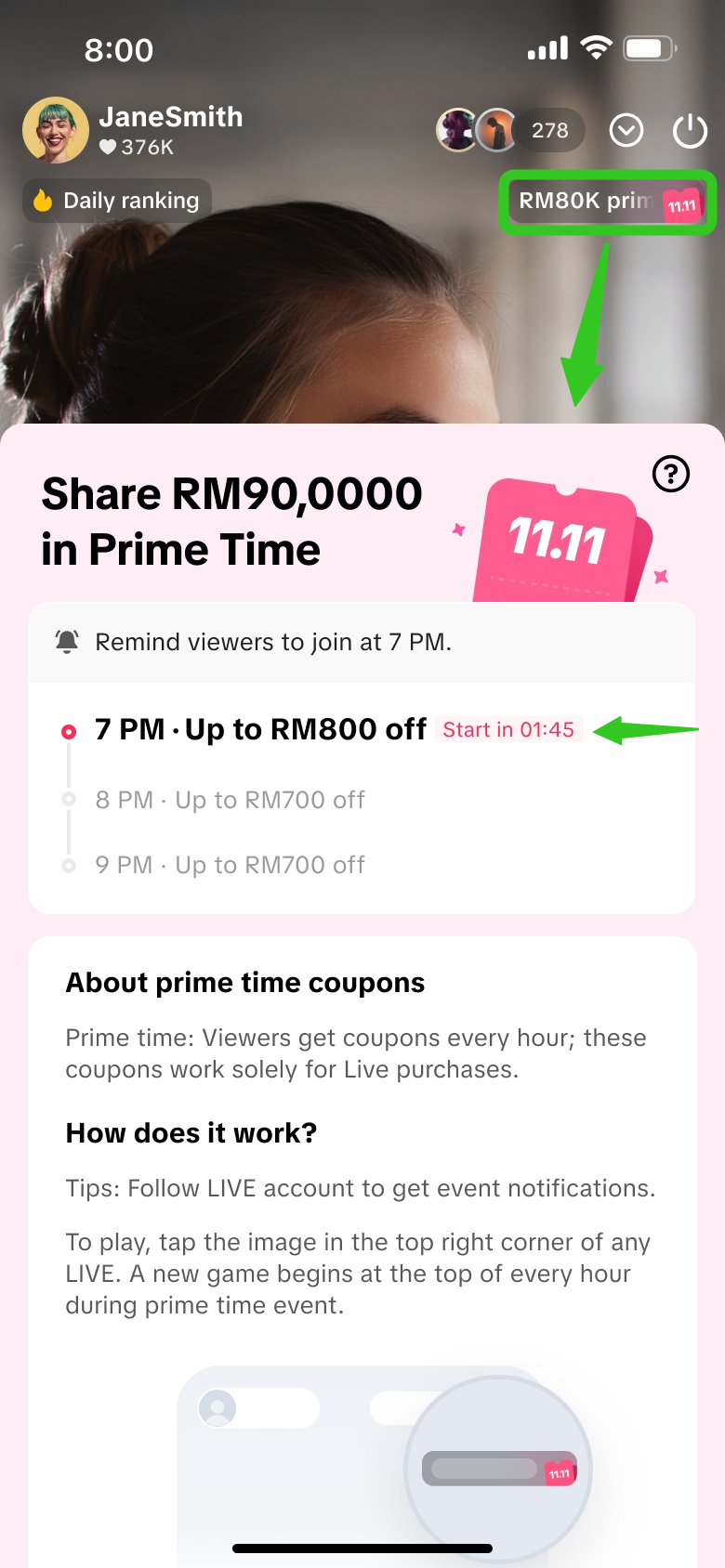 | Once you have toggled on the 'Prime time LIVE coupon', the entry point will be displayed on the top right corner of your livestream. Clicking on it will display the activity panel where you can review details of the upcoming prime time hours. A countdown timer will be displayed beside the upcoming prime time hour, 2 minutes before it starts. Encourage your viewers to get ready to join the event by tapping the entry point on the top right corner, so they don't miss out! | |
How To Join & Win A Prime Time Coupon
All livestream viewers can join a Prime Time Coupon session during the livestream, once sellers or affiliate creators have activated the Prime Time Coupon setting.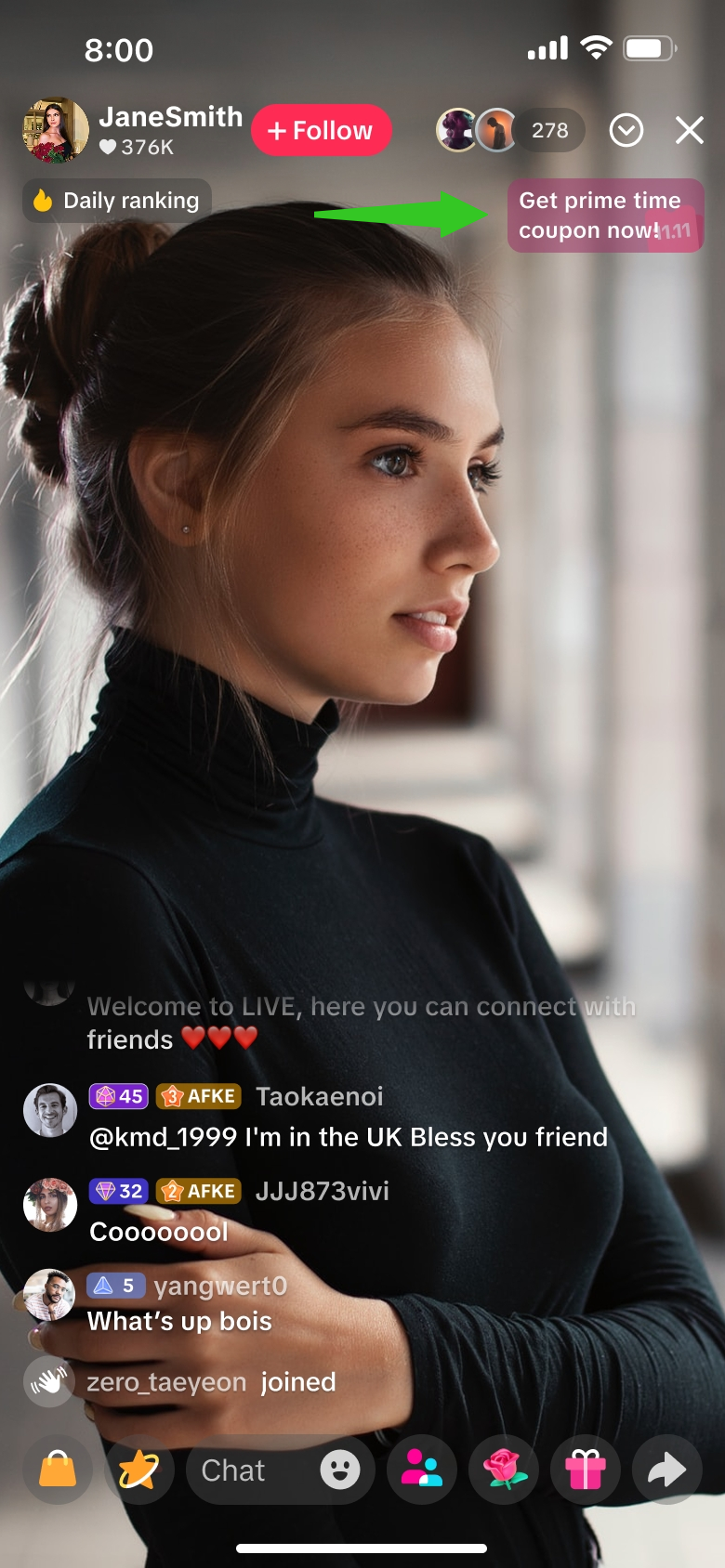 | 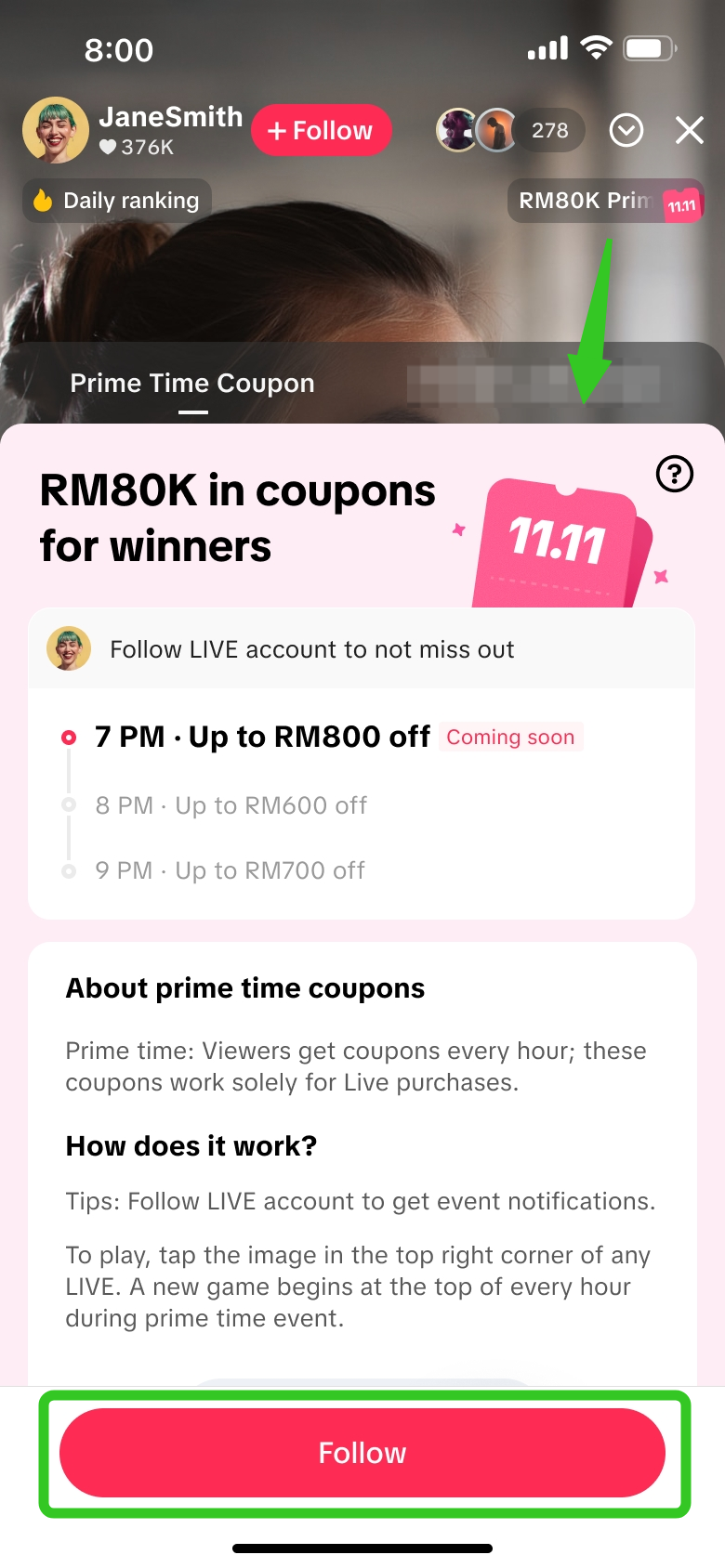 | 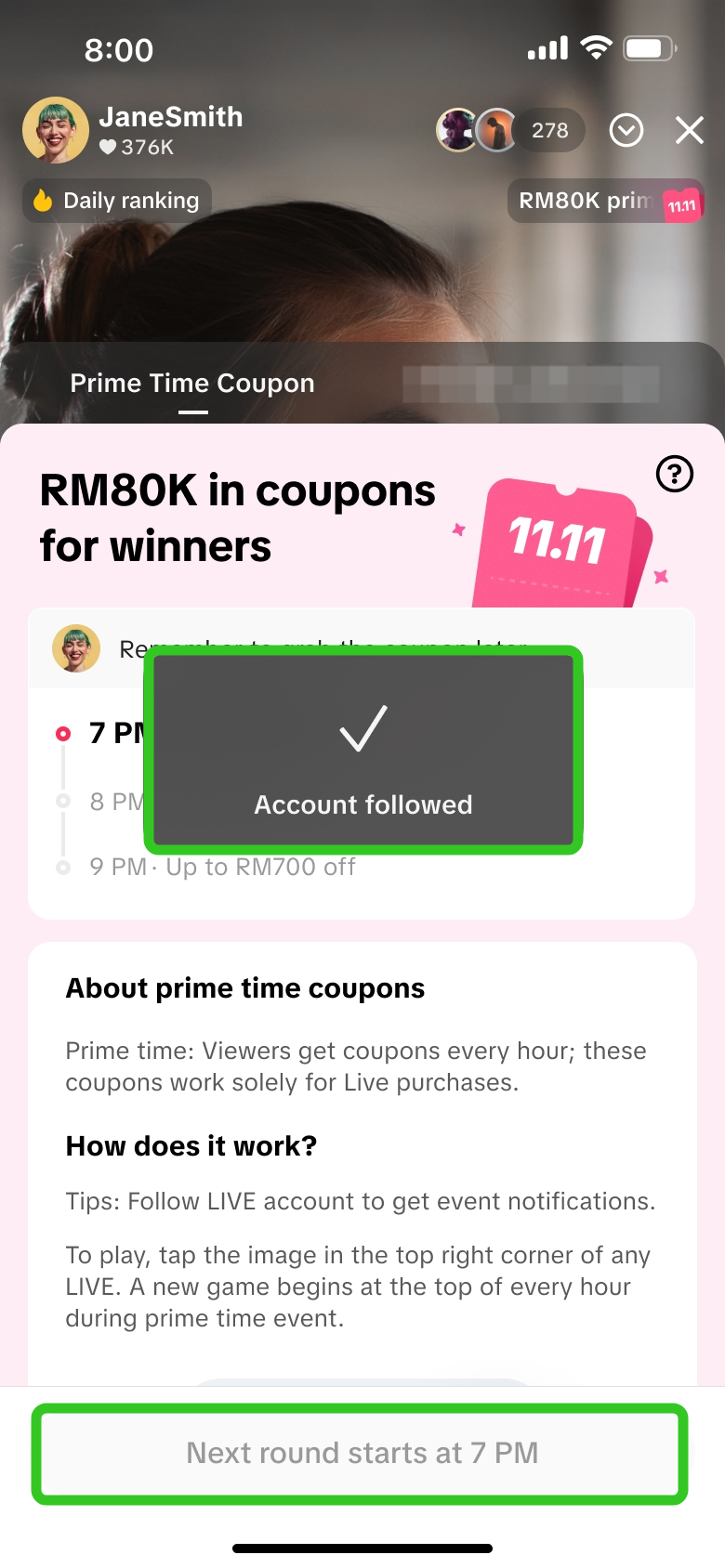 | Step 1Viewers can click on the Prime Time Coupon entry point at the top right corner of the livestream, to open the activity panel.Within the activity panel, viewers can review upcoming Prime Time Coupon hours and learn how to participate. Viewers are recommended to follow the livestream host to not miss out on upcoming livestreams. |
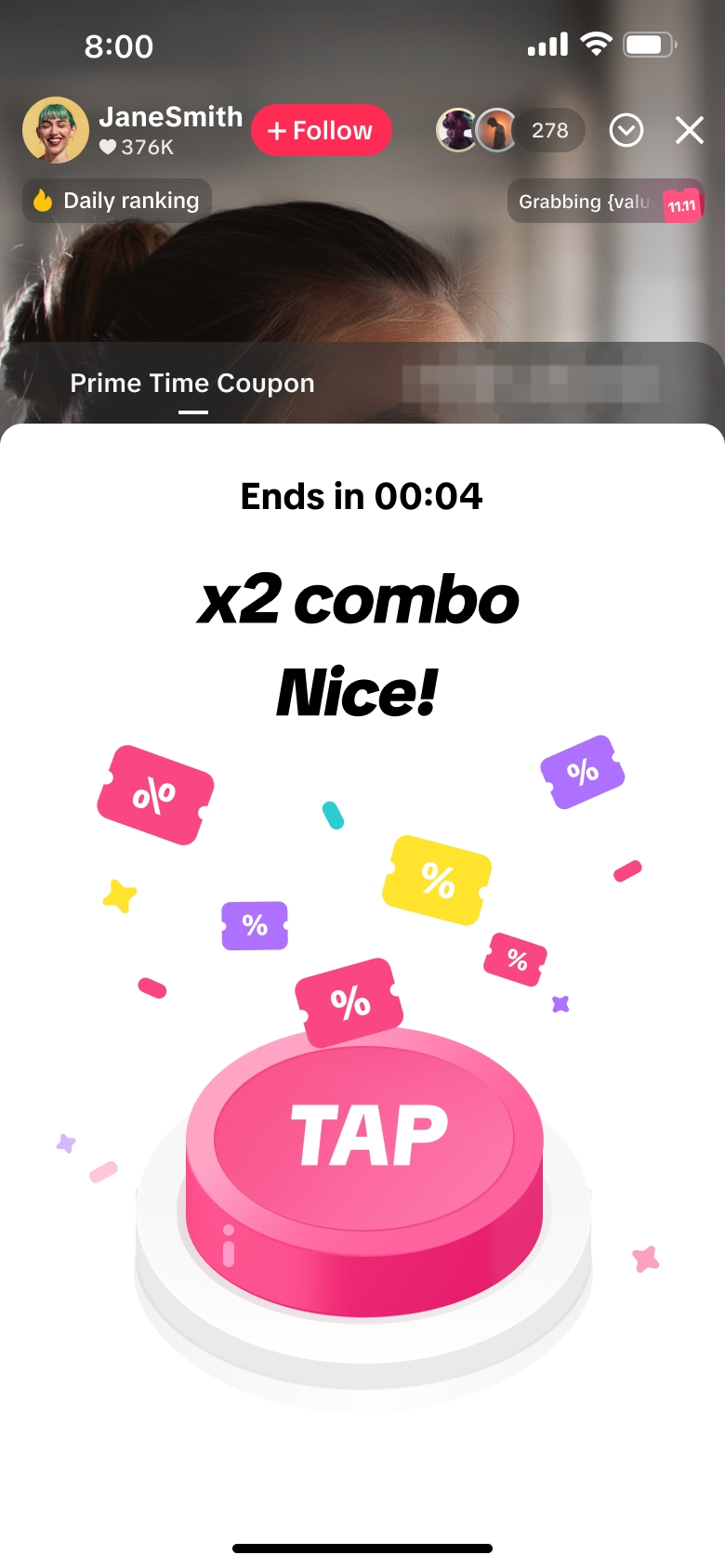
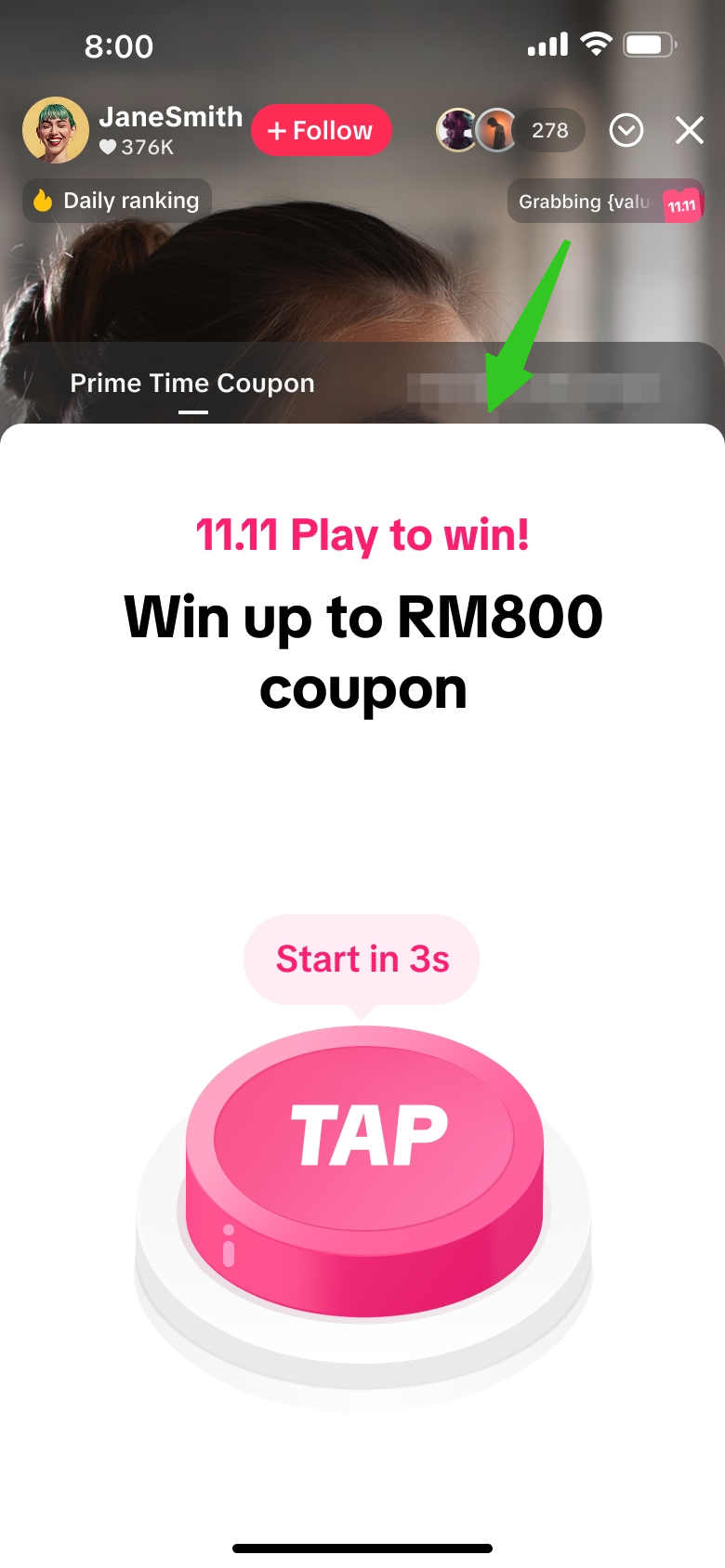 | 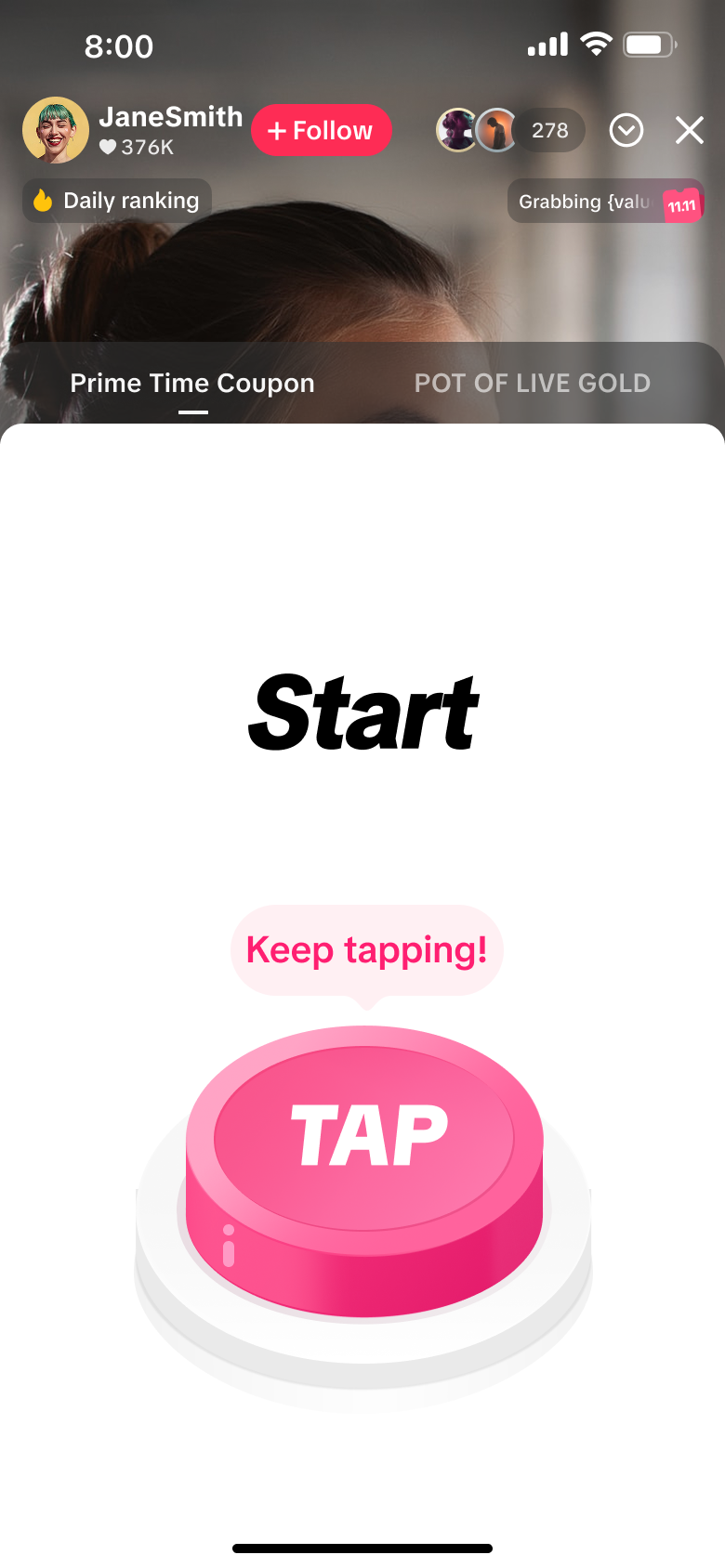 | 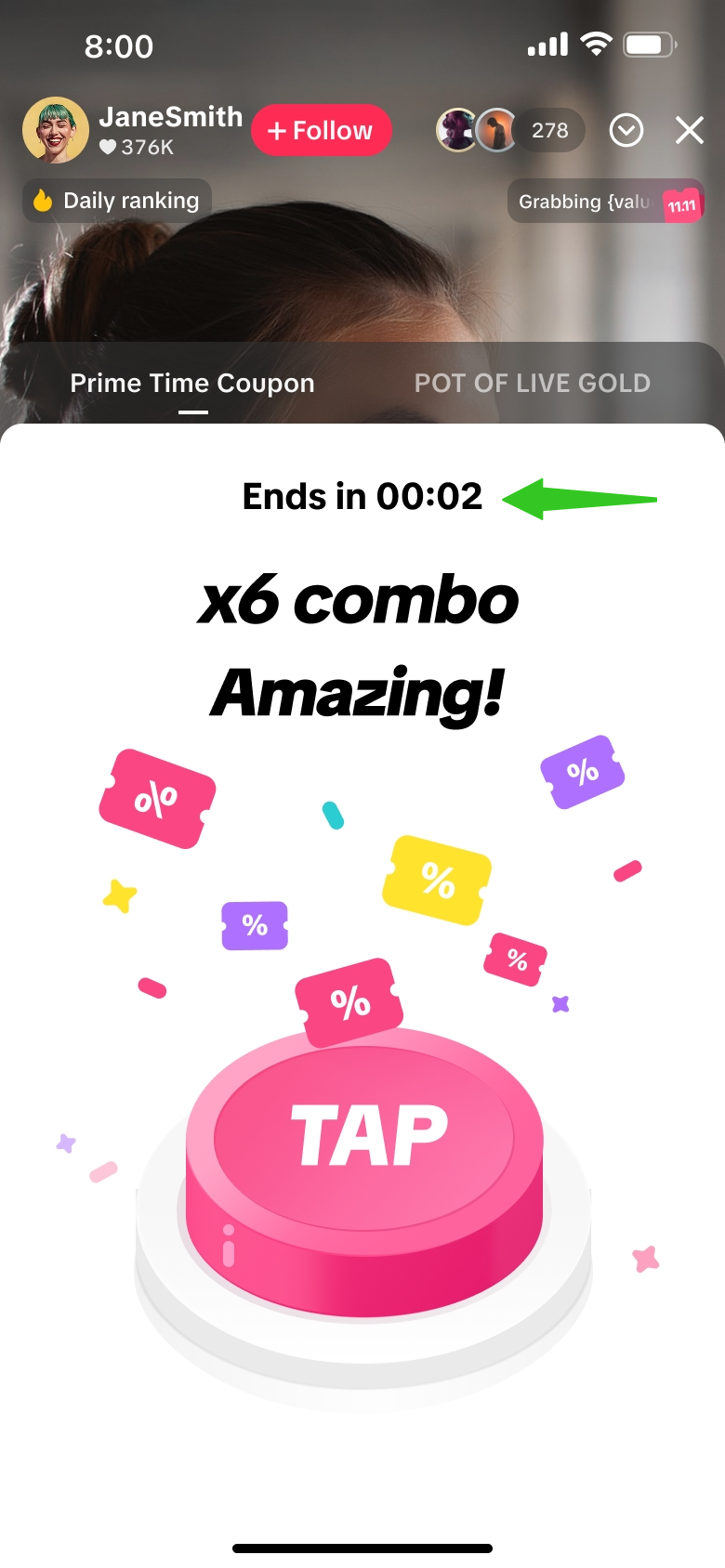 | Step 2Once the Prime Time Coupon hour begins, the activity panel will directly display this pink button with a countdown timer.Viewers can participate in the session by tapping on their screen as many times as possible before the time runs out! |
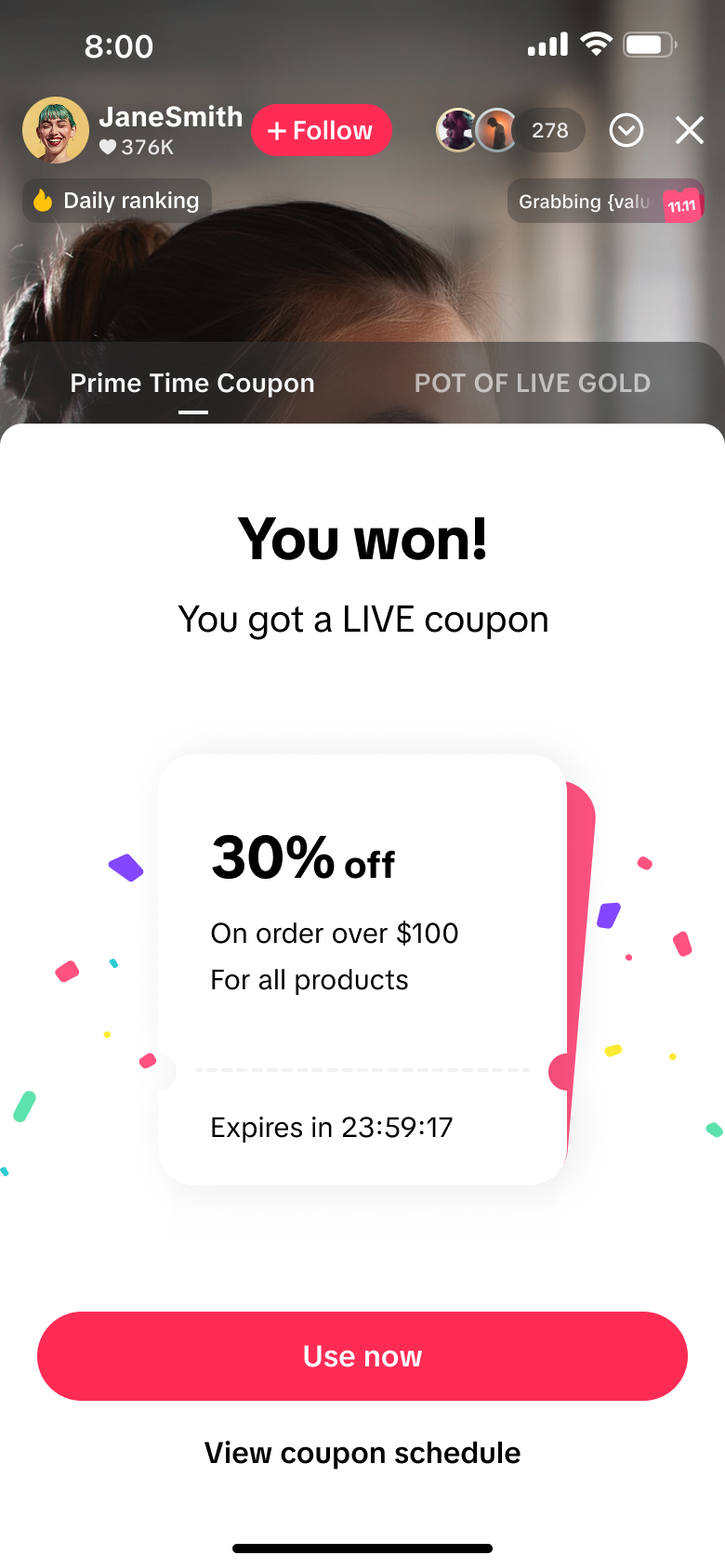 | 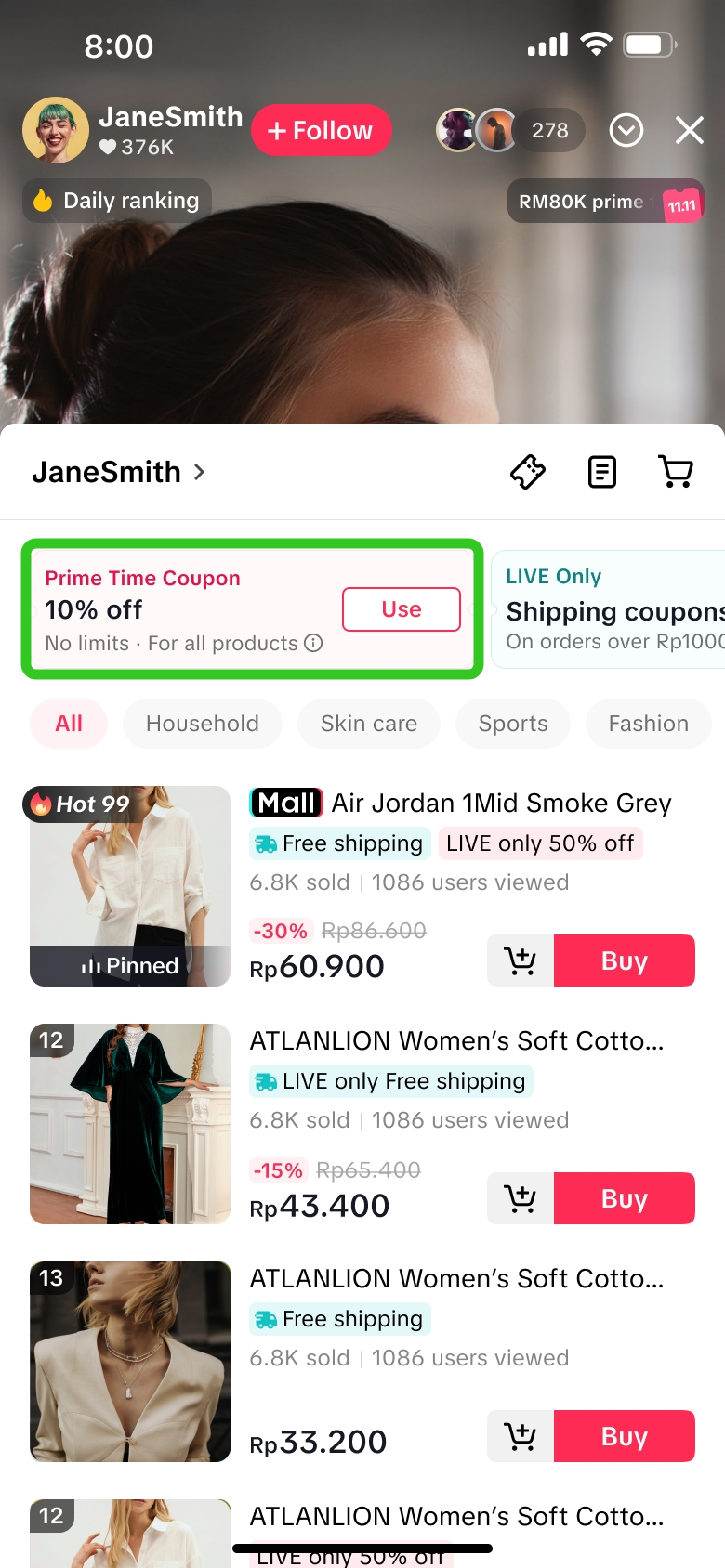 |  | Step 3Winners will see this display and can click on 'Use now'. Their Prime Time Coupon will be shown at the top of the LIVE Shopping Bag and they can easily browse through available products to purchase.Clicking on 'View coupon schedule' will reopen the activity panel where they can check the schedule for the next prime time hour. |
FAQs
- Is there a way viewers can identify which livestreams will have upcoming Prime Time Coupons?
| Livestream preview | Search results | LIVE Room | Chat Notification | LIVE Shopping Bag |
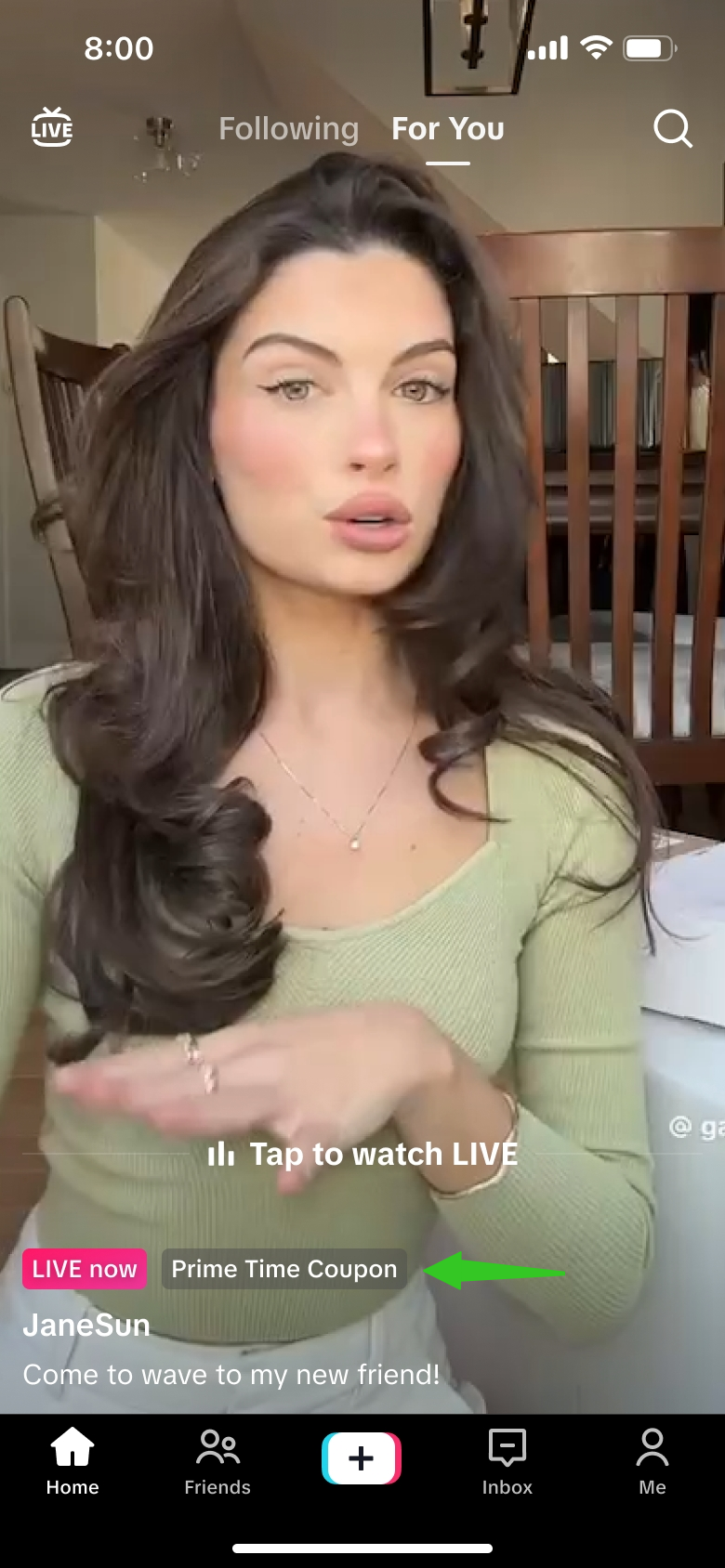 | 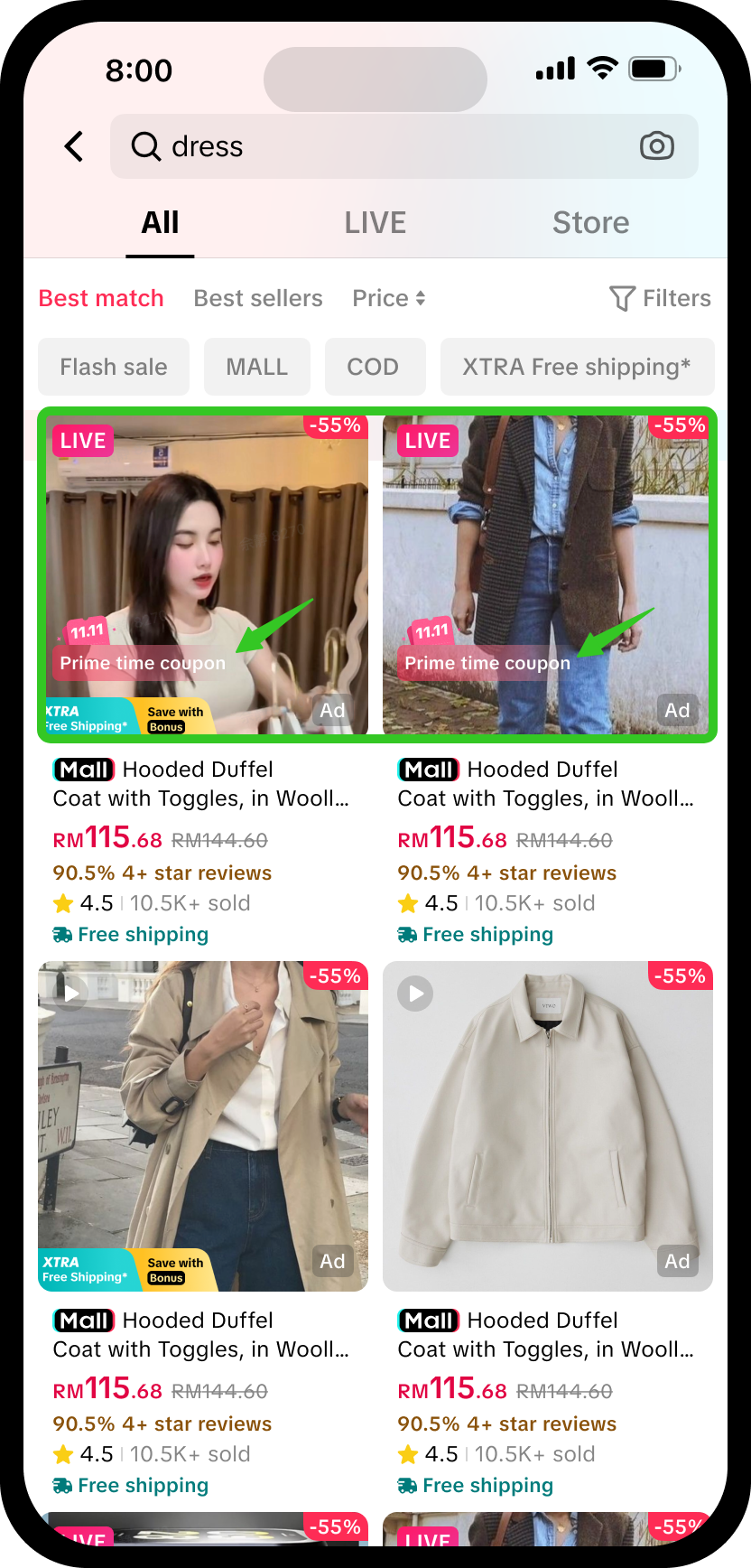 | 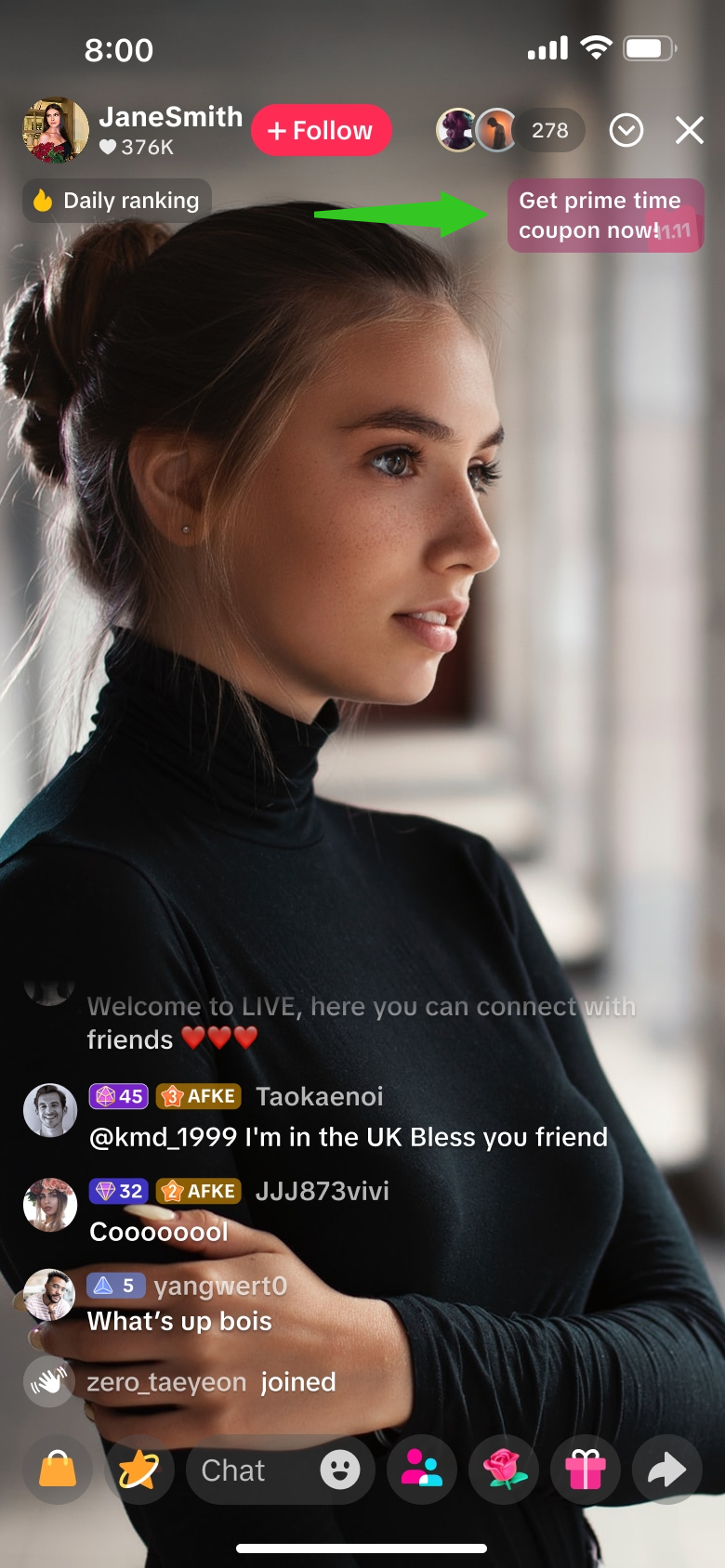 | 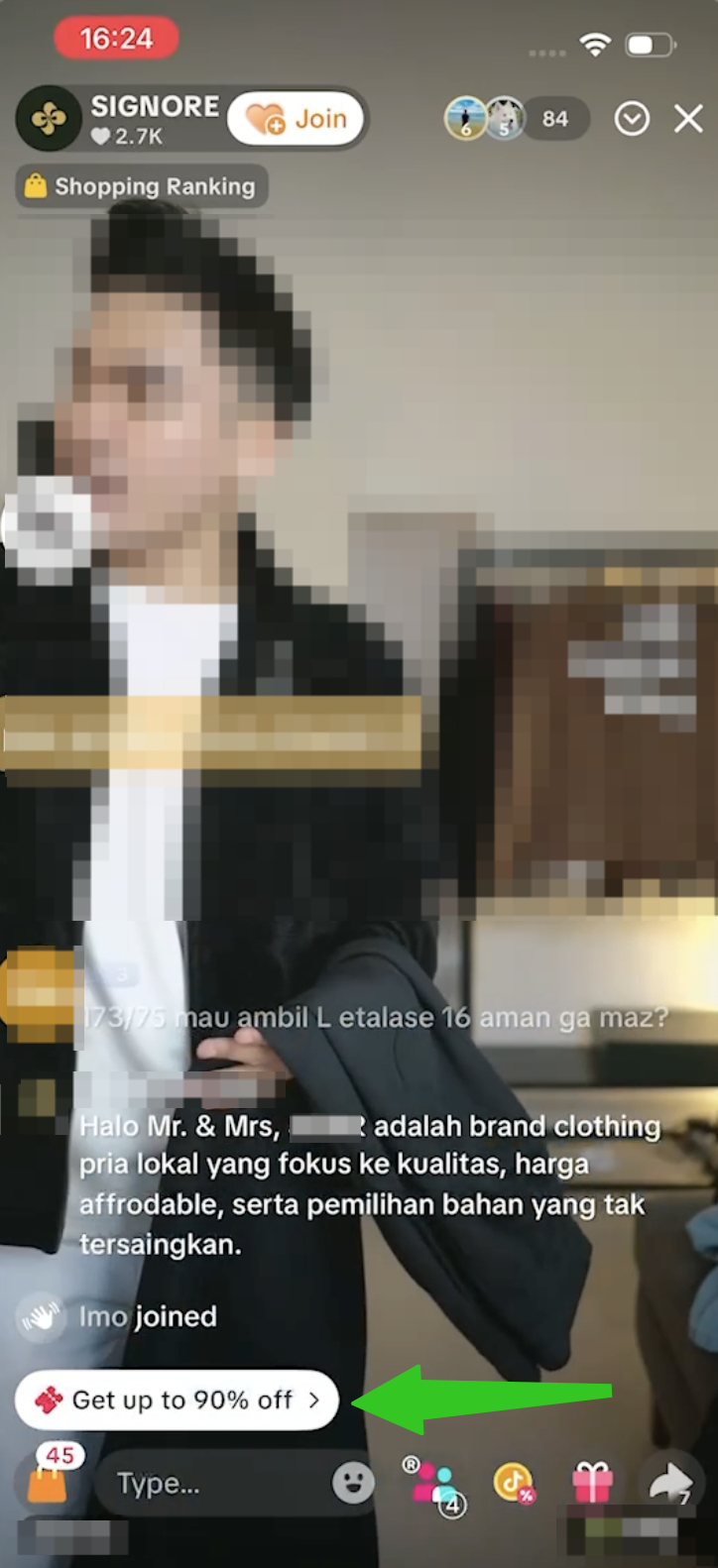 | 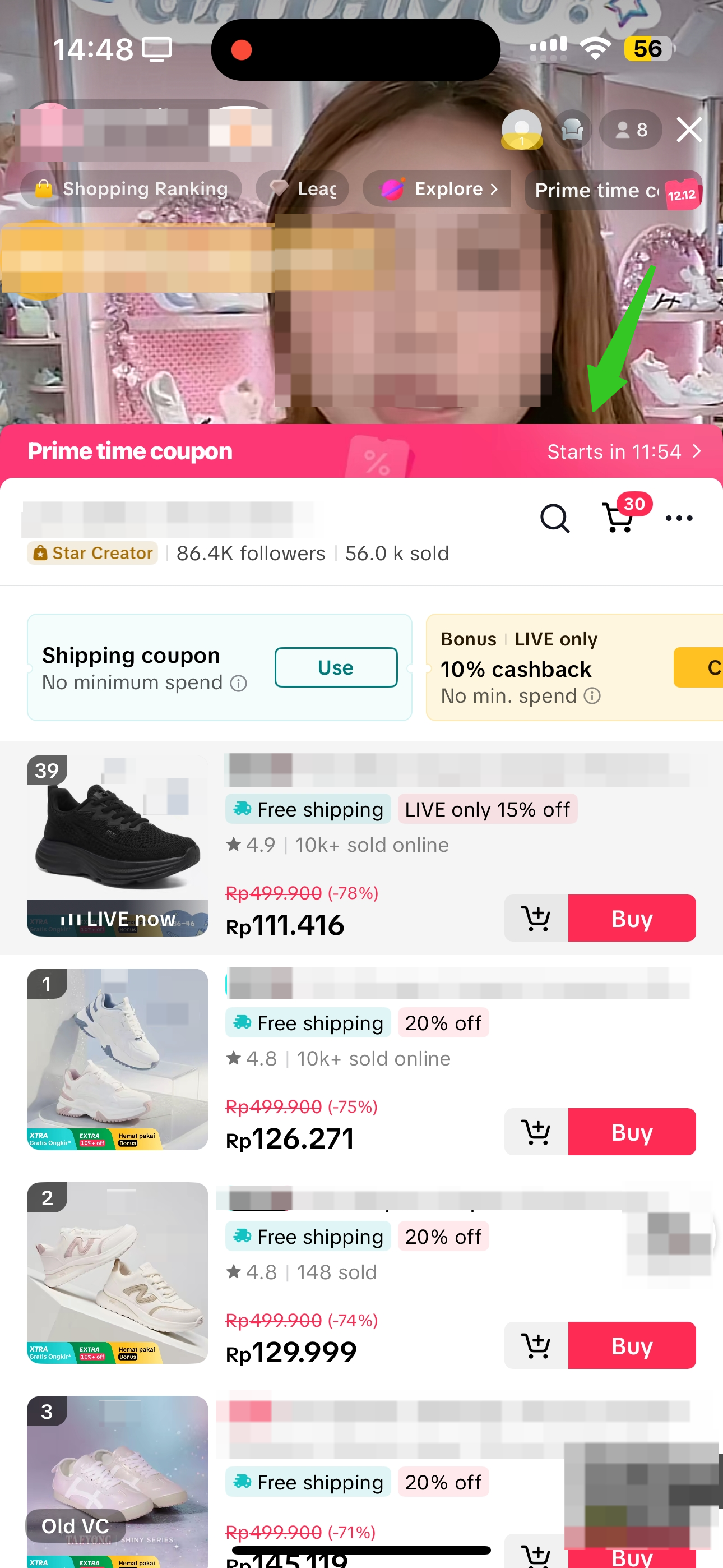 |
| While browsing the For You page, any livestream preview that has a Prime Time Coupon label indicates that this livestream has an activated ongoing Prime Time Coupon. Viewers can directly tap to watch the LIVE and join the Prime Time Coupon event. | While using the search bar, displayed search results will show products with active livestreams, and also feature a Prime Time Coupon label. | While in the LIVE room, viewers can click on the Prime Time Coupon entry point at the top right corner of the livestream, to open the activity panel. | While in the LIVE room, viewers will see this notification appear within the chat section. Clicking on it will open the LIVE Shopping Bag, where viewers can click on the pink header banner for Prime Time Coupon.
| |
- As a seller or affiliate creator, how can I know when there are Prime Time Coupons allocated by the platform so I can plan my livestream strategies accordingly?
Within LIVE tools | Within livestream | ||
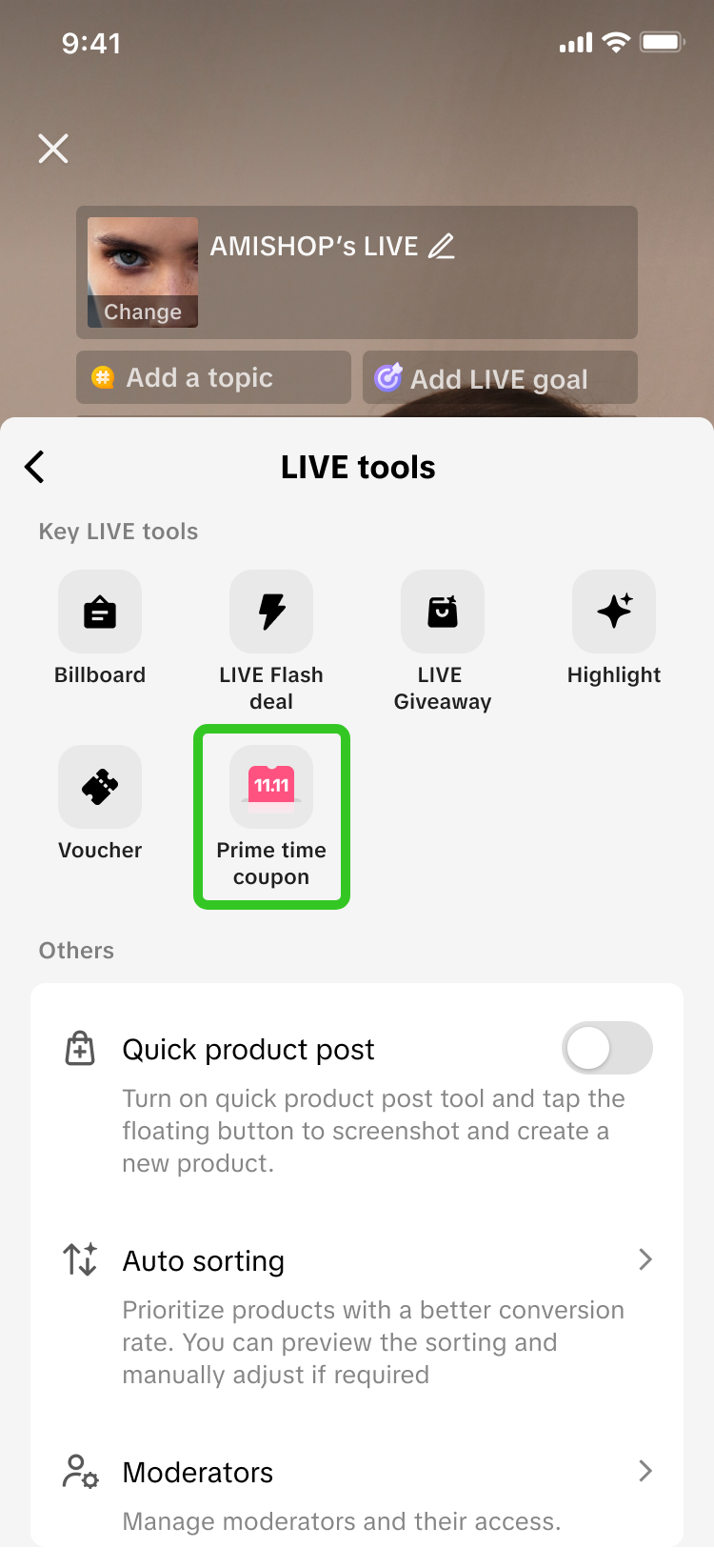 | 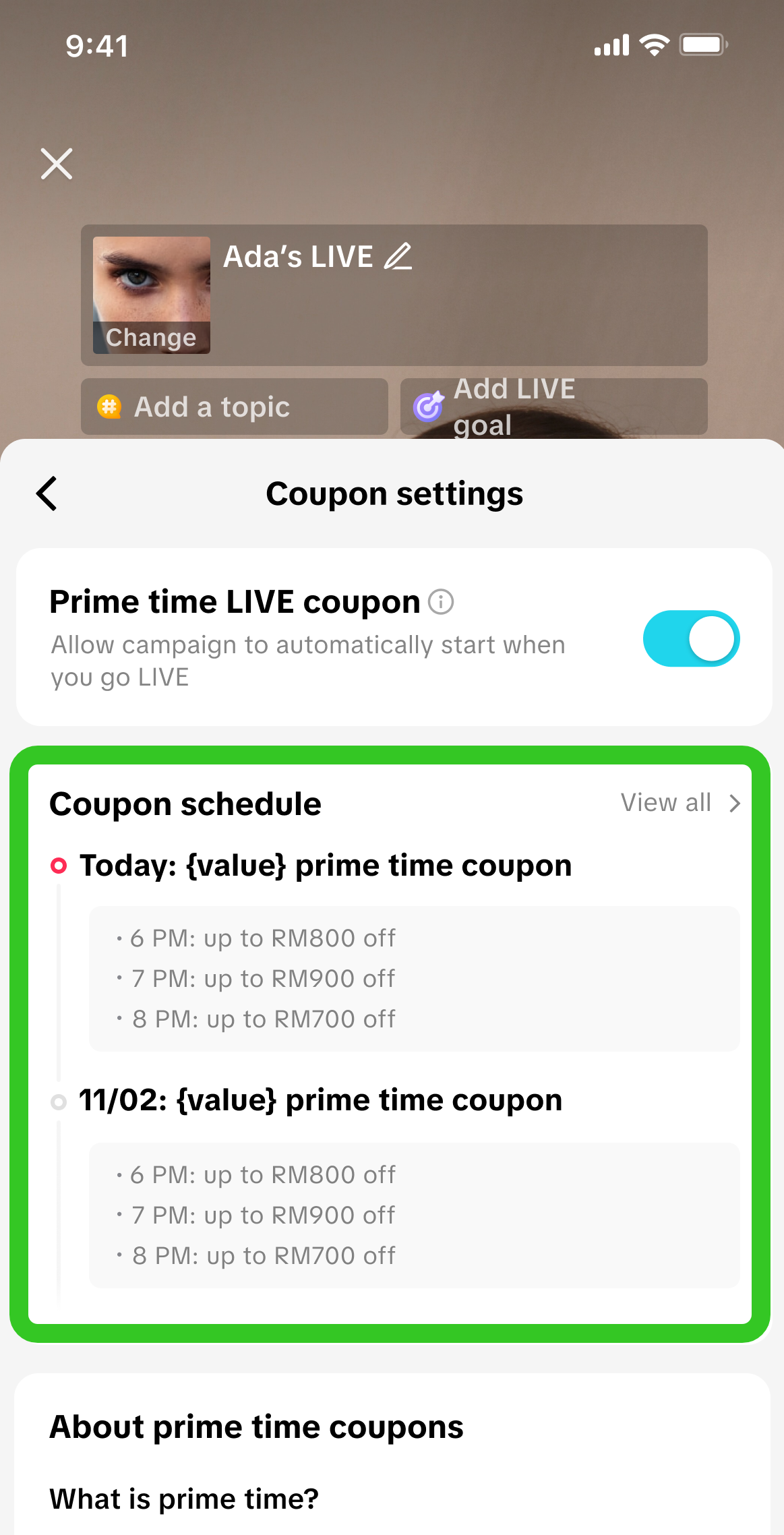 | 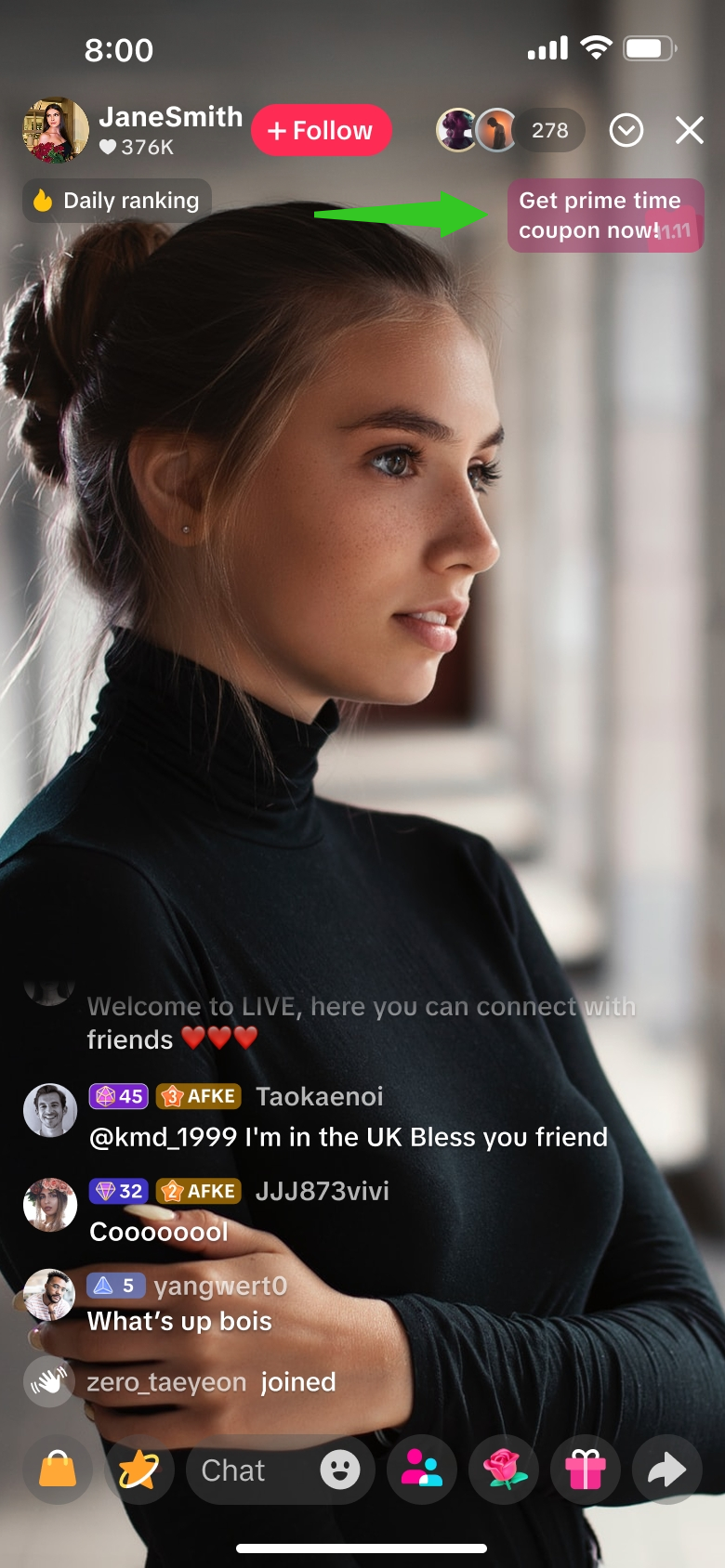 | 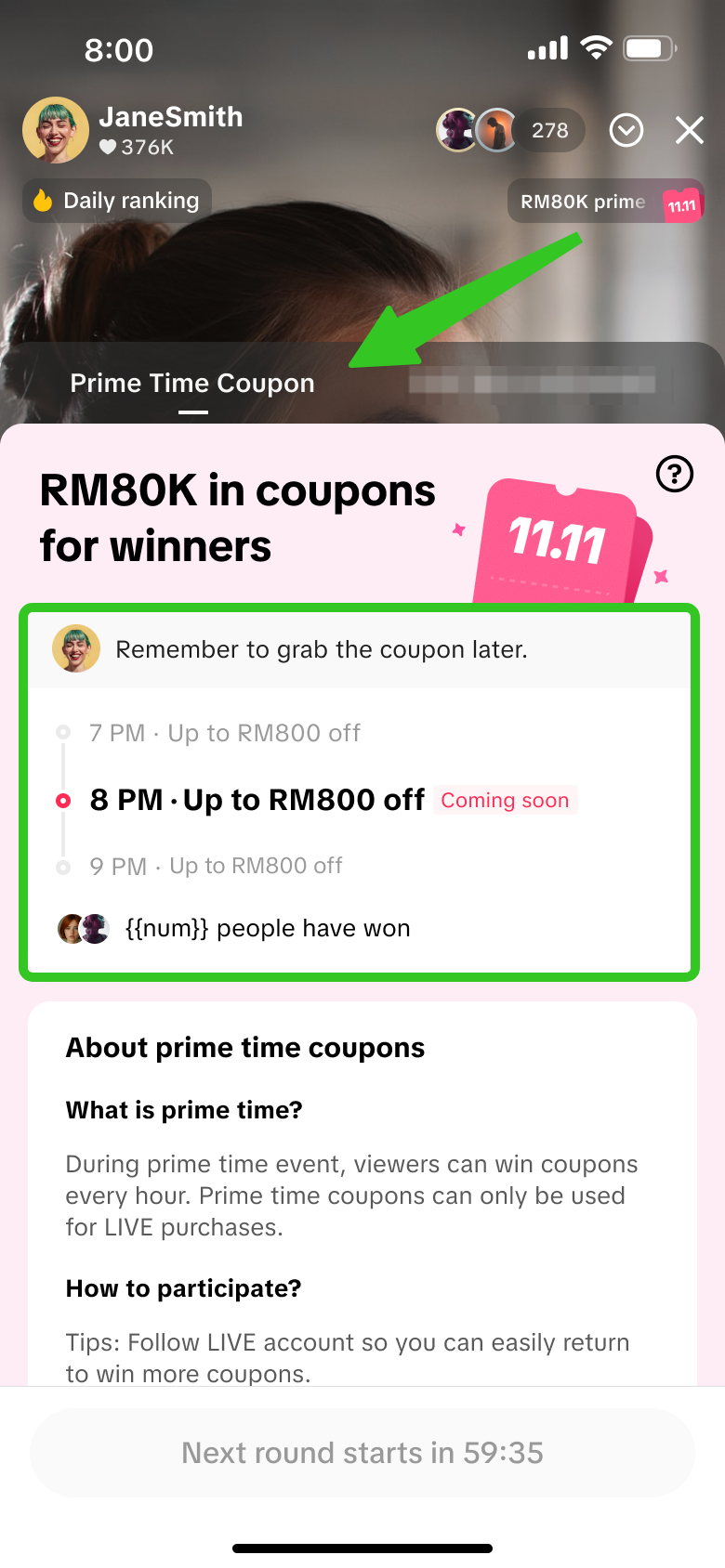 |
Entry is displayed 1 day prior to the start of a Prime Time Coupon session. | Entry is displayed during the livestream. | ||
- What type of coupons can be won from a Prime Time Coupon event?
- My viewers had joined a Prime Time Coupon event, but failed to win any coupons. Why is that?
- Viewers registered for the event by following the seller or affiliate creator's account, but did not return to the livestream room during the specified prime time coupon hour.
- Viewers returned to the livestream room during the specified prime time coupon hour, but did not participate in the event as they did not open the activity panel to tap on the screen during the allocated time slot.
- Viewers were late to participate in the event and missed the allocated time slot to tap on the screen.
- The coupon is out of stock.
- Is there a limit to how many times a viewer can win a Prime Time Coupon?
- Prime Time Coupon Session 7pm-8pm: Viewer A joins this session and wins Coupon 1
- Prime Time Coupon Session 8pm-9pm: Viewer A joins this session and wins Coupon 2
- Where can viewers use the Prime Time Coupons they have won?
- Can Prime Time Coupon be activated via LIVE Manager PC?