

Product Card
03/28/2024
Attention: Please note that the GMV attribution on Seller-related transactions has been changed to Content Type GMV Attributions, this means the tabulation of GMV in such scenarios is 100% based on the three main content types: Product Card, LIVE, and Video.
This change will affect numerous metrics on Data Compass. For clarity, we will be prefixing the affected metrics with the tag "[New Logic]".
Please also note that this change applies to the app version of the affected feature. For example, Product Card Performance across PC and App has also adopted the Content Type GMV Attribution.
 This article teaches you what Product Cards are and how to measure their performance.
 What are Product Cards?
Product Cards are cards that display everything you need to know about a product, like its title, image, description, and price after its successfully listed on TikTok Shop.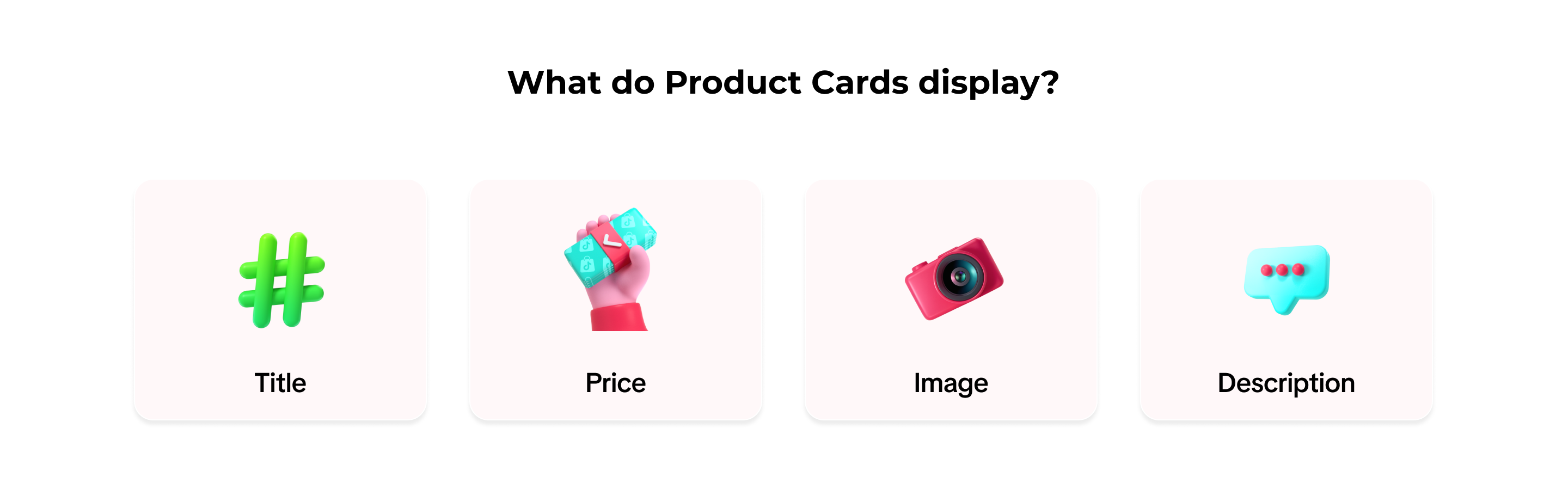 Whether a user lands on a product through Search, Recommendation, the Shopping Center, Store or Showcase, you gain traffic from the Cards.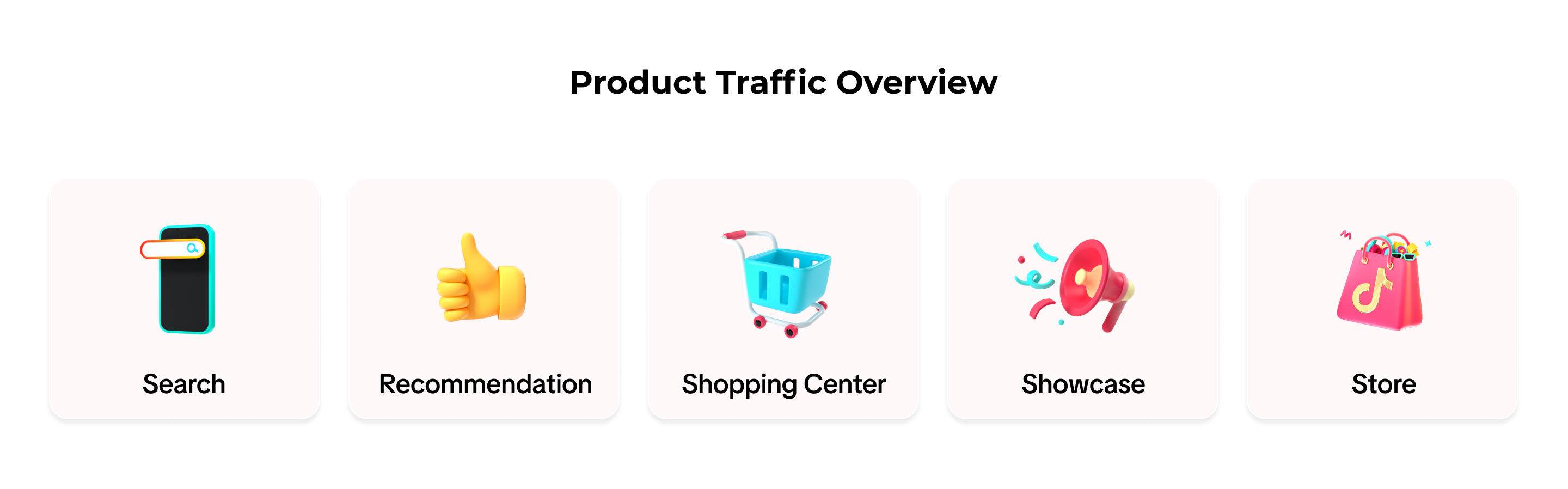

How to View Traffic from Product Cards
| 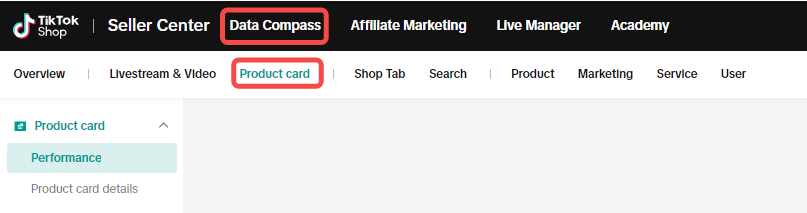 |
| 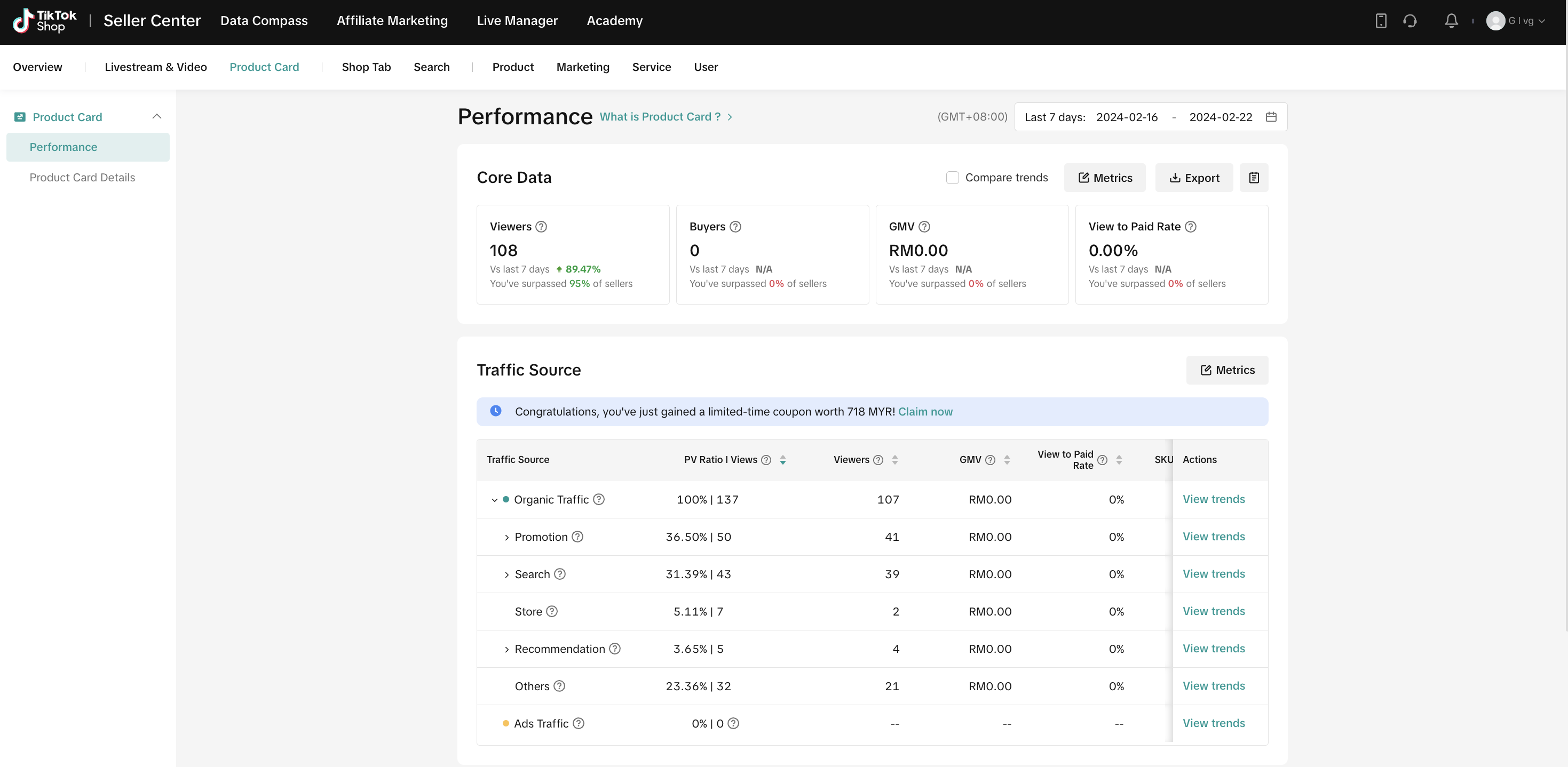 **click "View trends" to visit the next feature **click "View trends" to visit the next feature |
| 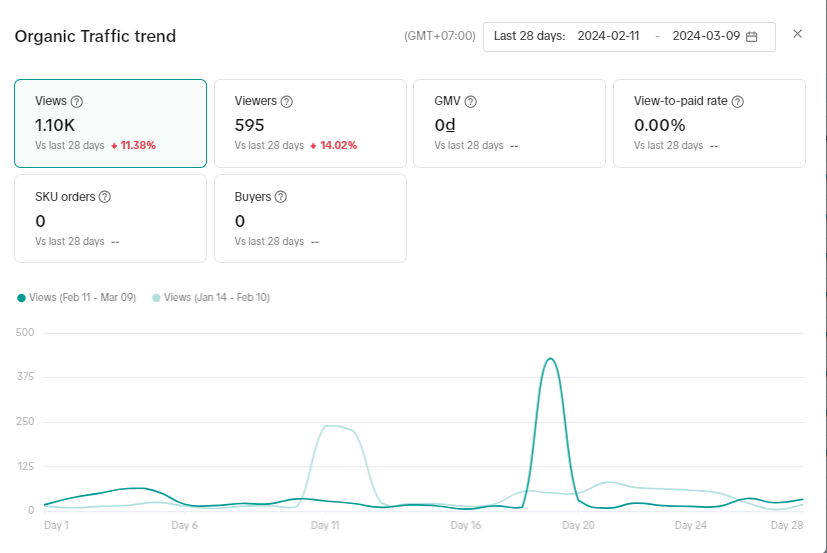 |

How to Check Product Card Rankings & Details
| 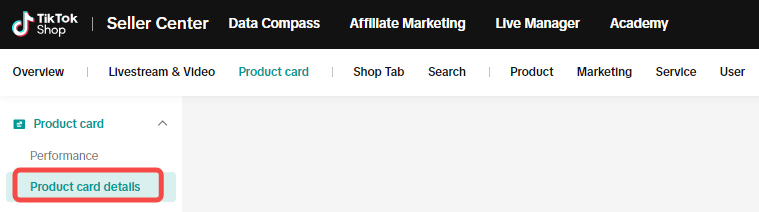 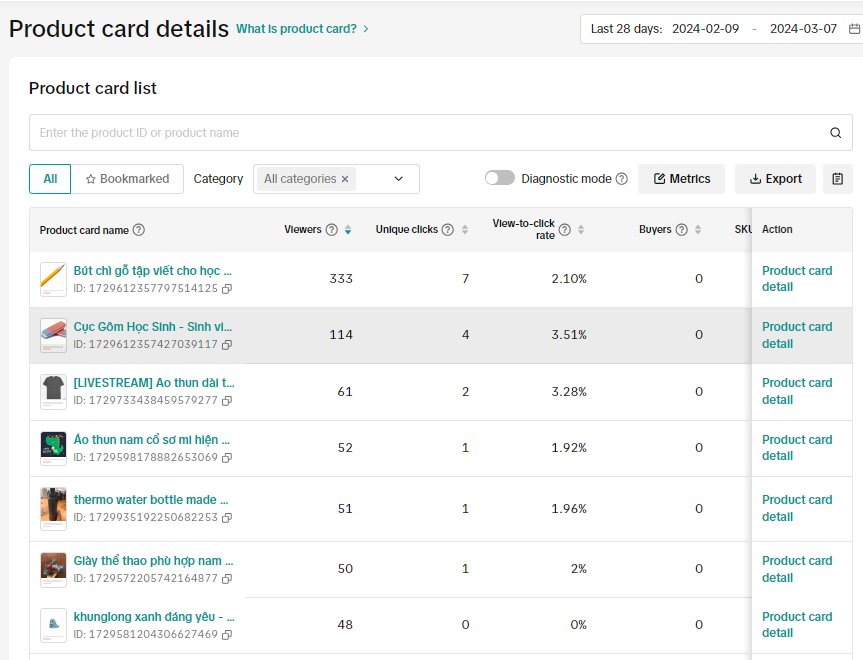 |
Click onto Product card detail on the right side (picture above) and check the detail feature of the required product
| 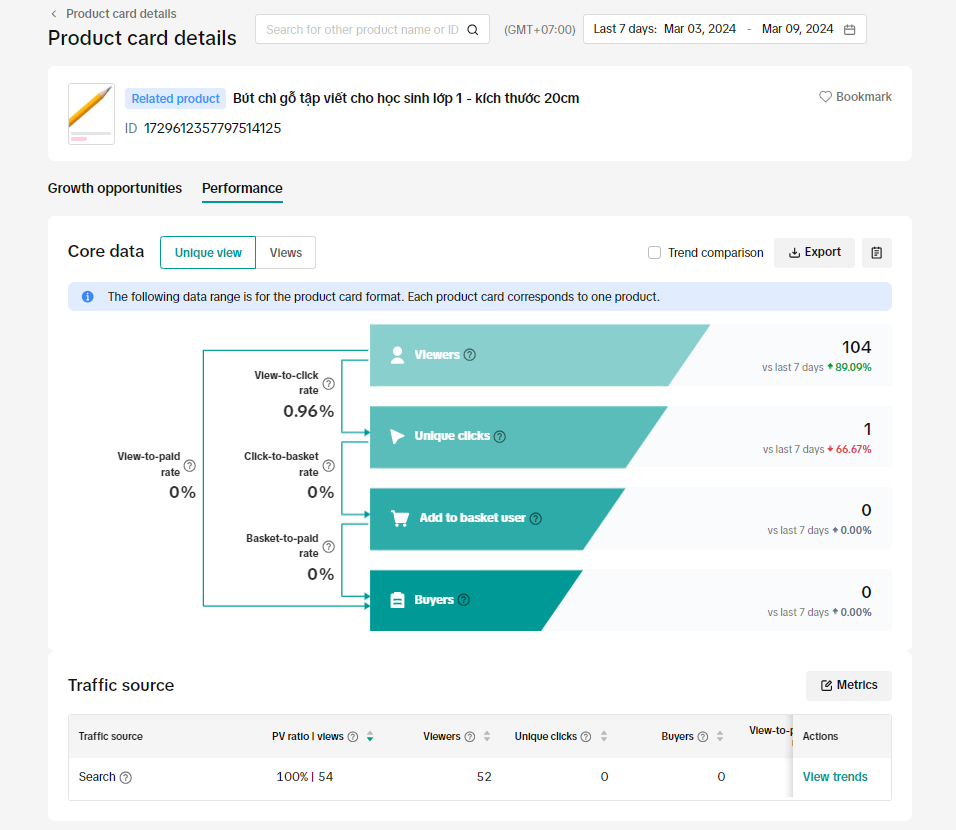 |

FAQs
- Do my products automatically qualify as Product Cards upon uploading?
- How are revenues calculated through Product Cards?
- How can I improve my traffic through Product Cards?