Help Center - Tell Us Everything
03/04/2024



Ask us anything related to TikTok Shop operation by raising a ticket. Come and find us at Help Center
RAISING NEW TICKET
Step 1:
|  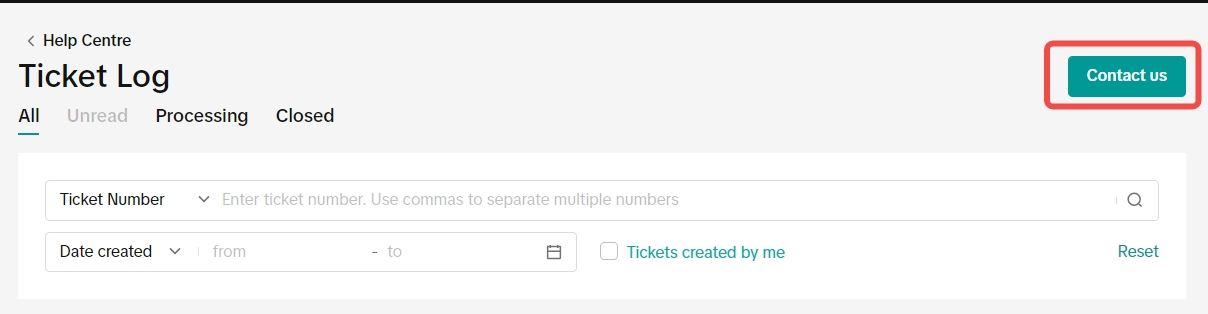  |
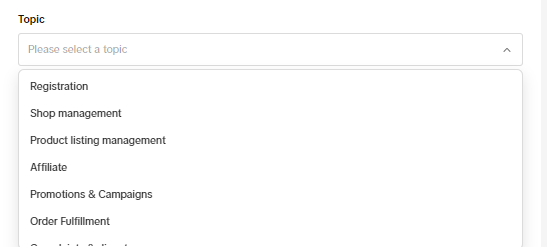
Step 2: Topic
|  |
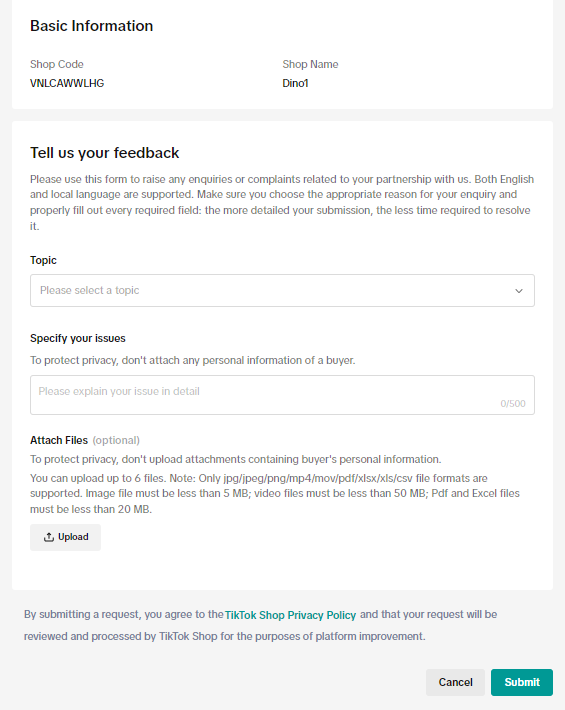
Step 3: Specify your isusesSend with us all the information related to your issues:
|  |
| Step 4: Attach filesIn case the seller has many pictures, or videos to give us more details on the issue.Please upload it here before submitting the ticket | 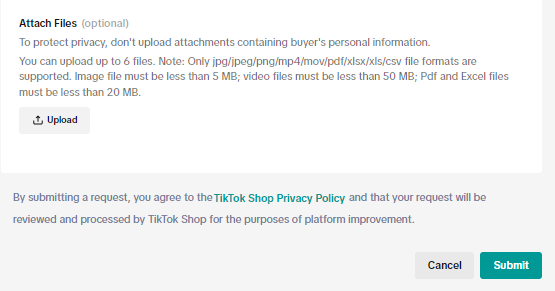 |
| After submitting the ticket, the seller can still track the ticket status | 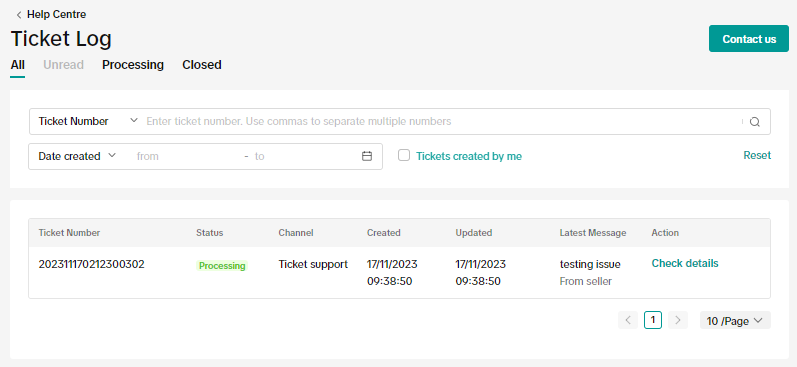 Click on to "check details" to enter the feature below Click on to "check details" to enter the feature below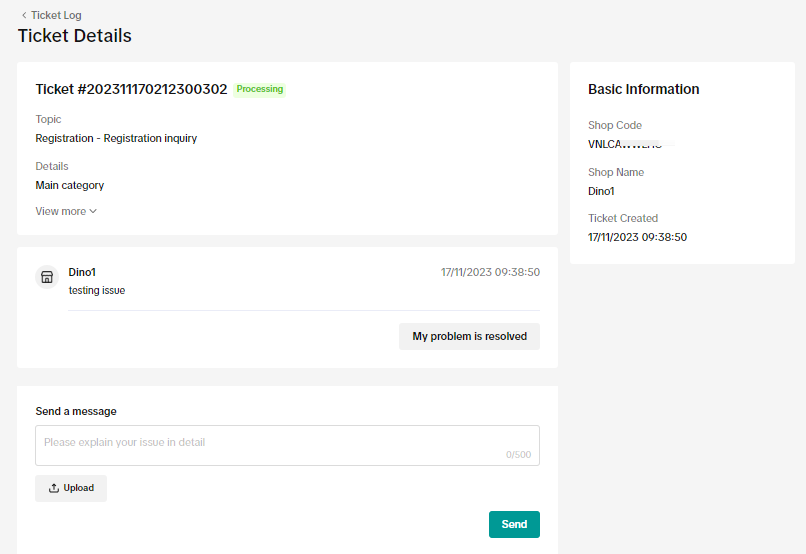 |
CONTACT US
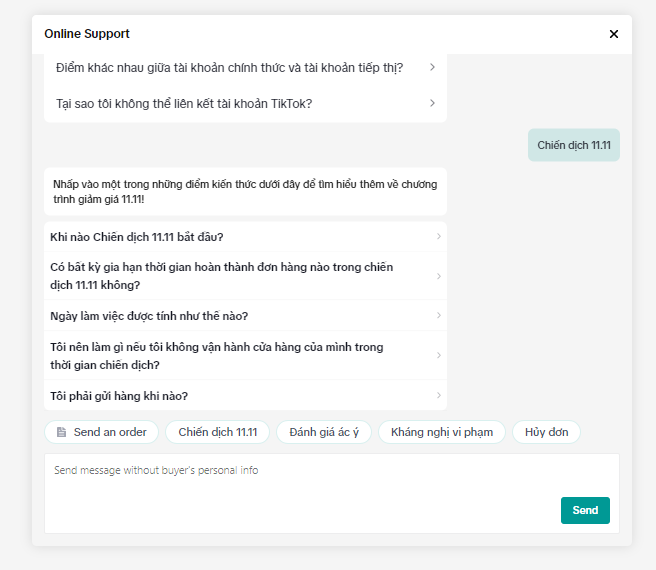
For further support from the TTS team, the seller can also click on online support to directly reach our agent