

Manage Products Showcase
11/10/2024
TikTok Shop Showcase Definition
Showcase is one of the most important places for creators to operate on TikTok, which can be used to display all the products you add. Customers will see the products decorated by creators in the Showcase, and you will earn affiliate marketing commissions from orders sold in the showcase.Manage Showcase In the App
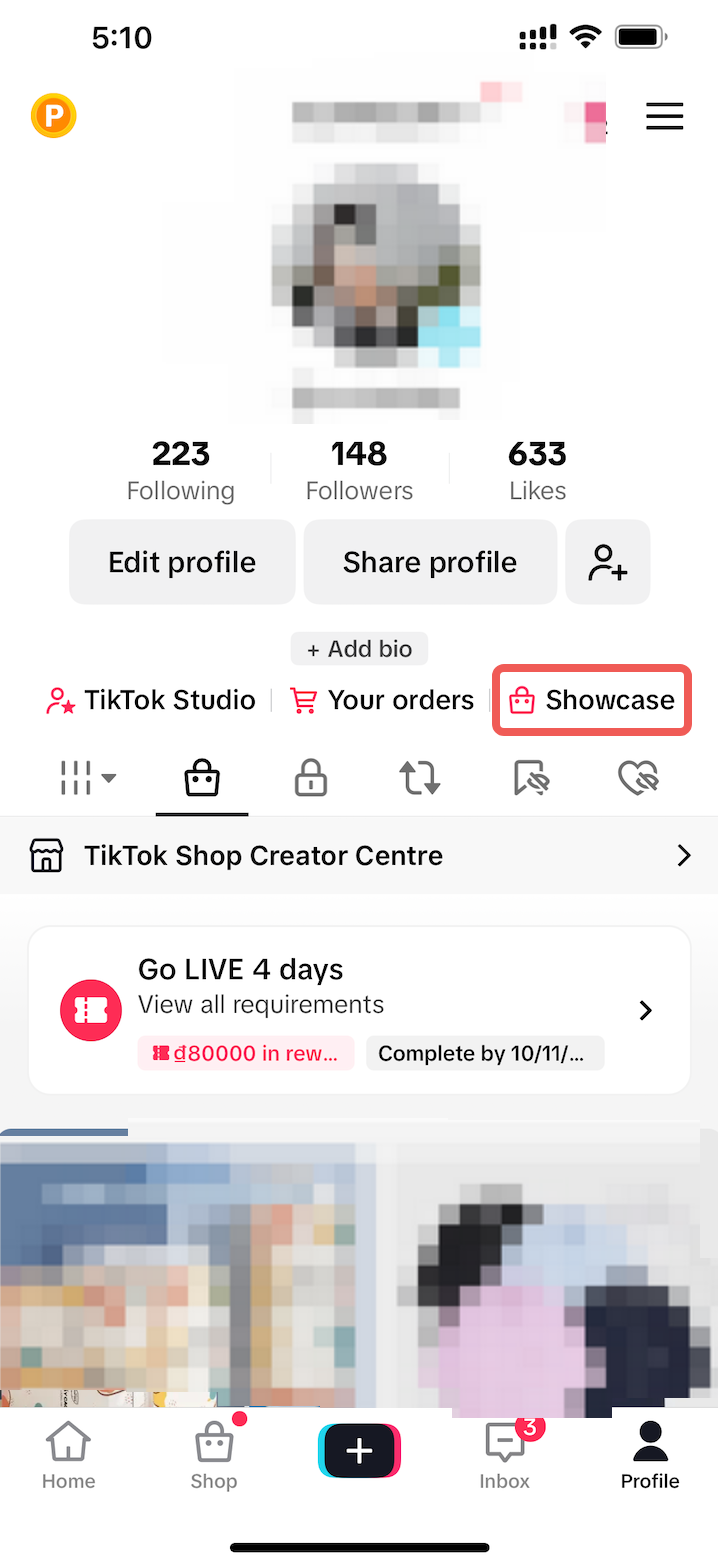
TikTok > Profile > TikTok Shop creator centreTikTok Shop toolkit > Manage productsAccess: Go to . At .
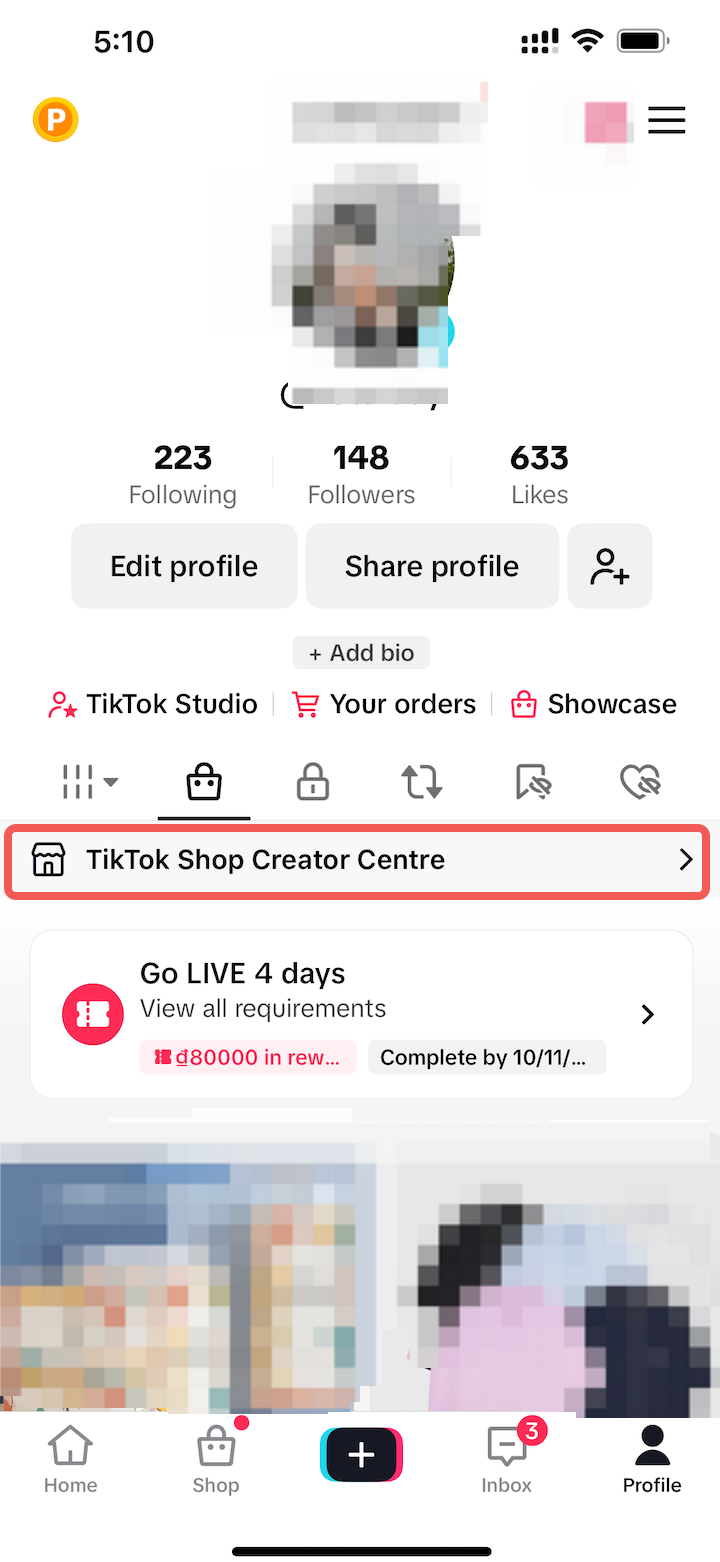
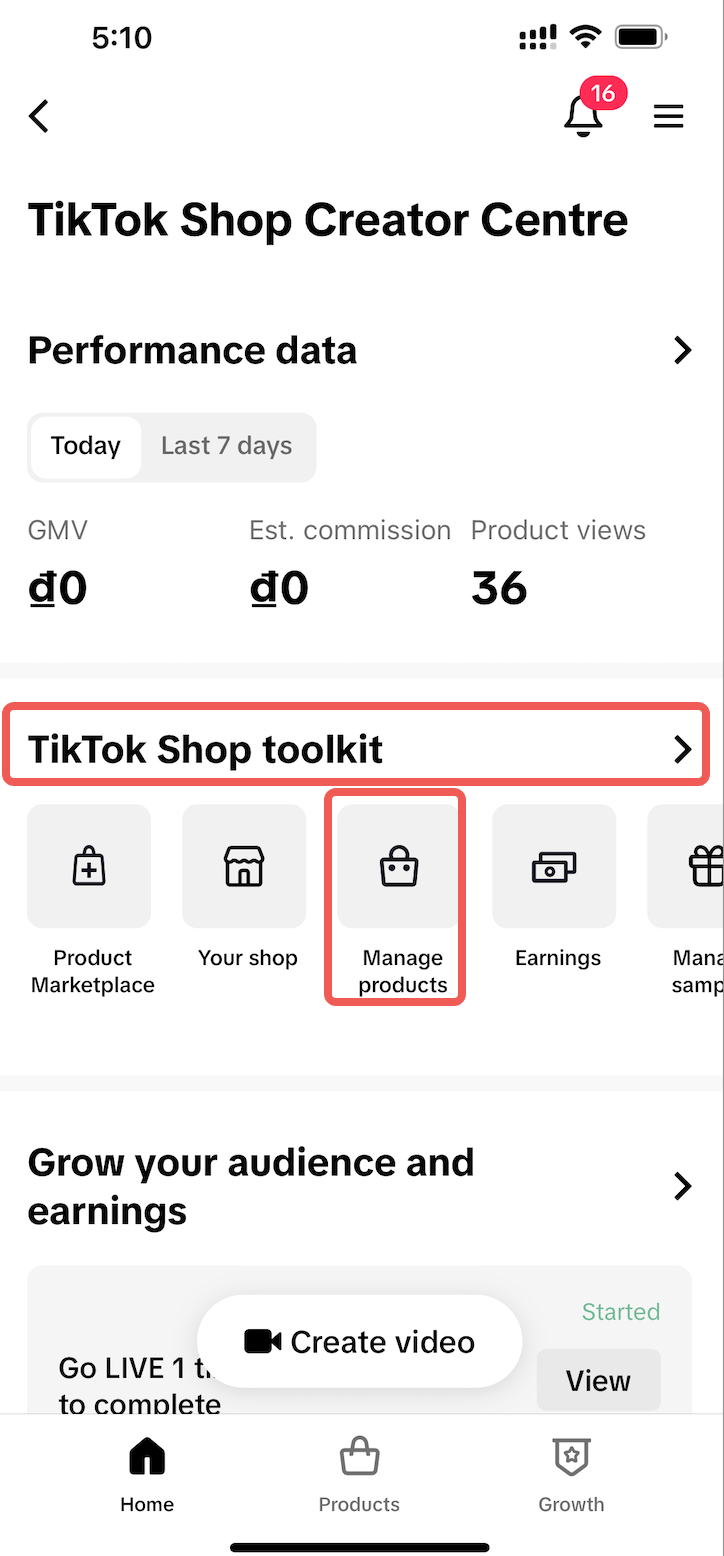
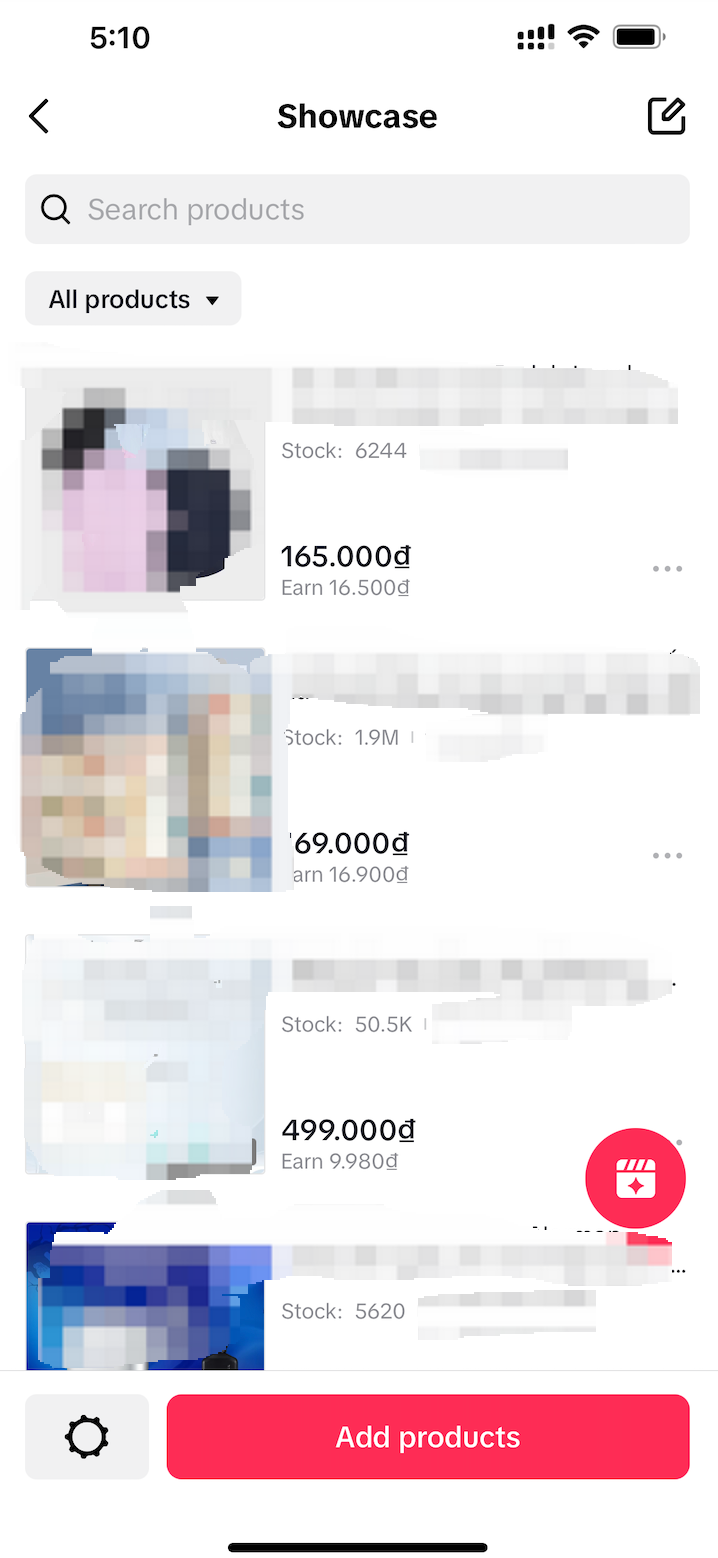
Here you can change and manage all the products in your showcase. This includes:
- Add products.
- Edit the order of Showcase.
- Select the cover image for the product.
- Hide the product.
- Remove the product from the Showcase.
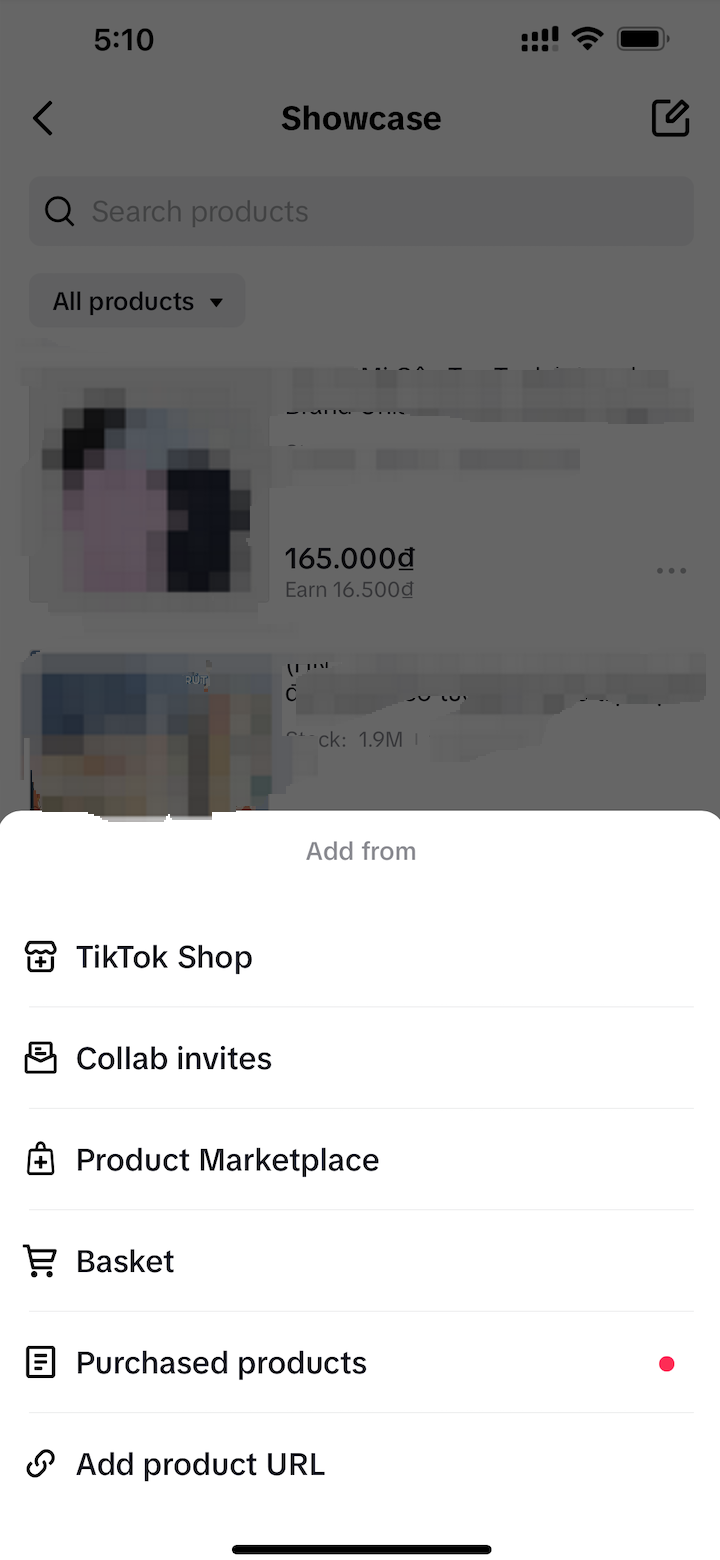
Add products: Select "Add products", then proceed with adding from different channels. There are channels where creators can add existing products as follows:
|   |
Edit the order of product Showcase: Select the sign "..." at the product you want to change its display position in the Showcase, then click "Pin to top".Note: The product will be displayed at the top of the products in Showcase of the Creator. | 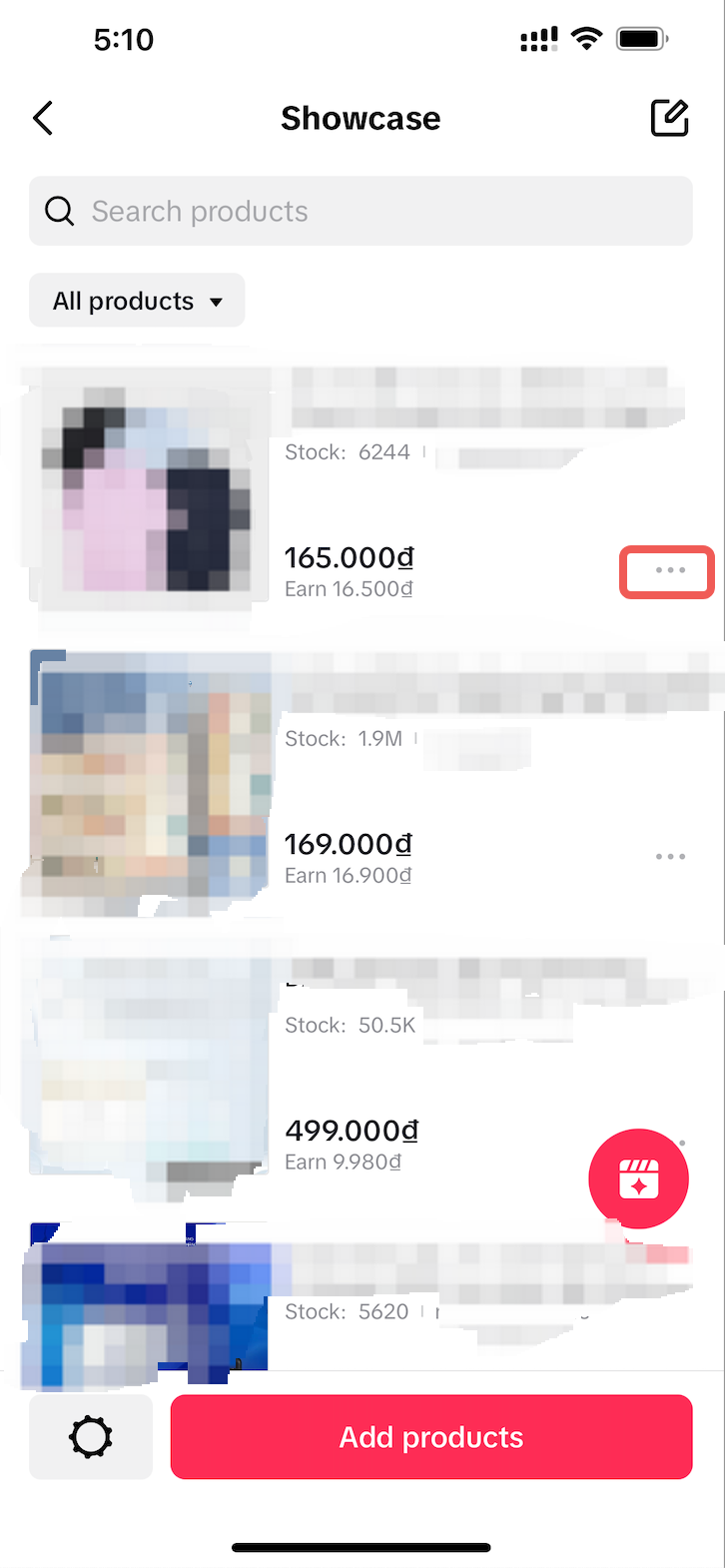 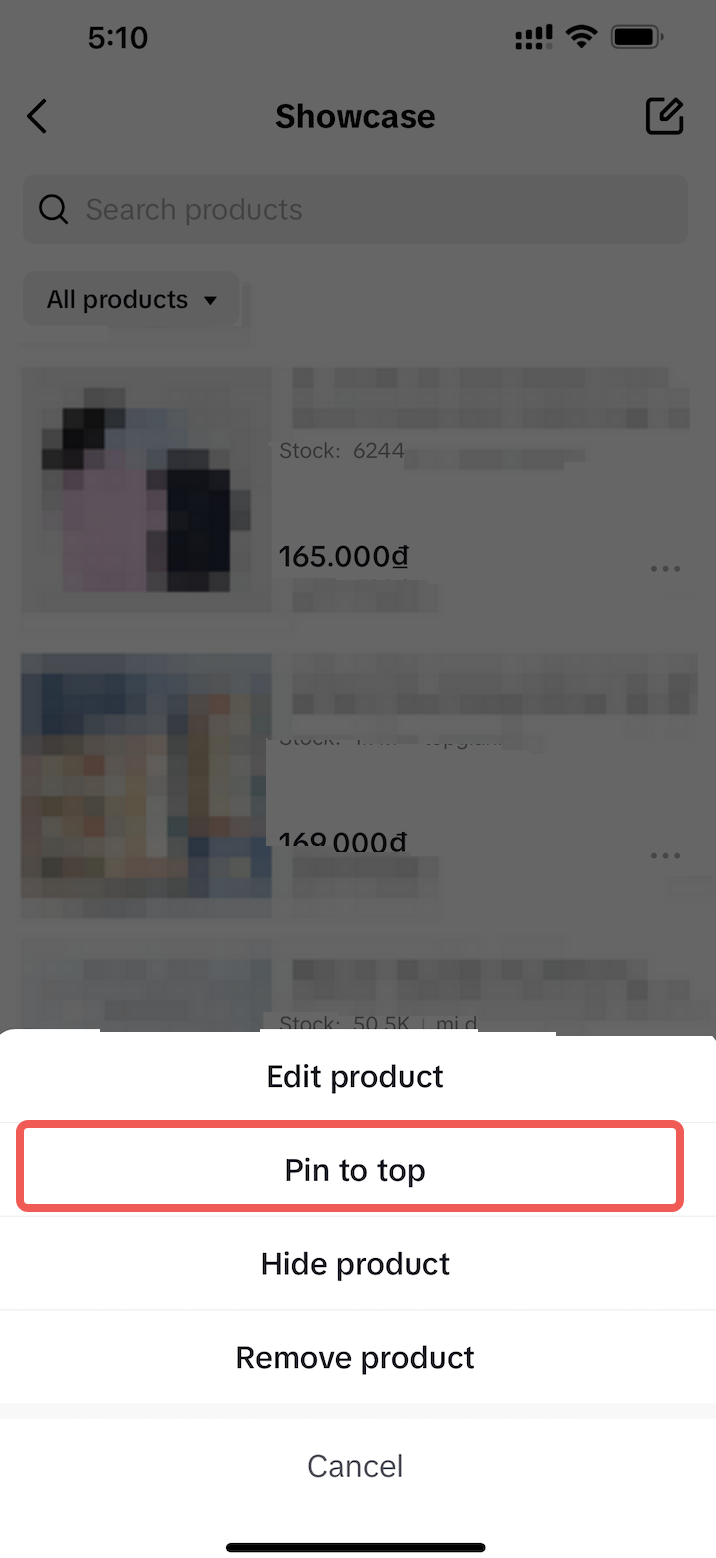 |
Select the cover image for the product: Select the sign "..." for the product you want to edit in the Showcase, then click " Edit product ", choose the cover image, and press "Confirm" to complete the editing. | 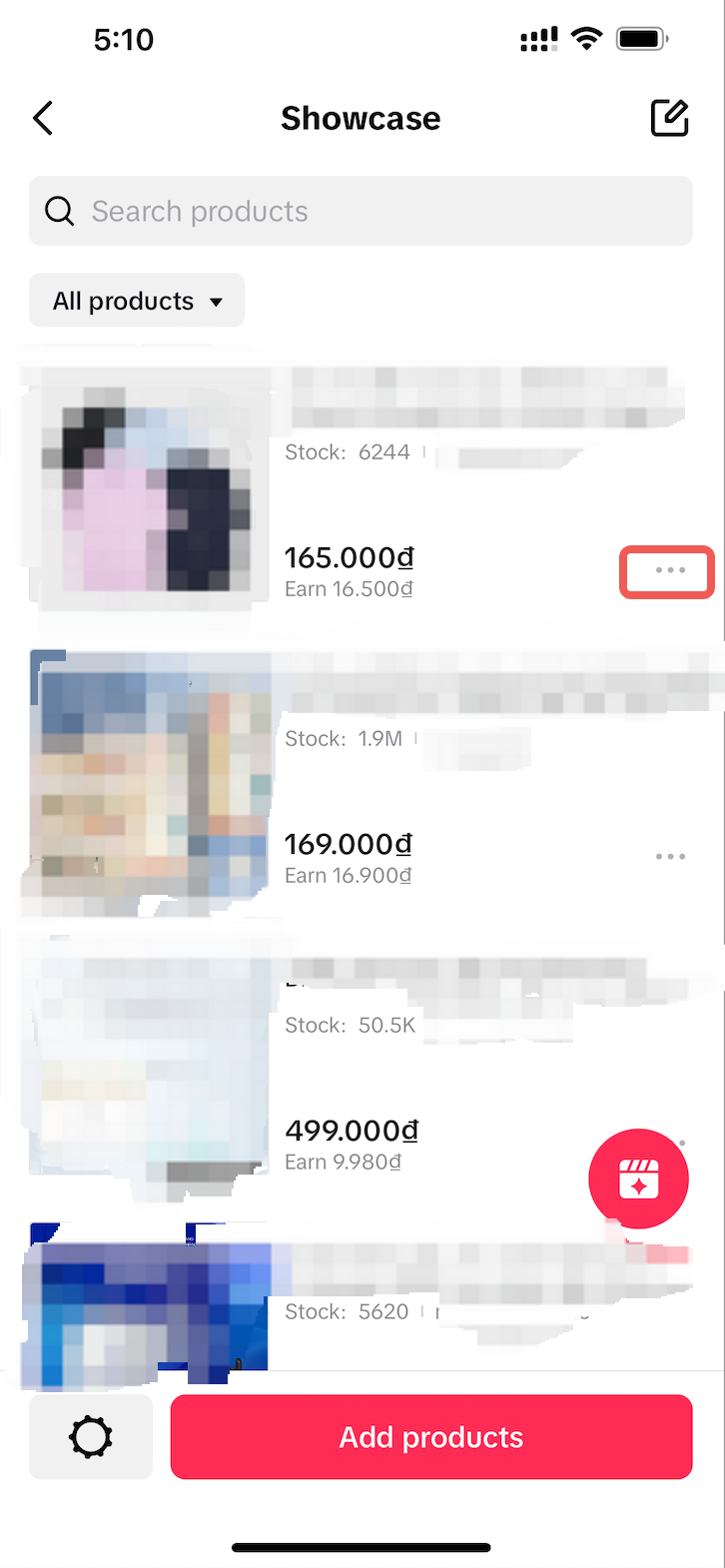 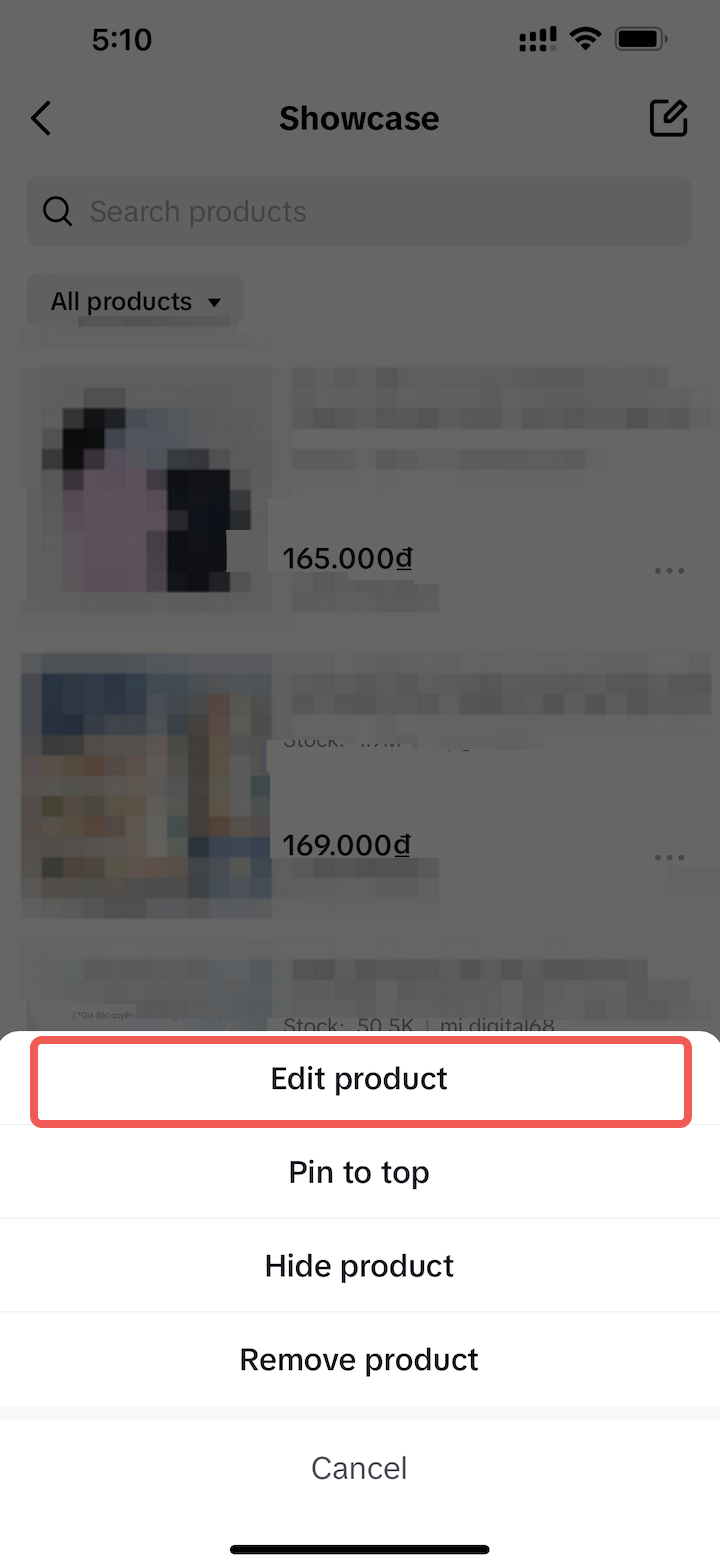 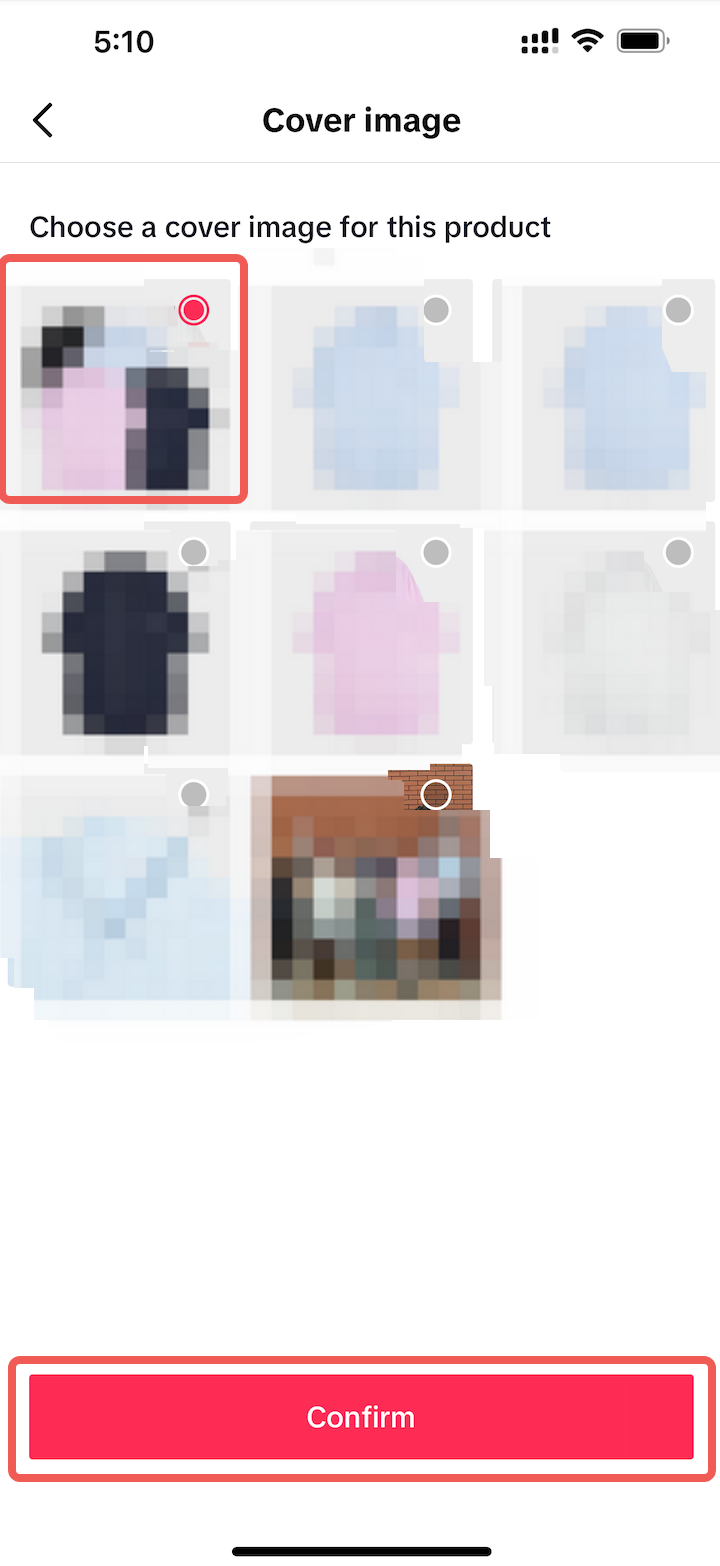 |
Hide Product: Select the sign "..." at the product, you want to hide from the display, then click " Hide product". You can "Unhide products" with the same operation. Note: The product will not be displayed on the Showcase after it has been hidden. | 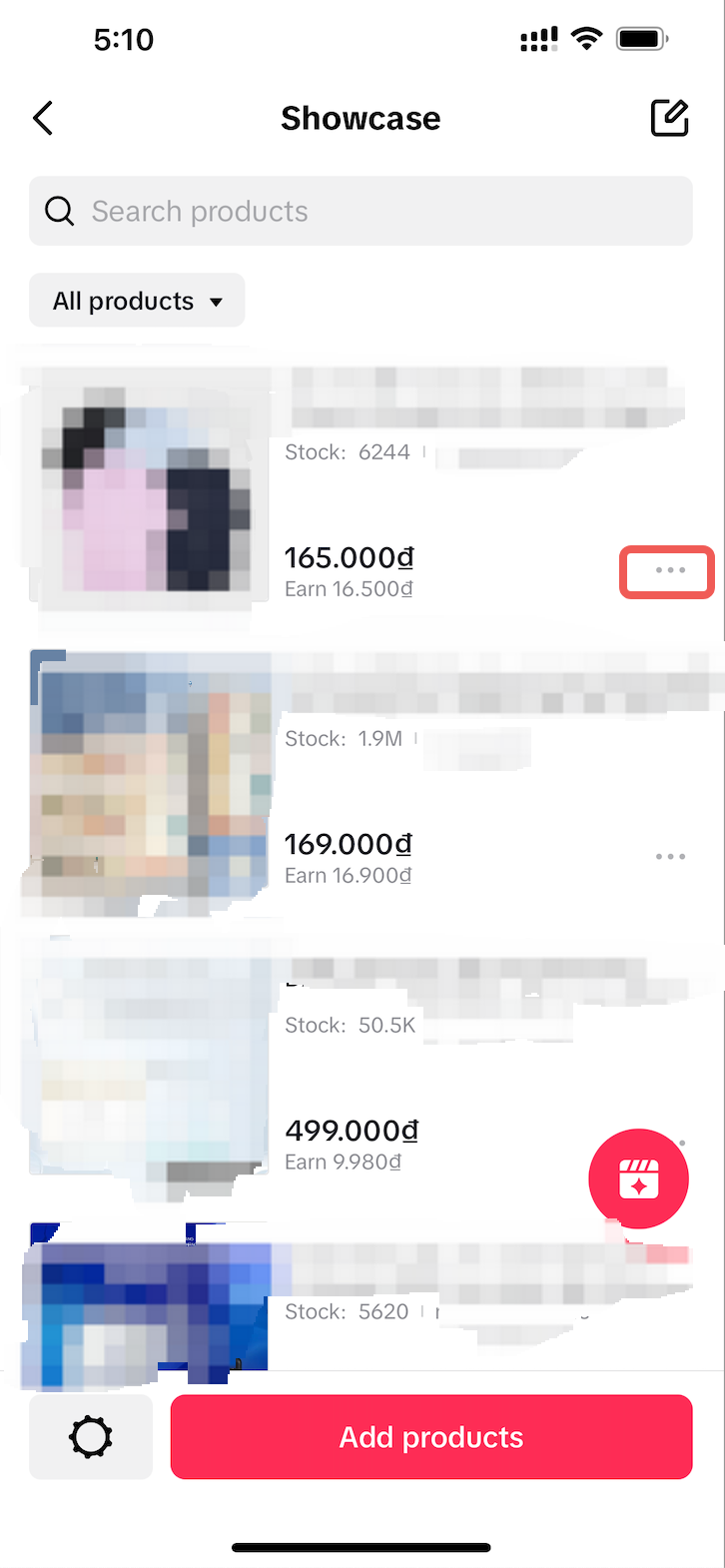 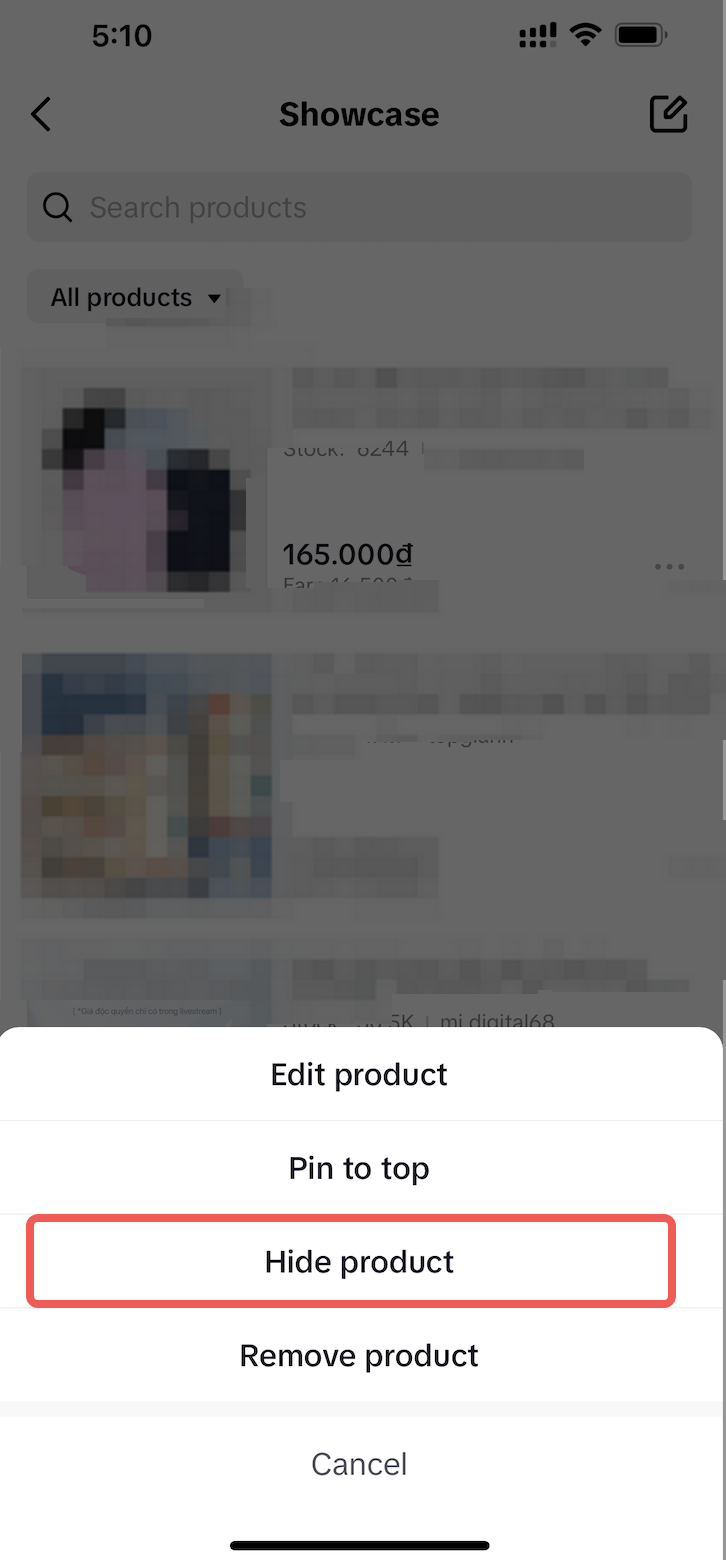 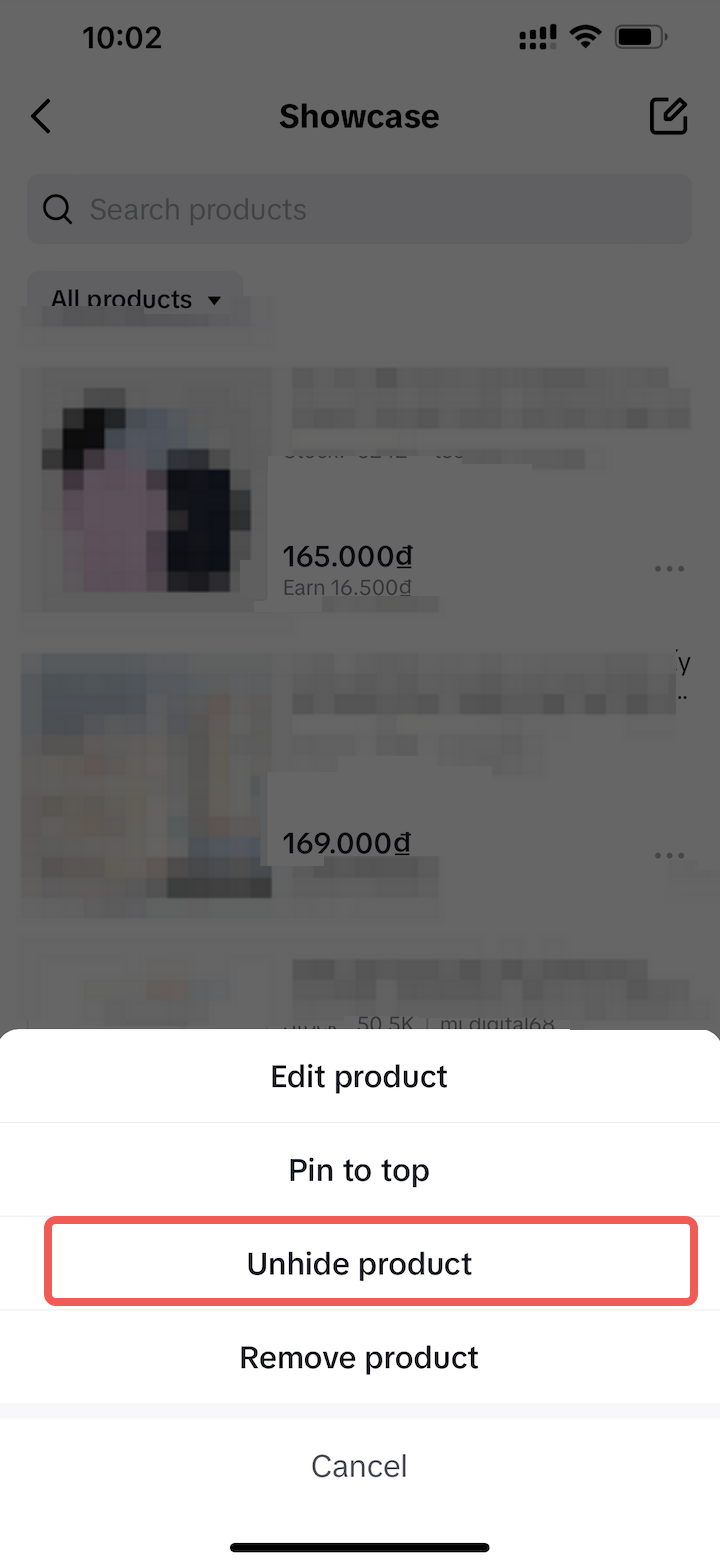 |
Remove the product from the Showcase: Select the sign "..." at the product you want to remove from the display, then click "Remove product". Note: Once deleted, the product will no longer be displayed on the display. | 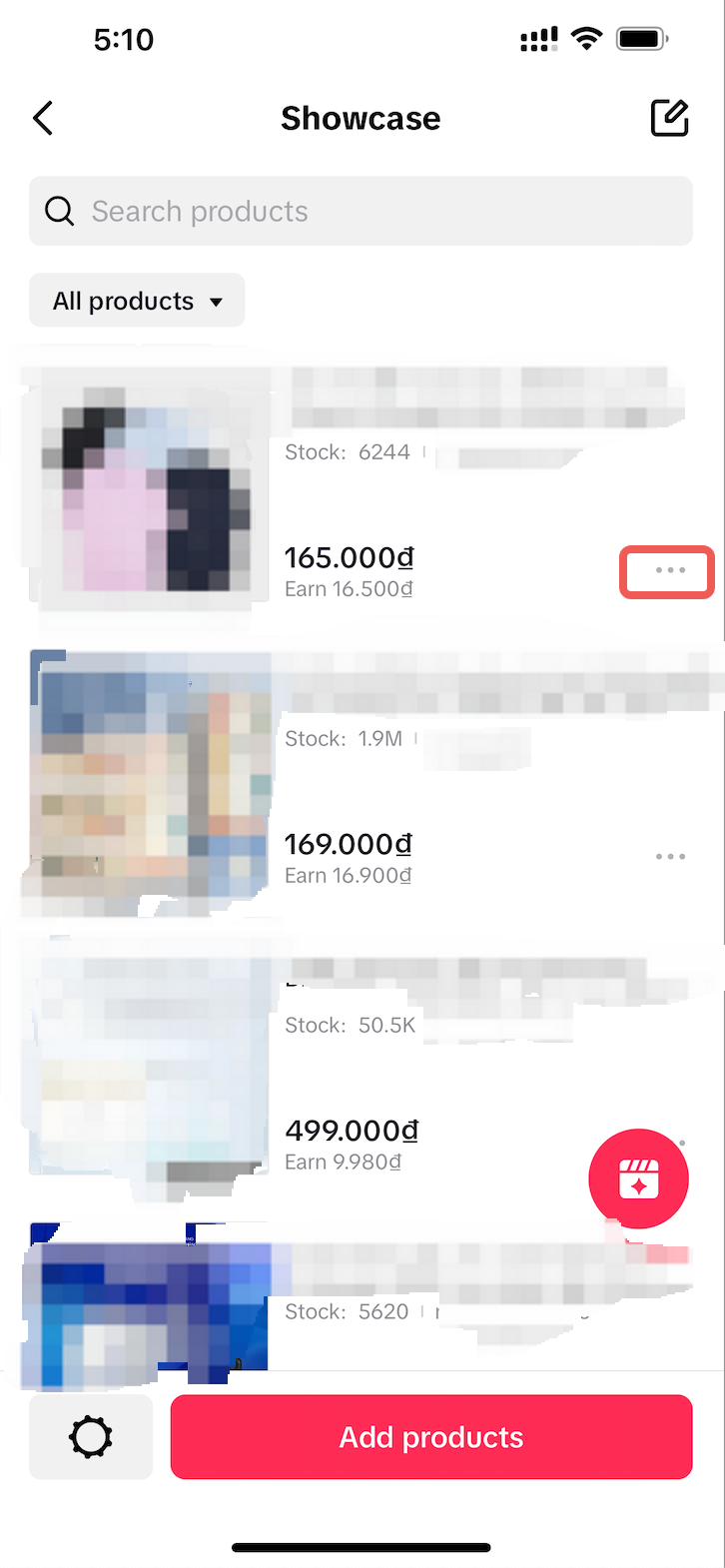 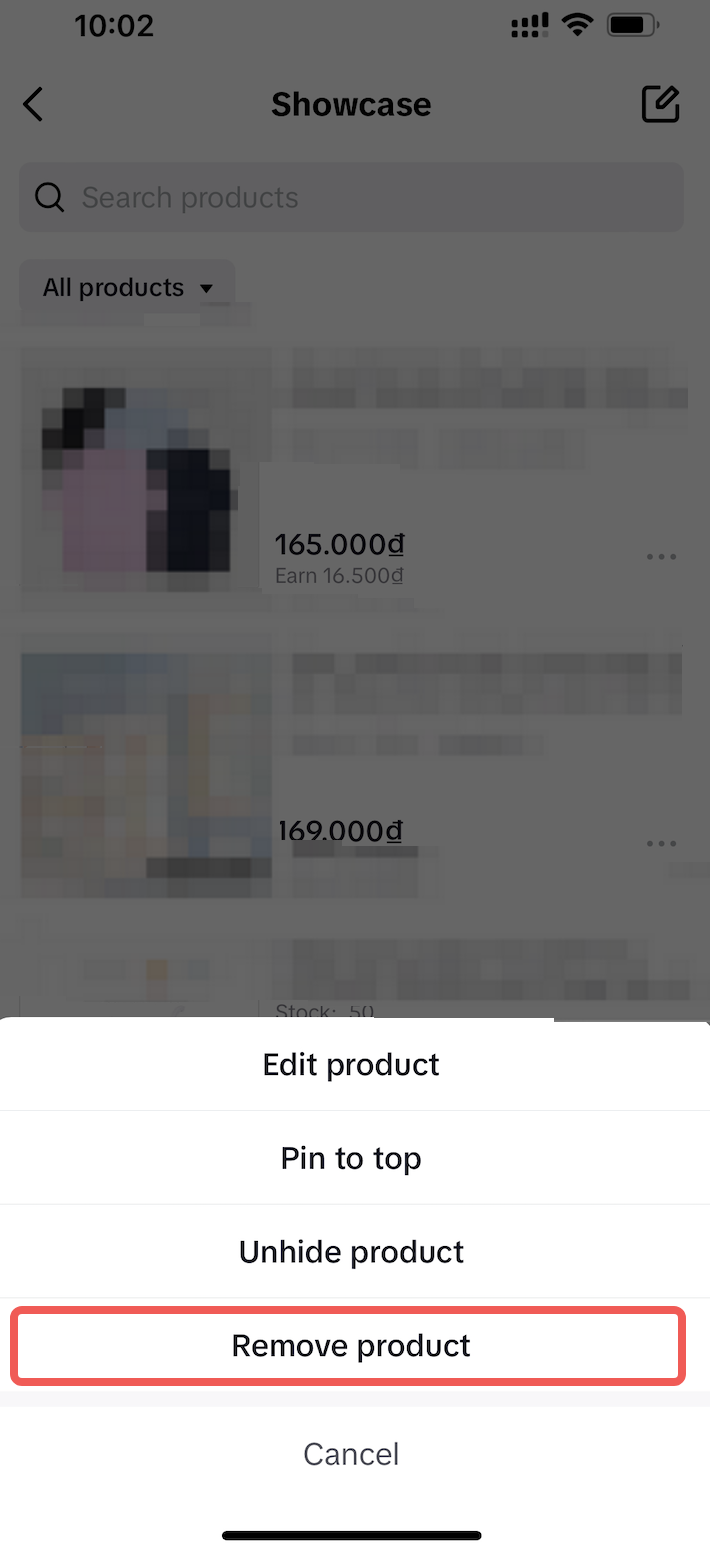 |
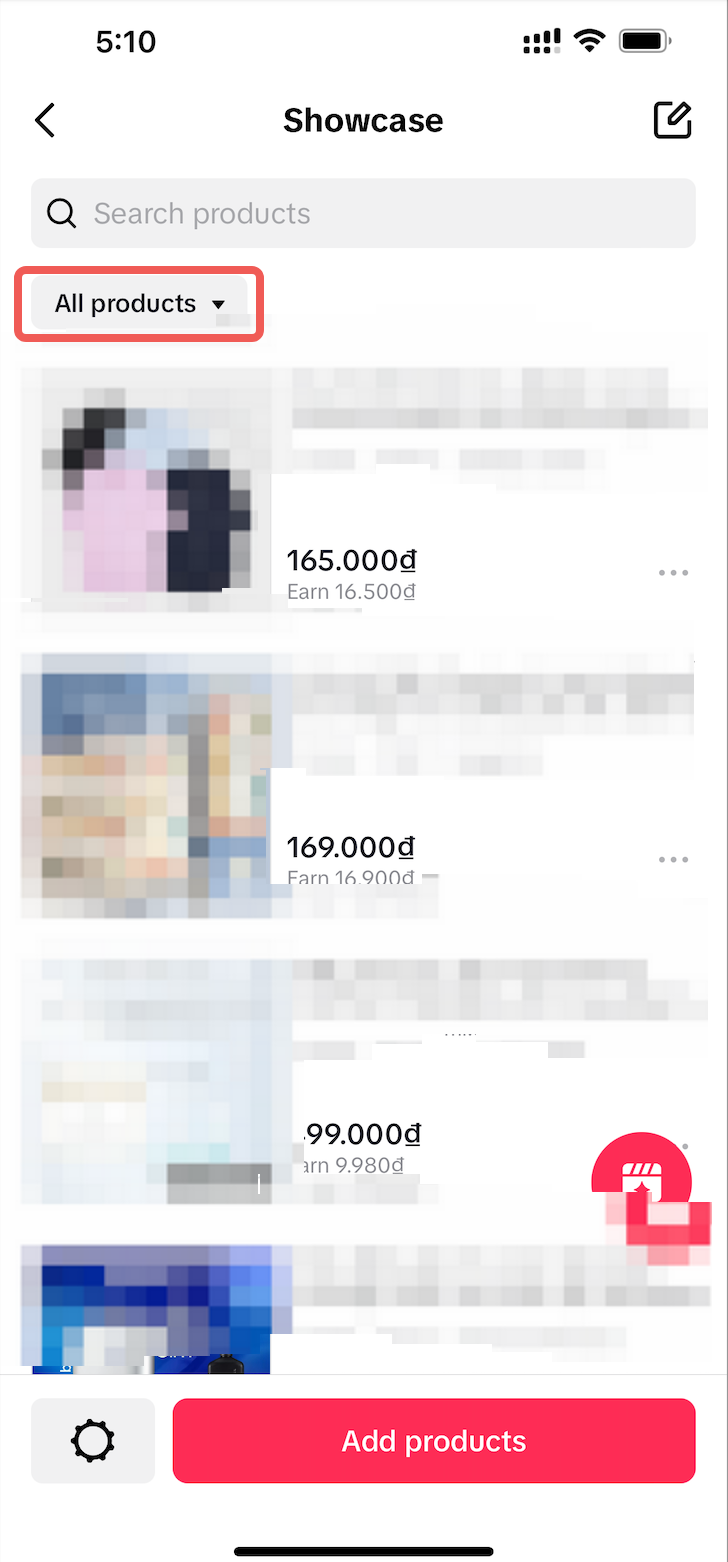
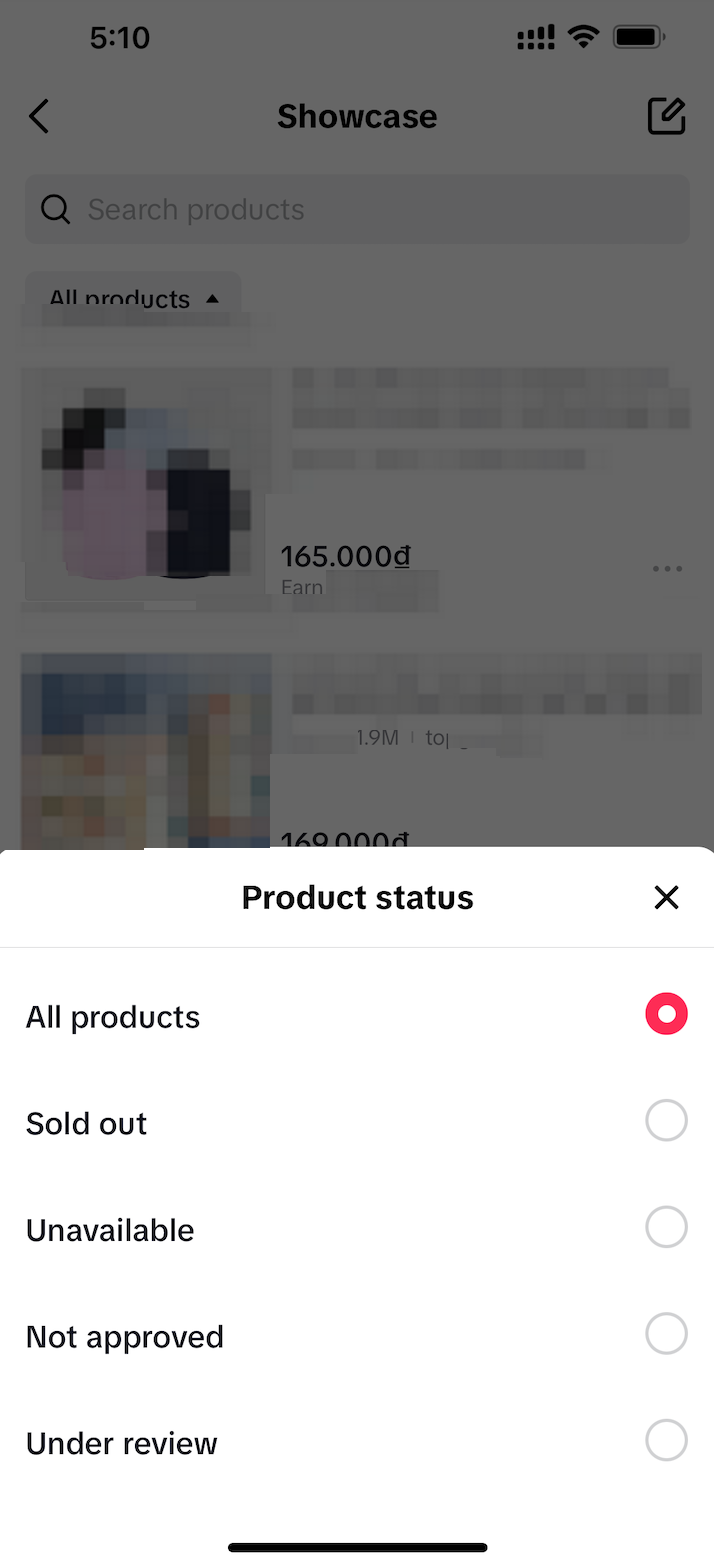
Filter products in the Showcase: Access: At the Manage products page > The upper LEFT button allows you to "Filter" the Product Status. Creators can filter by the following conditions:
|   |
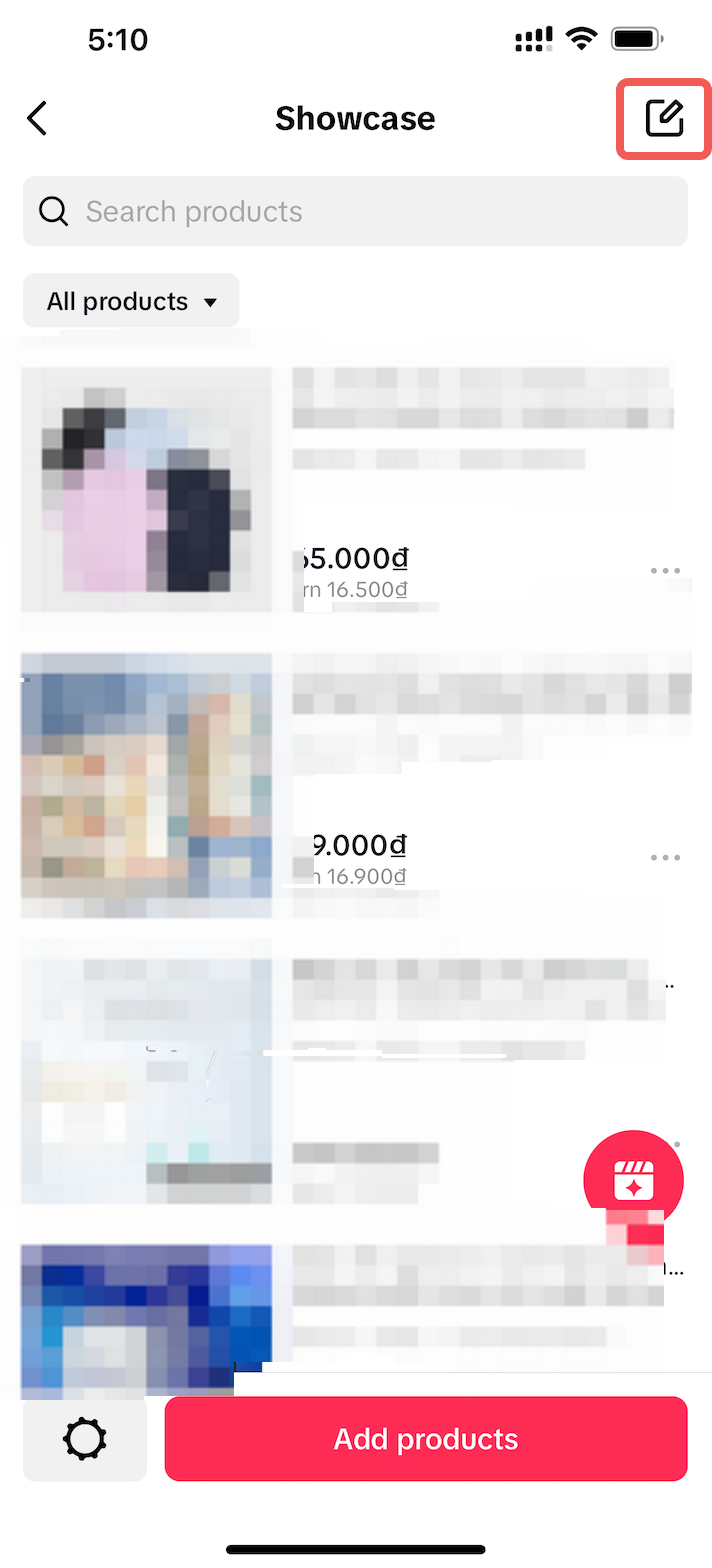
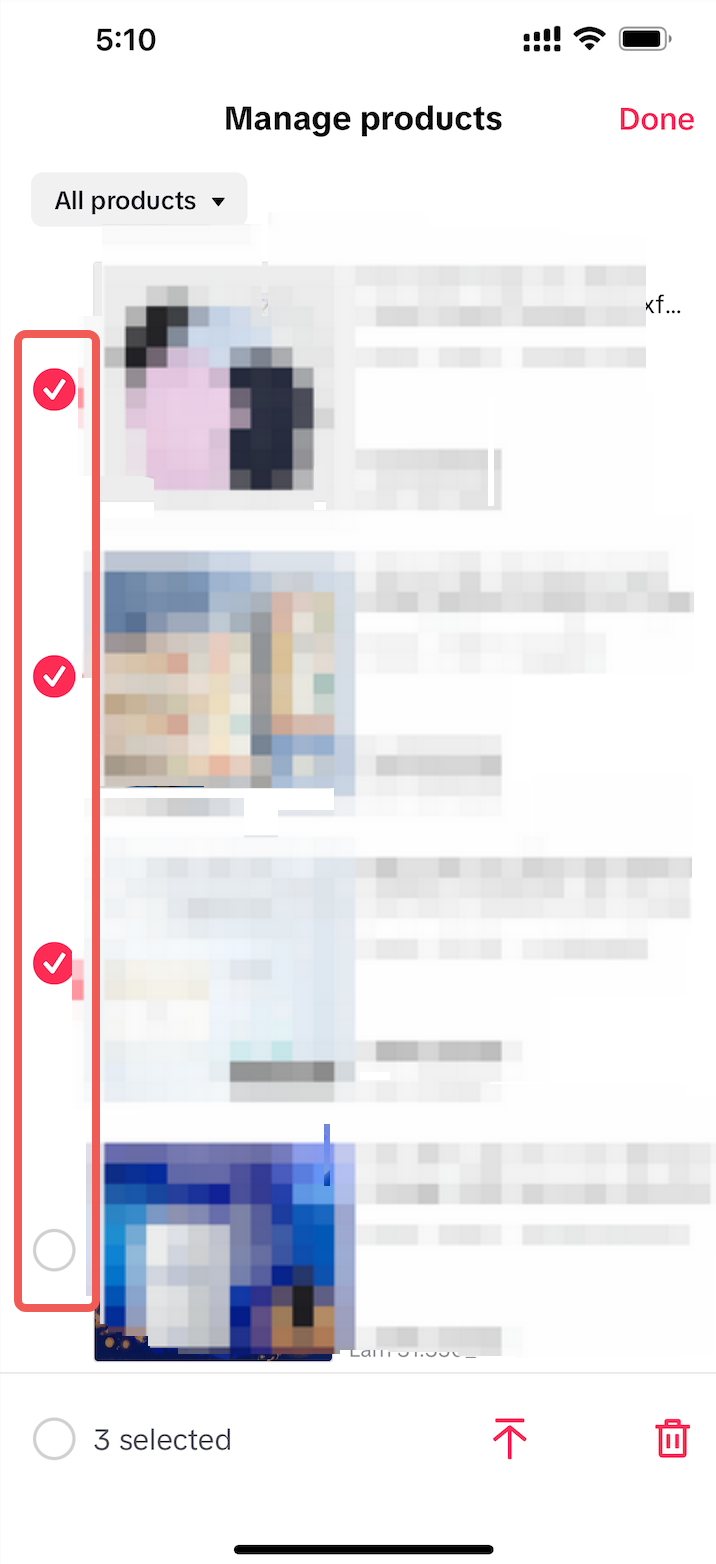
How to edit a series of products on the display page? Access: Manage products > The upper RIGHT has a button that allows you to "Edit" product Operation:
|   |
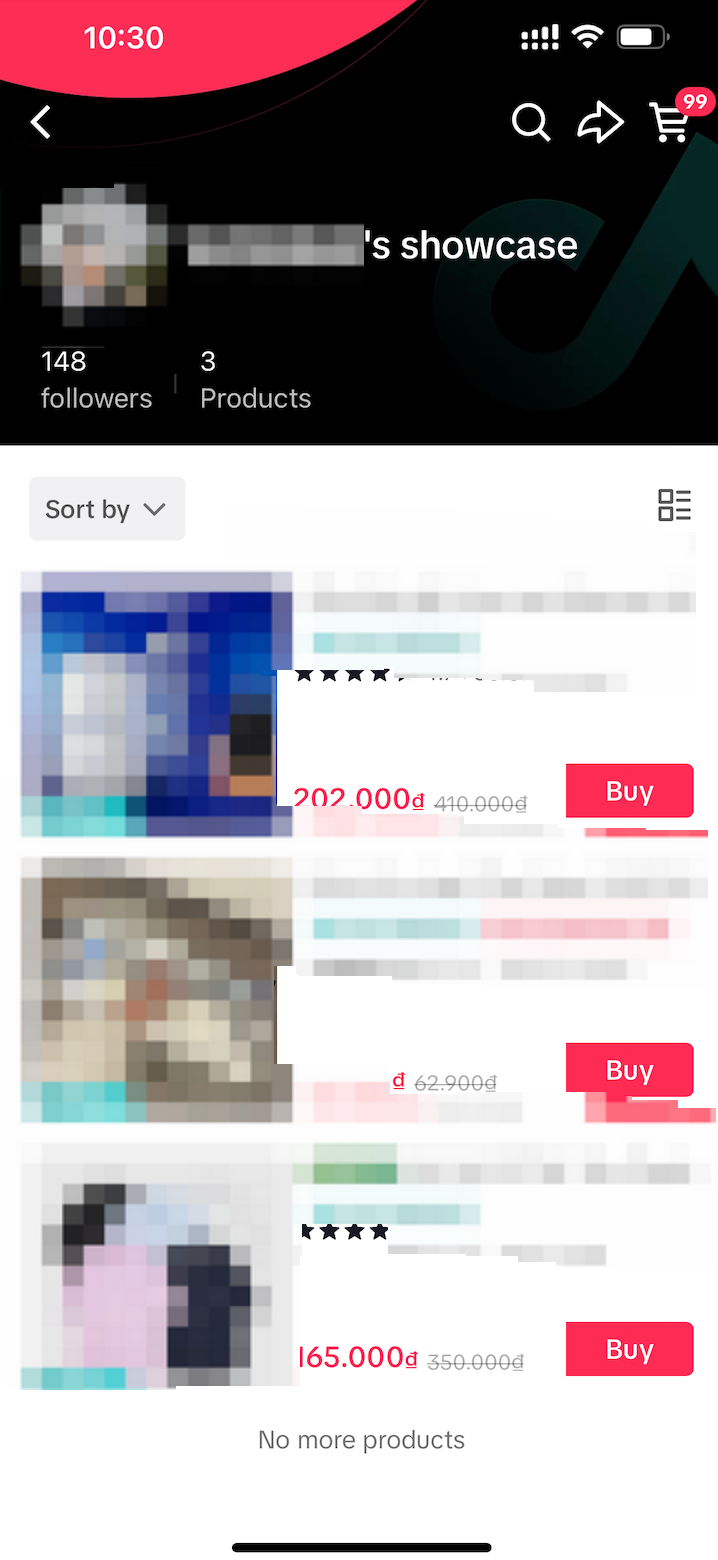
What will your customers see?
The Showcase will show what products a creator is promoting on their TikTok account. These products are available for purchase by users directly from the Creator's Profile on TikTok.
Disclaimer: All content and data in images are from test accounts