Find the Ideas
Know yourself first, before getting to know your audience. Upload interesting and relevant E-commerce content to your personality/identity.
Identity
Get to know yourself, and learn about how people see you as a 'person' and as 'creators/influencers'. Identity determines your image in front of followers, so don't try to be someone else (be authentic)
Authority
What is your expertise/area of excellence? Focus on creating creative content based on your expertise and skills as creators, building 'trust' (trust) from the audience.
Relevance
Focus on creating content that is relevant and liked by your followers on TikTok and has the potential to be liked by new audiences who don't follow you yet.
Planning and Shooting
Theme
Decide on a clear theme for the LIVE you want to create.
For example: Cooking with Fara!
Then the products, equipment, settings you choose can be aligned with the theme.
Key Selling Points
Prepare the Key Selling Points of the product maximally which must include:
Name of goods
Benefits, uniqueness, packaging
For who
How to use
Price, promotion, How to buy
Complete all points into 3 (three) Key Selling Points for each product. The duration of explaining the KSP of an item is usually 5-10 minutes. Repeat mentioning/showing the Key Selling Points of the product you are highlighting with various approaches.
Compose content and Script
Make sure you have the elements below:
Product to Showcase
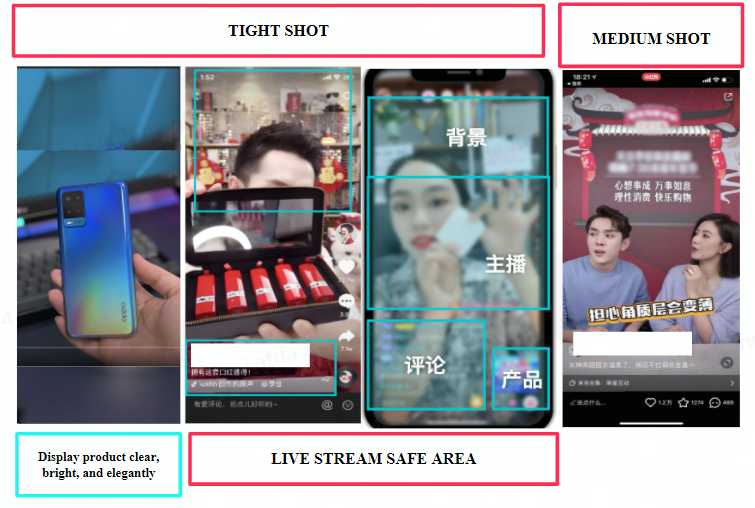
BRIGHT photography background, NO BLUR, no clutter
Be creative!
Think about what content can make people not bored watching your LIVE. In addition to reviewing and selling products, there are games, puzzles, interaction sessions with the audience, and you can even invite guest stars.
Make a few short videos that contain your best content as usual (for example, you usually do comedy, or make up tutorials), but by inserting announcements about upcoming LIVE (live title, date, time, promo, product, collaboration, etc.) at the beginning and end of the video so that viewers can follow and don't miss watching.
Post the videos H-7, D-3 and H-1 LIVE on TikTok and on all your social media to reach more audiences.
- prepare live equipment according to the script you have compiled
Make sure these equipment are available:
- Fast internet connection
- Items that you will review and other properties for demonstration (eg: blender items, so you need ingredients for the blender demo. Lights, then you need plugs, etc.)
- Your cellphone/camera/laptop has a full battery
- Good lighting (lights/natural sunlight)
- Sound is heard clearly (using mic/earphones)
Plan your Script
take 10 minutes for opening
you can also gives giveaways or play some games to attract viewers attention
- product introduction and review
you can take 10 minutes per products, dont get too long or too short.
- promotion & special offers
you have to state the promotion or special offers that you currently give. Mention it in the opening, between the product review and also lastly before you close the live session.
you have to mention what the audience needs to do, for example, to buy the product right away.
Product introduction & review
- use the pin product feature
to display the product on the screen for 30 seconds while raising the product to the top of the list.
- describe general information regarding the product you are reviewing
For example: brand name, item type, size, color etc.
Prove it with valid arguments, and in a fun and fun yet professional way.
- Mention a positive feedback or testimonial
from existing buyers to strengthen your argument.
- Describe prices, promotions/discounts, or other offers
Convince potential buyers with Call-to-action to check out immediately and buy now while the offer is still available. Provide directions for updating to the latest version of TikTok.
- Demonstrate how to use the product.
Do experiments directly to show the functions and advantages of the product.
Build Your Own Studio
Real scenario setting
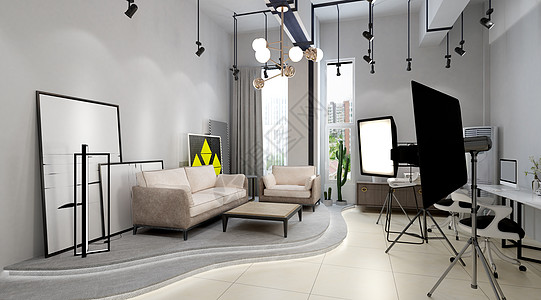
Real Scenario Setting is all about building a real setting for live, such as celebrity live conferences and symposiums. That setting requires high standards on the venue and equipment which may be costly.
- virtual setting
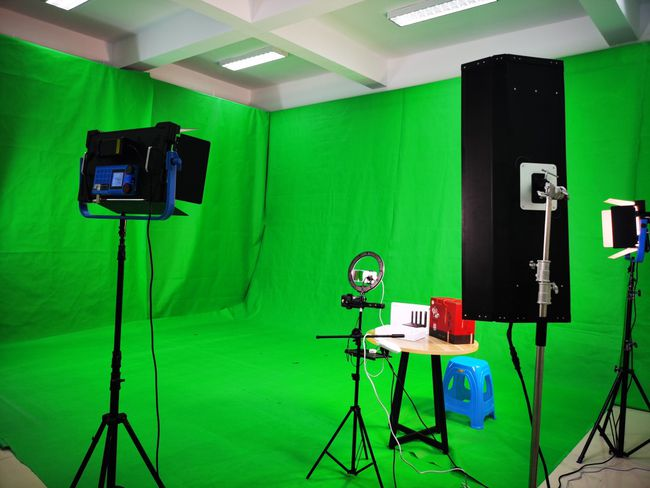
Virtual live streaming is more suitable for small to medium-sized businesses, and businesses that have just entered this area. Here are a few reasons why:
There is no need to build a real scene and virtual setting by computer to make everything more convenient and less costly.
It is easier to switch virtual scenes. If you choose to use physical scene, re-decoration is required where there is a need to switch background. However, real-time virtual setting switching can ensure one scene for one product.
- background and props
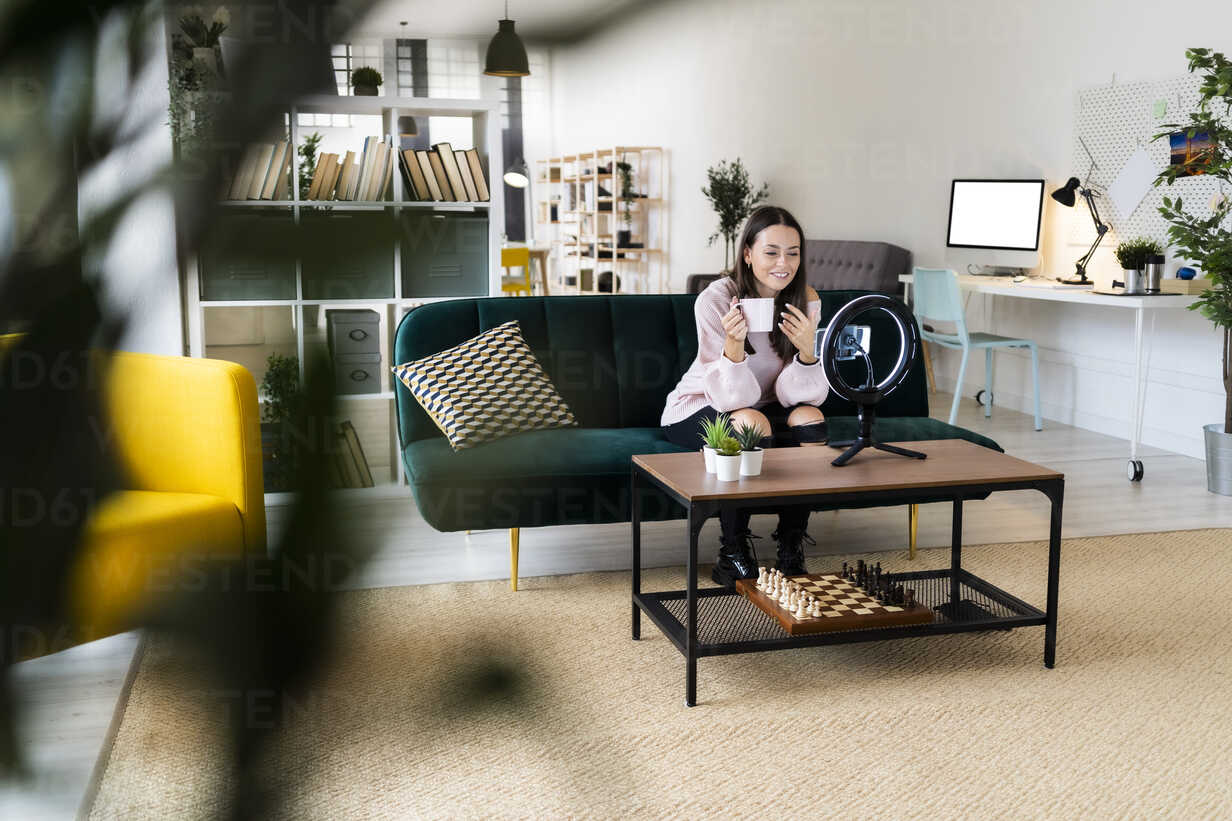
- shoot reference