

Get started on TikTok Shop
08/22/2023
Step 1:Self-apply in TikTok app
Steps | Instruction | Demo |
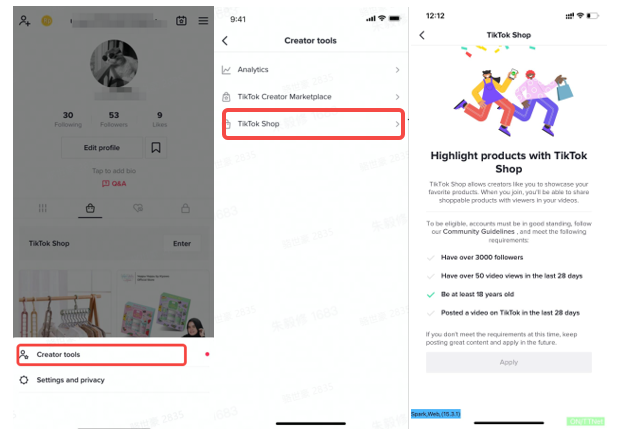
| Enter the Self-Apply Page | Creator tools page:Profile => Settings and privacy (upper right) => Creator Tools => TikTokshopfollowing requirements:
|  |
| Apply and wait for Application approved | Apply and wait for Application approved | 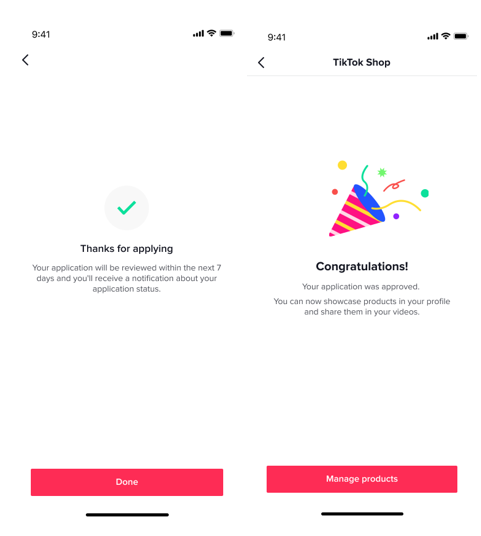 |
Step 2:Create Commission Account
For creators who do not create the commission account, when they try to add affiliate products to showcase or enter the commission page, the account opening process will be triggered. After opening an account, you can add products to the showcase, withdraw money.The process of creating a commission account:| Trigger account opening | Account Opening Guide Page | Confirm your information | Finish |
[Left] Add alliance products in the unopened state[Right] Enter the commission page without opening an account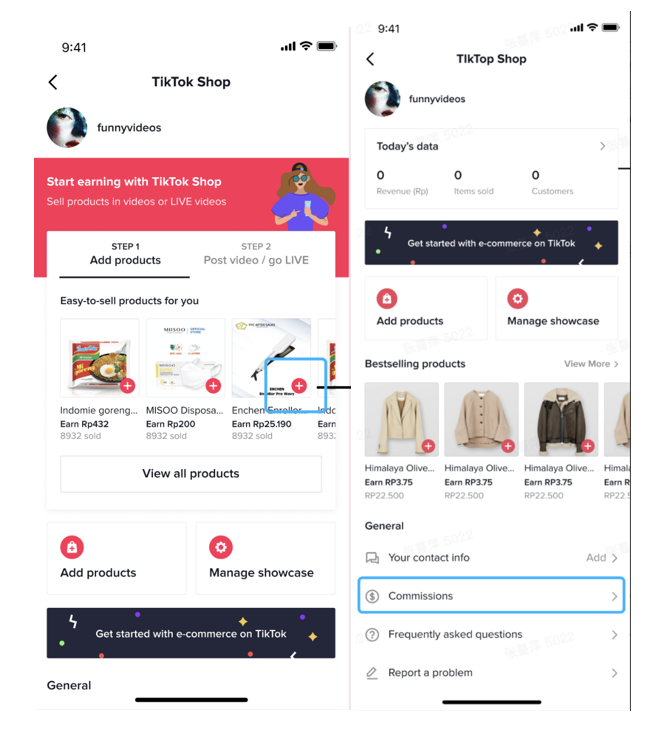 | fill in your name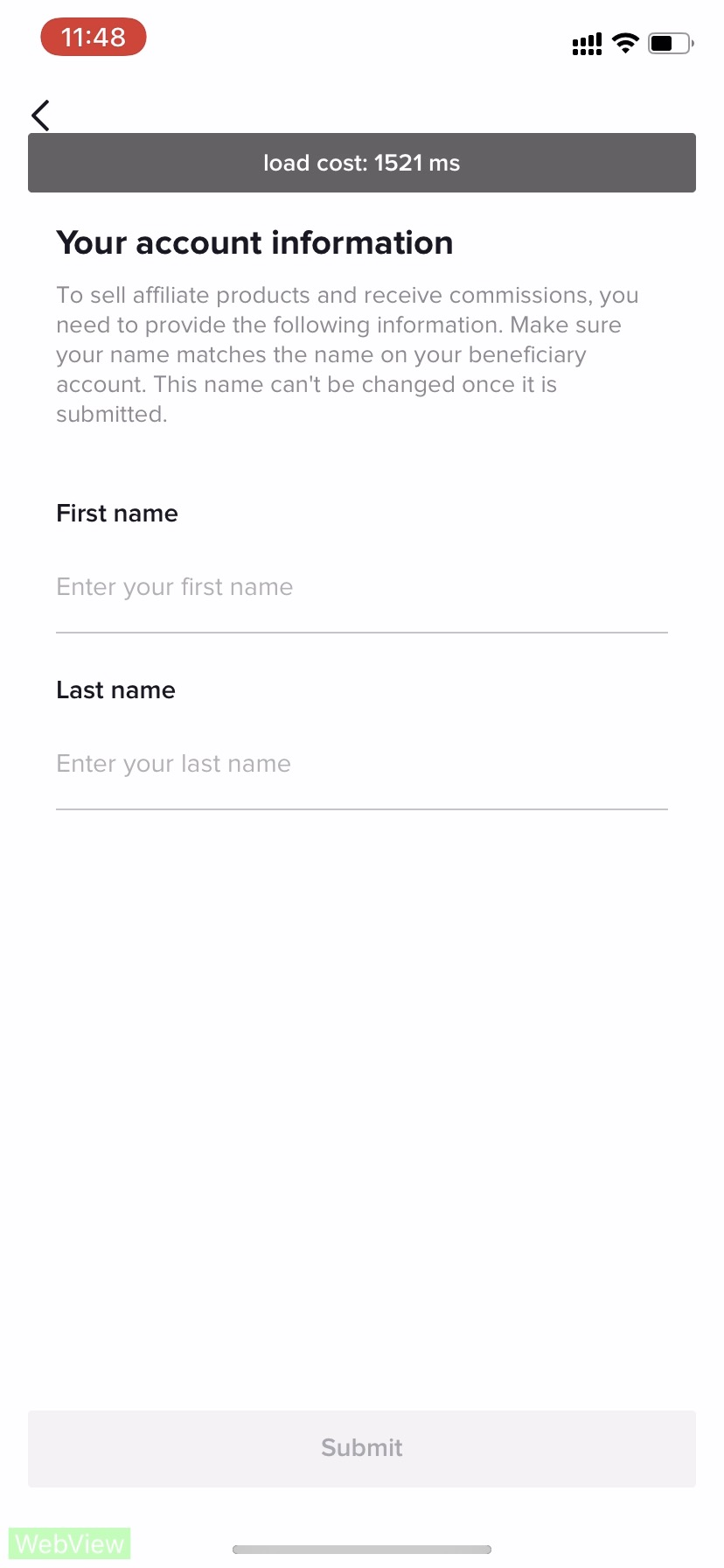 PS: The name can't be changed once it is submitted! Please make sure the name matches the name on your beneficiary name PS: The name can't be changed once it is submitted! Please make sure the name matches the name on your beneficiary name | Confirm the information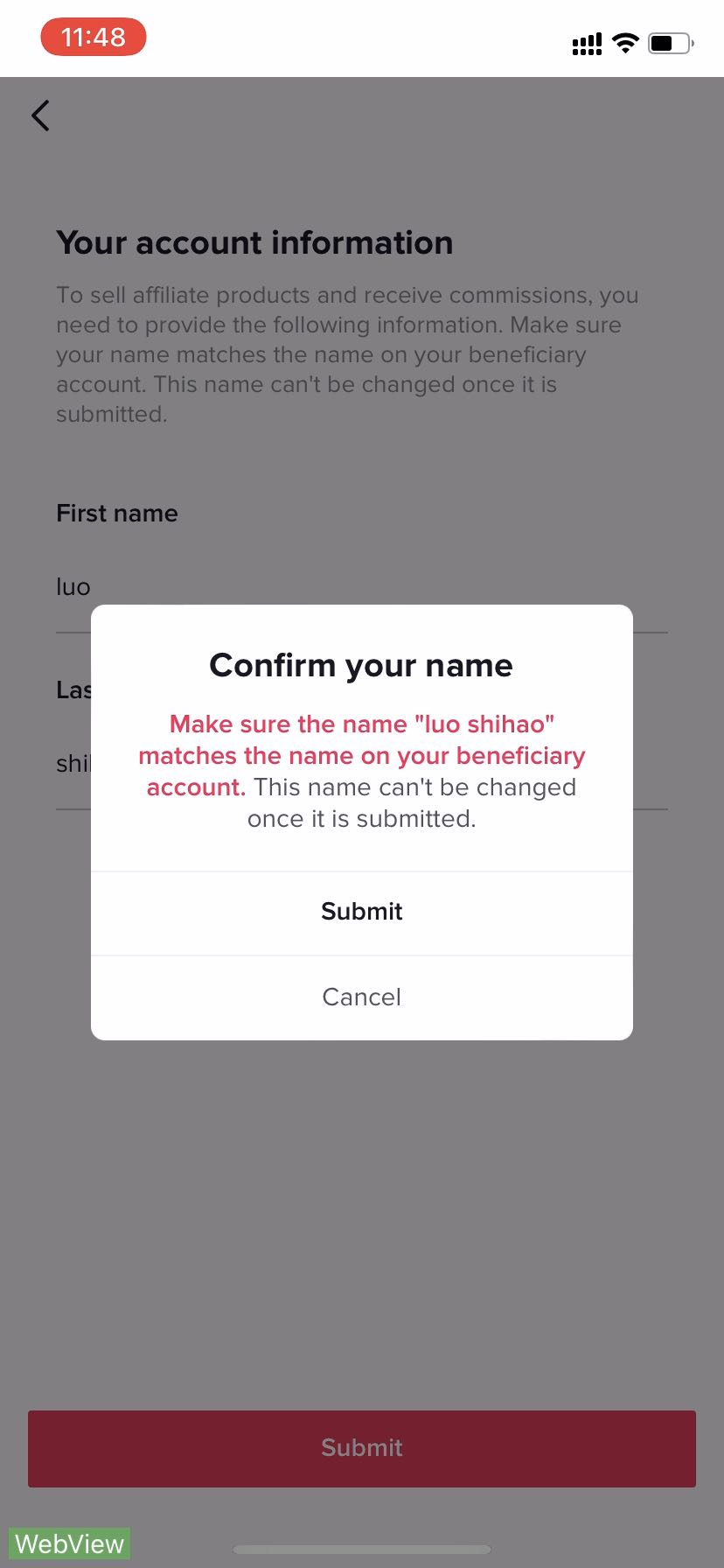 | Finish the process!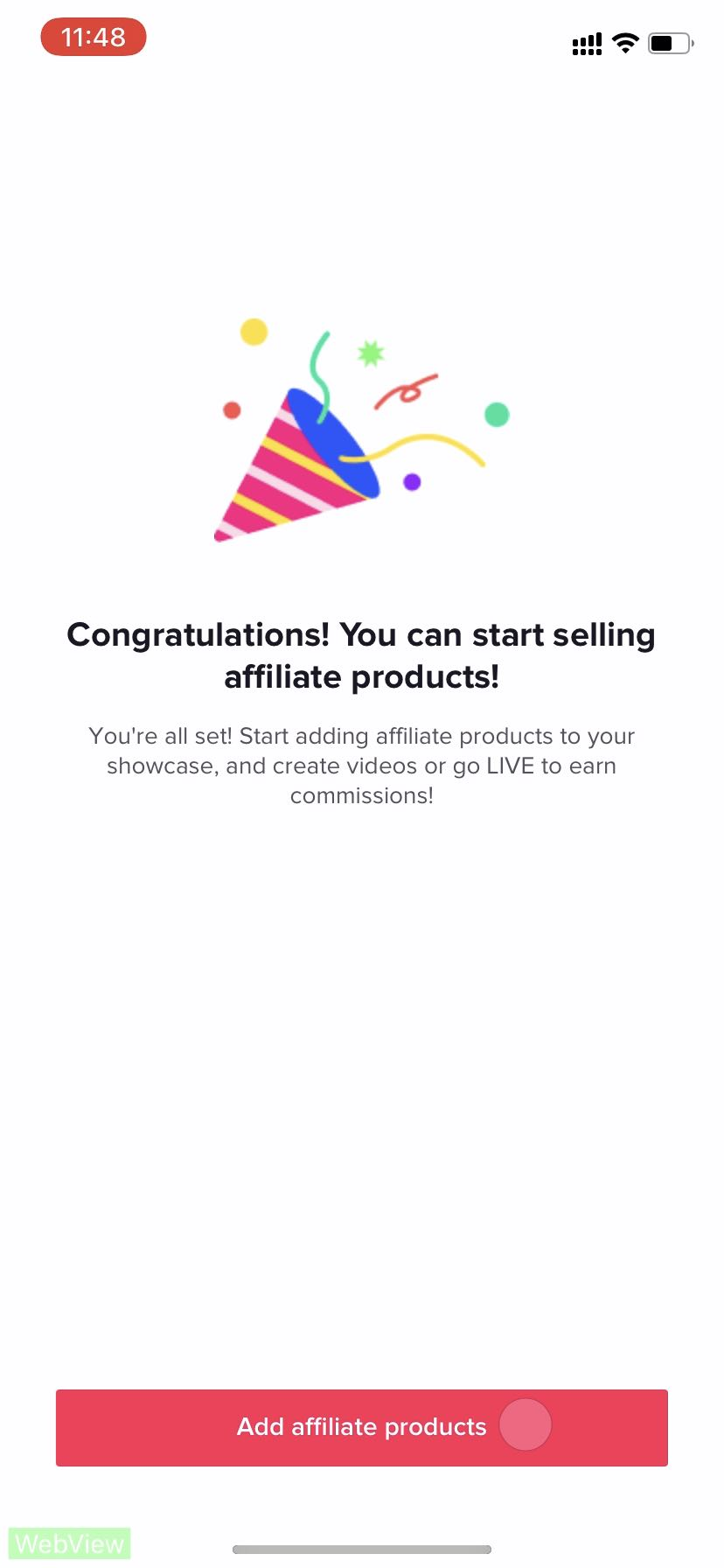 |
Step 3:Add Contact Information
Optional but Strongly RecommendedWhy adding your information is important?- 1.For creators who want to ask about whether there are free samples and whether they need to buy the sample for content creation, it is important to have sellers' contact information displayed on Product selection/promotion page.
| Steps | Go to 'Me' page and click 'TikTok Shop' | Select 'Your contact info' | Click "Add" | Enter and save WhatsApp/Email information | Add the contact information successfully |
| Screenshot | 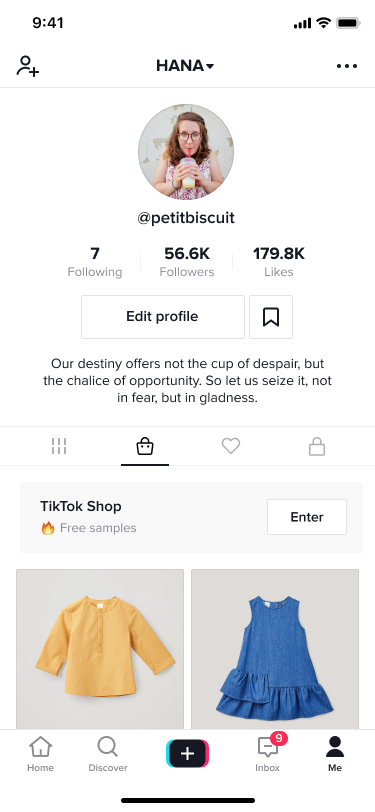 | 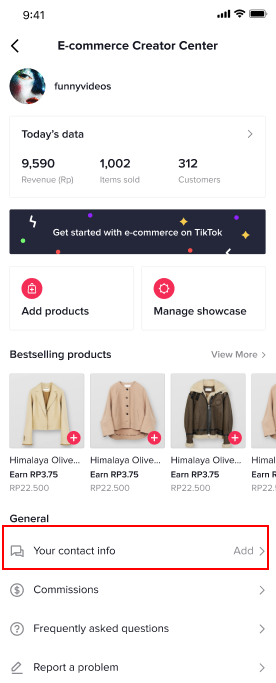 | 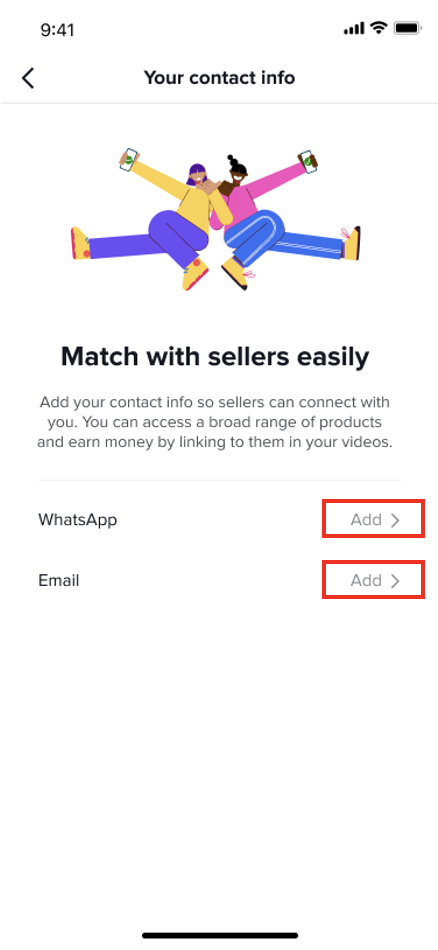 | 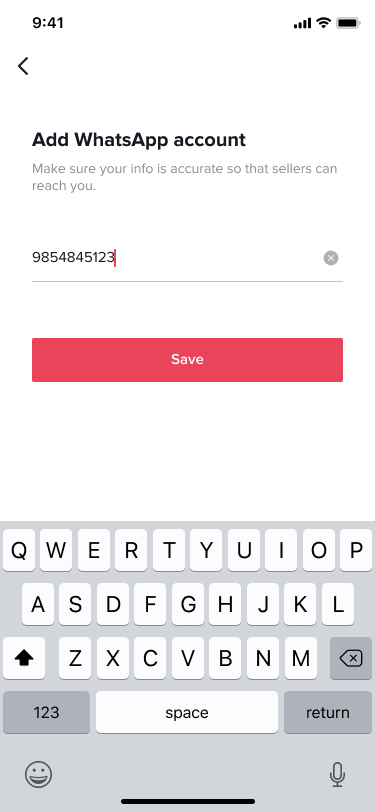 | 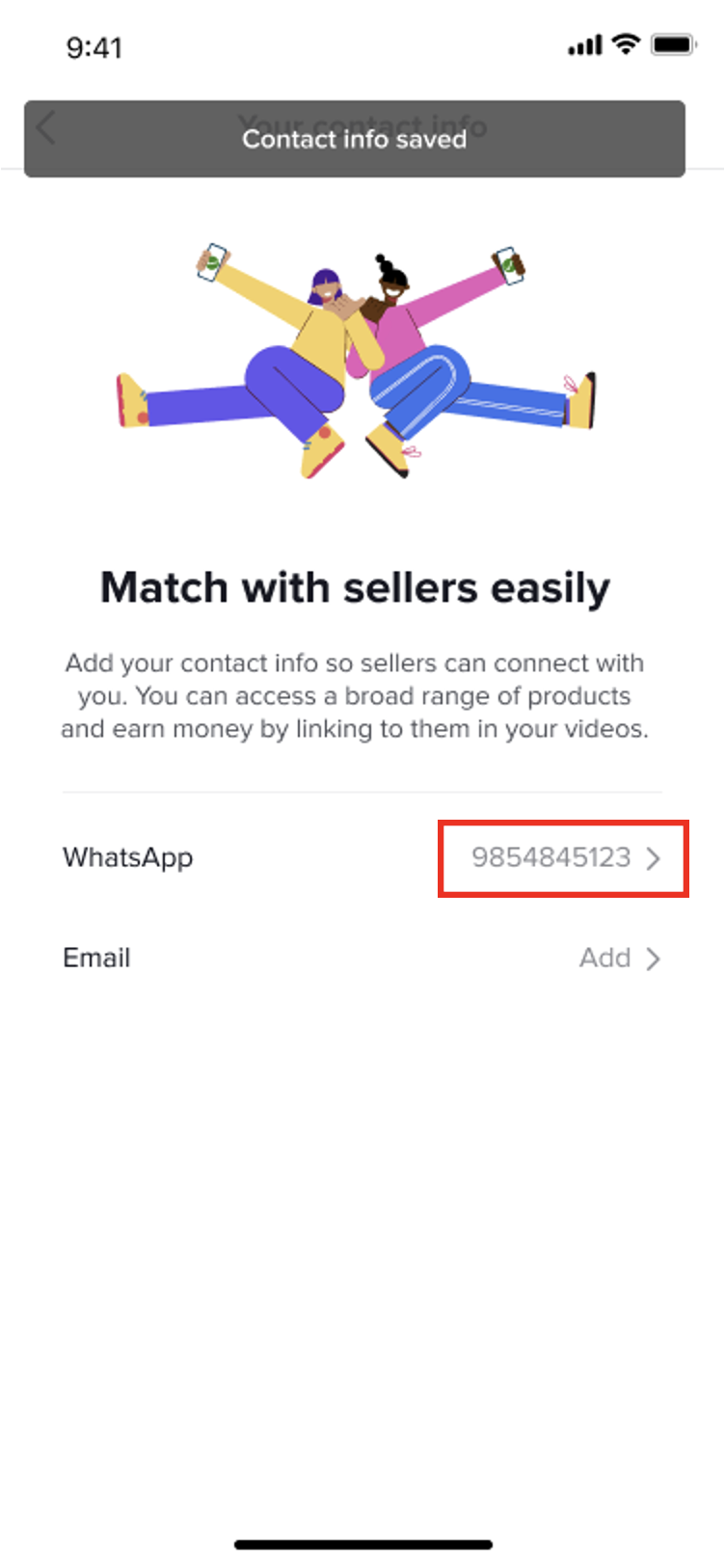 |